The 12 Best AI Tools for Content Creators in 2026

Discover the 12 best AI tools for content creators. Our guide covers AI for writing, video, images, and scheduling to boost your workflow and output.
The creator economy is moving faster than ever, and staying ahead means embracing smarter workflows. Juggling separate tools for scripting, video production, image generation, and social scheduling is a recipe for burnout. The constant demand for high-quality, multi-format content across platforms like TikTok, YouTube, and Instagram can quickly overwhelm even the most efficient teams. This is where artificial intelligence transforms the game, automating tedious tasks and unlocking new creative possibilities.
This guide cuts through the noise to reveal the definitive list of the 12 best AI tools for content creators in 2026. We have meticulously curated this roundup to provide actionable insights, not just a surface-level overview. For an expanded view on the current landscape of generative AI tools, you might also find valuable insights from this comprehensive list of AI content creation tools for professionals. Our focus here is on platforms that unify your entire process, from initial idea to multi-channel publishing, helping you produce exceptional content in a fraction of the time.
Whether you're a solo influencer, a social media manager, or a growing agency, these tools are designed to amplify your creativity and automate the repetitive tasks holding you back. Inside, you'll find detailed breakdowns of each platform, including pros, cons, pricing, and specific workflow examples. Each entry includes screenshots and direct links to help you quickly find the perfect solution for your needs. Let's dive into the platforms that are reshaping what it means to be a creator today.
1. ShortGenius (AI Video / AI Ad Generator)
ShortGenius establishes itself as a powerhouse in the AI content creation landscape by consolidating the entire short-form video production cycle into a single, cohesive platform. It’s an end-to-end solution designed for creators who need to produce high-quality, branded content at scale without the friction of switching between multiple specialized tools. From a simple idea, users can generate complete video series, unifying scriptwriting, asset creation, voiceover, editing, and multi-channel scheduling within one intuitive editor.
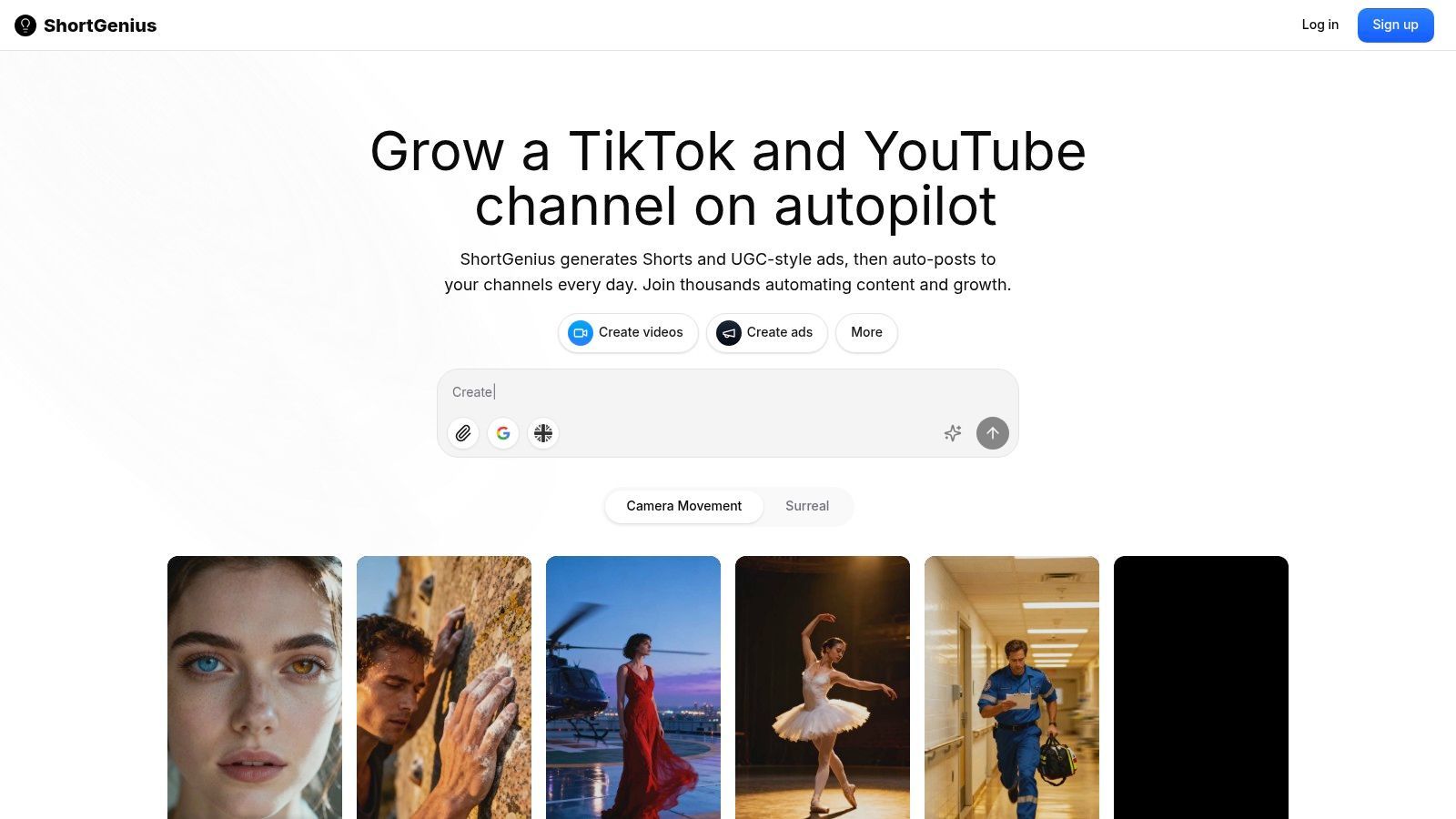
What sets ShortGenius apart is its intelligent integration of best-in-class AI engines. Instead of relying on a single proprietary model, it provides access to leading technologies like ElevenLabs for voice, Kandinsky for visuals, and other top-tier models for text and video. This "best of breed" approach gives creators the flexibility to mix and match engines, ensuring superior quality and creative control over the final output. The platform is engineered for efficiency, featuring a vast preset library with camera movements, scroll-stopping effects, and brand kit application to maintain visual consistency effortlessly.
Standout Features
- Unified Workflow: Combines scriptwriting, image/video generation, voiceovers, editing, and captions in one seamless interface.
- Automated Scheduling: Create entire themed series and auto-schedule posts to TikTok, YouTube, Instagram, and more on a daily or weekly cadence.
- Multi-Model Integration: Access a curated selection of top-performing AI models for text, image, video, and voice generation.
- Brand Consistency Tools: Apply brand kits, custom fonts, and logos across all content to maintain a polished, professional identity.
- Team & Agency Ready: Includes collaborative features like unified project libraries, a dedicated ads workflow, secure payments, and API access for custom integrations.
Best For & Pricing
ShortGenius is an ideal choice for social media managers, agencies, and e-commerce brands needing to scale their short-form video strategy efficiently. It empowers teams to automate content creation and distribution while maintaining high production values.
- Best For: Influencers, social media managers, agencies, and DTC brands focused on scaling short-form video content.
- Pricing: Subscription details are available on the official website. You will need to visit the ShortGenius Pricing page for current tiers and usage costs.
Pros & Cons
| Pros | Cons |
|---|---|
| True all-in-one platform reduces tool-switching and production time. | Pricing information is not immediately available and requires visiting the website. |
| Automated multi-channel publishing and series scheduling streamline content distribution. | AI-generated content still requires human oversight for fact-checking and ensuring brand-specific nuance. |
| Access to top-tier AI models provides higher quality and more flexible creative outputs. | The platform's extensive features may present a learning curve for complete beginners. |
| Excellent for maintaining brand consistency at scale with brand kits and rich presets. | |
| Robust team features and API access support growing teams and agencies. |
Workflow Example
Generate a script for a 5-part "Marketing Tips" series -> Use ShortGenius to produce all five videos with consistent branding, voiceover, and visuals -> Schedule the entire series to post once daily on TikTok and Instagram Reels for the upcoming week.
2. Adobe Express (with Firefly)
Adobe Express (with its integrated Firefly AI) is a powerful all-in-one design suite that serves as a more accessible entry point into the Adobe ecosystem. It combines drag-and-drop design for social media graphics, short videos, and web pages with the generative AI capabilities of Firefly. This makes it a fantastic tool for creators who need to produce high-quality, branded content quickly without the steep learning curve of professional apps like Photoshop or Premiere Pro. The platform excels at streamlining content workflows, from ideation to scheduling.
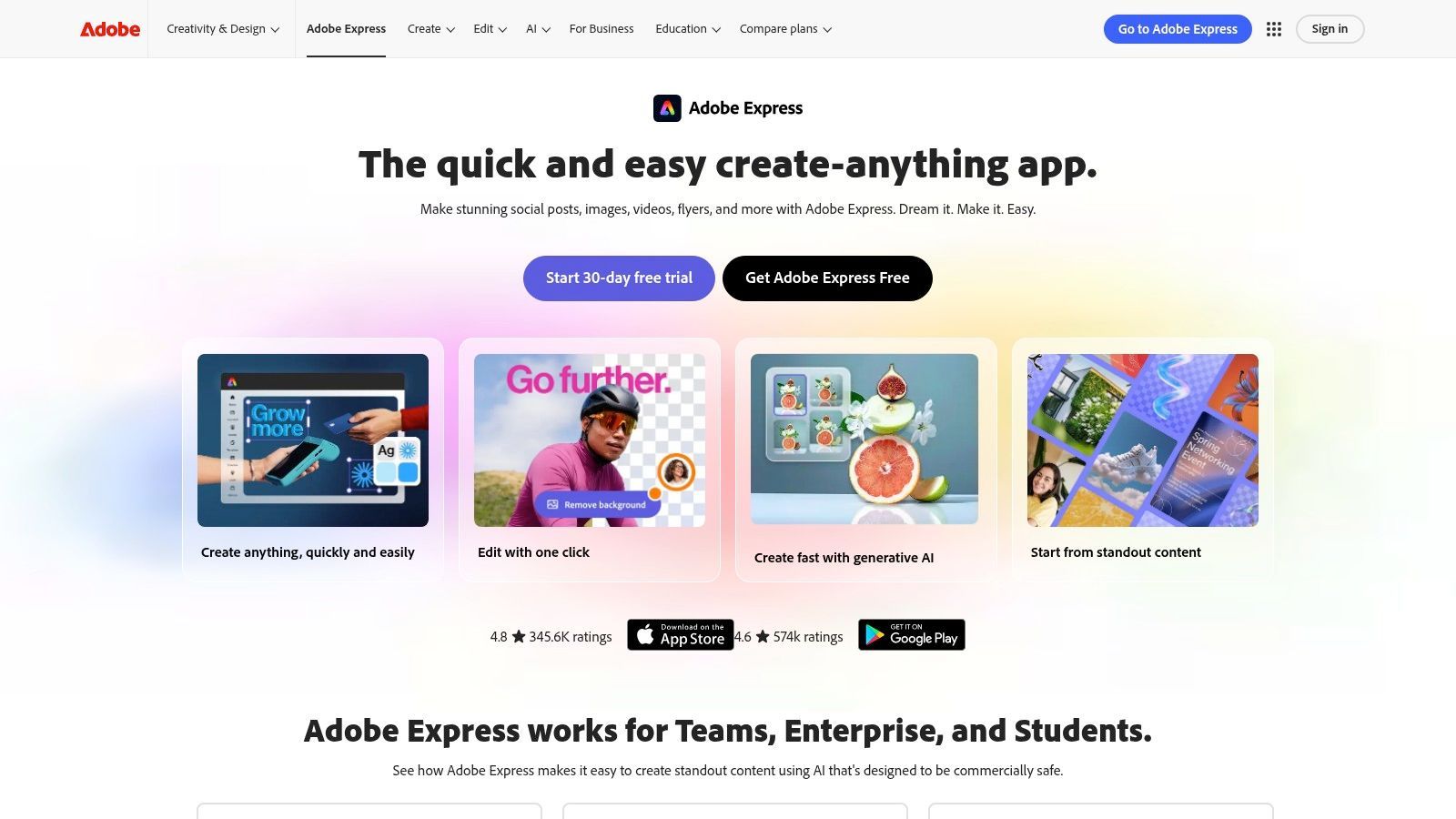
Its key differentiator is the direct integration of Adobe Firefly, an AI model trained on Adobe Stock’s licensed library. This ensures the generated images are commercially safe, a critical consideration for brands and monetized creators. This focus on ethical and legal safety makes Adobe Express one of the best ai tools for content creators who prioritize brand integrity and need to avoid copyright complications.
Key Features & Pricing
| Feature | Details | Availability |
|---|---|---|
| Generative AI | Text-to-image, Generative Fill, and text effects powered by Firefly. | Free & Premium |
| Asset Library | 200M+ Adobe Stock photos, videos, and music assets. | Premium |
| Brand Kits | Centralize logos, colors, and fonts for consistent branding. | Premium |
| Content Scheduler | Plan and schedule posts directly to social media platforms. | Free & Premium |
| Video Editing | Simple drag-and-drop editor with one-click background removal. | Free & Premium |
- Free Plan: Includes core features with 25 monthly generative credits.
- Premium Plan ($9.99/month): Unlocks the full asset library, brand kits, 250 generative credits, and 100GB of storage.
Pros & Cons
- Pros:
- Commercially safe AI image generation.
- Vast library of high-quality Adobe Stock assets.
- Seamless mobile and browser-based workflow for on-the-go creation.
- Cons:
- Generative AI usage is limited by a credit system.
- Less powerful for advanced, multi-layer editing than full Creative Cloud apps.
Workflow Example: Generate a blog post summary with ShortGenius, then paste it into an Adobe Express template. Use Firefly's "Text to Image" to create a custom background graphic, apply your brand kit, and schedule it directly to Instagram.
3. Canva (Pro and Business)
Canva has evolved from a simple design tool into a comprehensive, creator-friendly platform supercharged with a suite of 'Magic' AI tools. It is an ideal solution for solo creators, social media managers, and small business teams who need to produce a high volume of branded content for social media and short-form video. The platform combines an intuitive drag-and-drop interface with powerful AI features, a massive template library, and robust collaboration options, making content creation accessible to everyone, regardless of design skill.
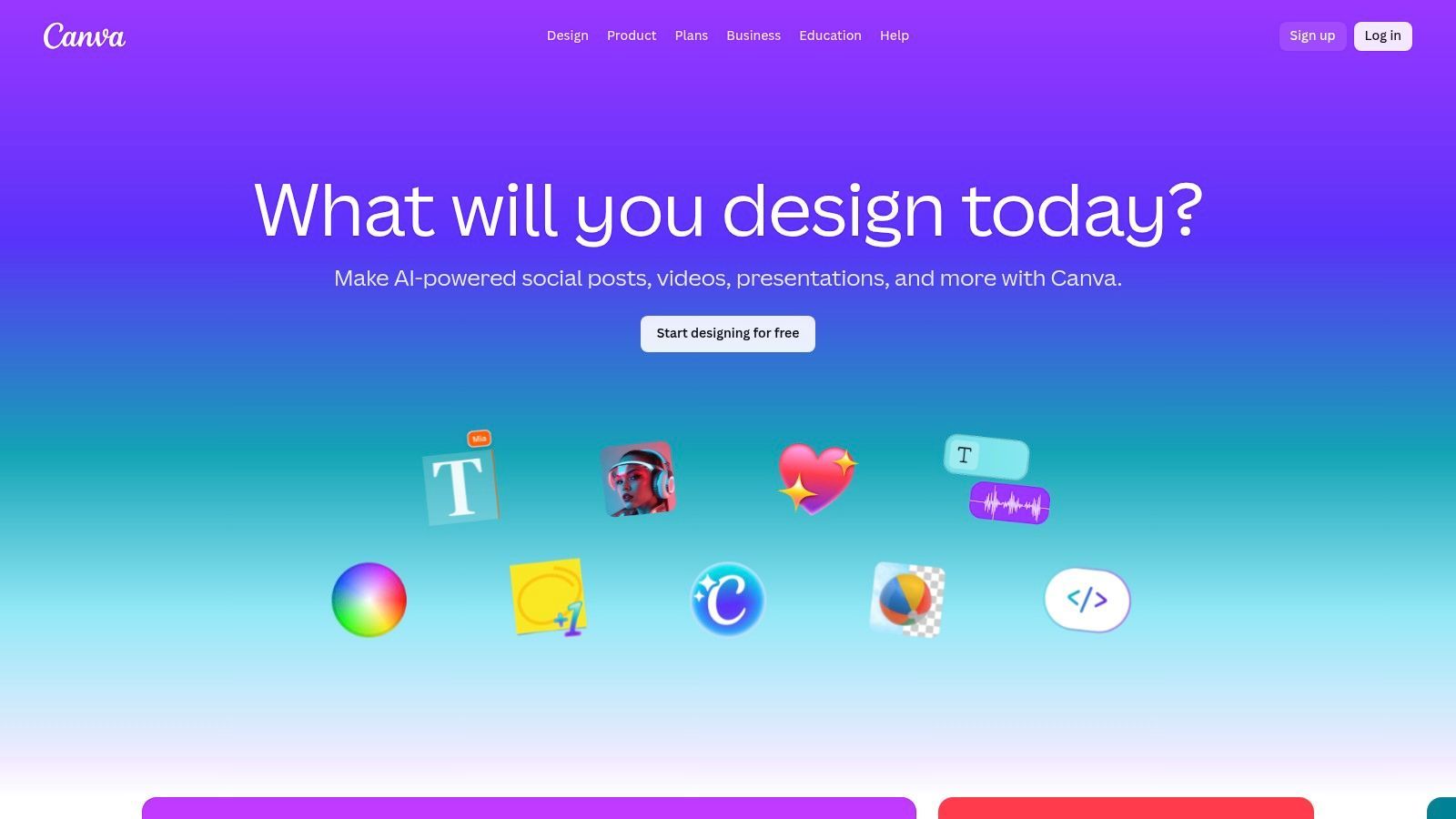
Its key differentiator is the sheer breadth of its integrated AI toolset combined with an enormous asset library. Unlike niche AI tools, Canva offers over 25 'Magic' features for writing, image editing, video creation, and presentation design all within a single workflow. This makes it one of the best ai tools for content creators looking for an all-in-one hub that minimizes the need to switch between different applications, saving valuable time and effort.
Key Features & Pricing
| Feature | Details | Availability |
|---|---|---|
| Magic Studio | 25+ AI tools including Magic Write, Magic Video, and Background Remover. | Free & Pro/Teams |
| Asset Library | Over 100 million premium stock photos, graphics, and videos. | Pro & Teams |
| Brand Kits | Store logos, colors, and fonts to maintain brand consistency. | Pro & Teams |
| Team Collaboration | Real-time commenting, approval workflows, and shared folders. | Pro & Teams |
| Content Planner | Schedule and publish content directly to 8 social media platforms. | Pro & Teams |
- Free Plan: Basic design tools, limited templates, and a small number of AI credits.
- Pro Plan ($14.99/month): Unlocks the full asset library, Brand Kits, Content Planner, and significantly more AI credits.
- Canva for Teams ($29.99/month per person): Adds advanced collaboration and brand governance controls.
Pros & Cons
- Pros:
- Extremely gentle learning curve with thousands of professional templates.
- Vast and clearly licensed library of stock assets for commercial use.
- Excellent collaboration and brand management features for teams.
- Cons:
- Many of the most powerful AI features are locked behind paid tiers.
- Advanced brand governance and analytics are exclusive to the higher-cost Teams plan.
Workflow Example: Draft a video script with ShortGenius, then use Canva's Magic Video to find matching B-roll clips based on your script. Apply your Brand Kit for consistent text overlays and schedule the final video directly to TikTok using the Content Planner.
4. Descript
Descript revolutionizes video and audio editing by turning recordings into a text document you can edit like a doc. This "edit-by-text" approach is a game-changer for podcasters, YouTubers, and social media managers who primarily work with spoken-word content. Instead of scrubbing through a timeline to find a mistake, you can just find the word in the transcript and delete it. The platform is designed for rapid, rough-to-polish workflows, making content repurposing incredibly efficient.
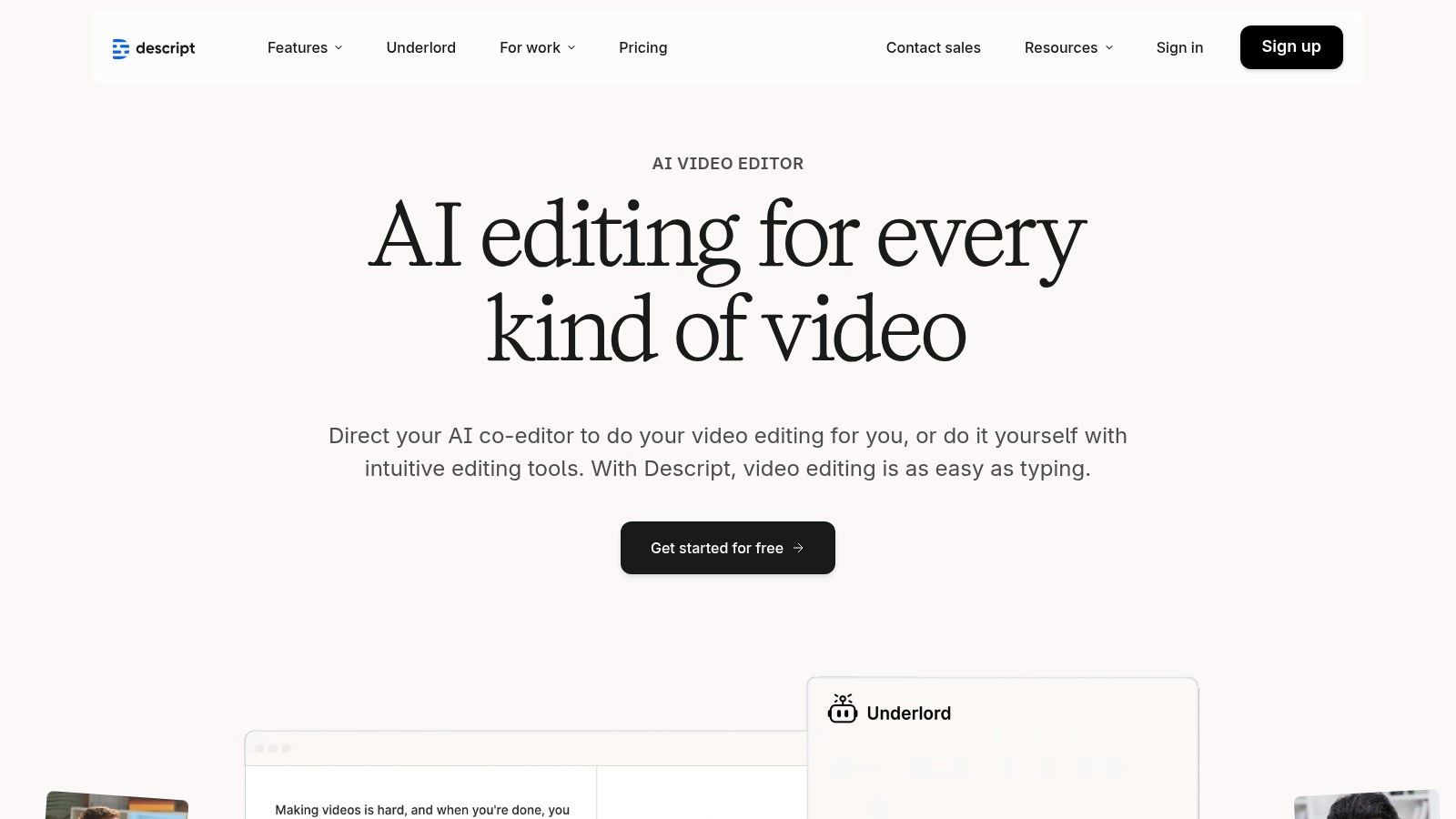
Its core differentiator is the seamless integration of powerful AI features directly into this text-based editing environment. Features like Studio Sound, which removes background noise and enhances voice quality with one click, and automatic filler word removal ("um," "uh") dramatically speed up post-production. This makes Descript one of the best ai tools for content creators focused on producing high-quality dialogue-driven videos and podcasts with minimal technical friction.
Key Features & Pricing
| Feature | Details | Availability |
|---|---|---|
| Text-Based Editing | Edit video and audio by editing the auto-generated transcript. | All Plans |
| Studio Sound | One-click AI audio enhancement for professional sound quality. | All Plans |
| Filler Word Removal | Automatically detect and delete filler words like "um" and "uh". | Paid Plans |
| AI Co-Editor (Underlord) | AI assistant to help find the best parts of recordings and repurpose content. | Paid Plans |
| AI Speech Tools | Overdub your own voice to correct mistakes without re-recording. | Paid Plans |
- Free Plan: Includes core editing features and 1 hour of transcription per month.
- Creator Plan ($12/month): Adds unlimited watermark-free exports, 10 hours of transcription, and filler word removal.
- Pro Plan ($24/month): Adds 30 hours of transcription, Overdub, and other advanced AI tools.
Pros & Cons
- Pros:
- Intuitive text-based workflow dramatically speeds up editing for spoken content.
- Powerful one-click AI tools like Studio Sound simplify complex tasks.
- Excellent for repurposing long-form content into social media clips.
- Cons:
- Transcription hours and AI features are metered on paid plans.
- Not ideal for complex visual effects or advanced color grading.
Workflow Example: Generate a video script with ShortGenius, record your audio/video, and import it into Descript. Use its AI to remove filler words and enhance audio with Studio Sound, then find key quotes to export as social media clips.
5. Runway
Runway is a pioneering AI video platform at the forefront of generative motion, offering creators a suite of tools to produce cinematic clips, animations, and B-roll from simple text or image prompts. It's built around its powerful video generation models (like Gen-3), which excel at creating stylized, high-quality video content that would otherwise require complex VFX software. This makes it an essential tool for creators needing unique motion graphics, abstract visuals, or conceptual video clips for social media and advertising campaigns.
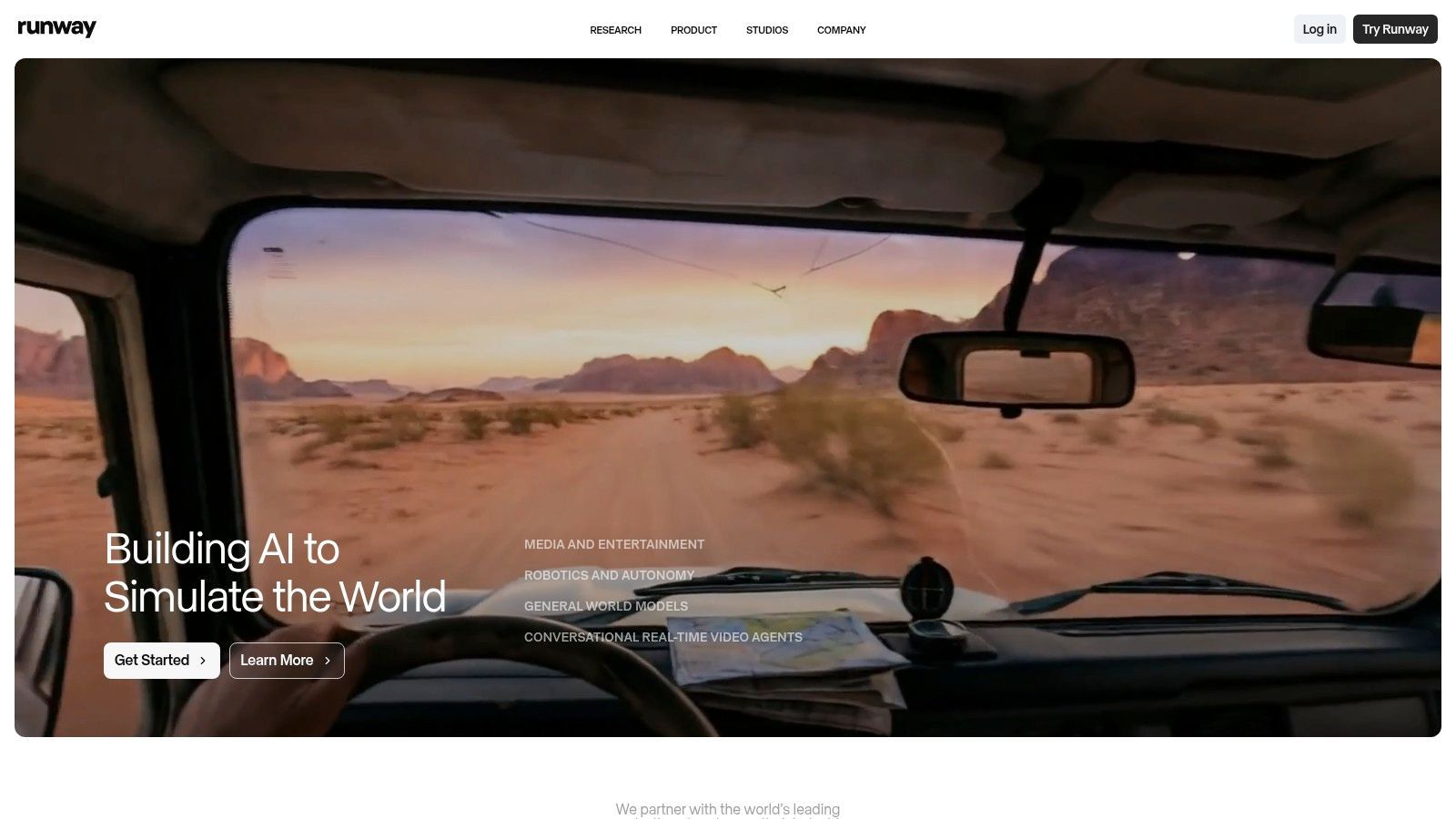
Its primary differentiator is its focus on state-of-the-art, AI-native video creation rather than just AI-assisted editing. By providing direct access to cutting-edge generative models, Runway empowers users to bring imaginative concepts to life with minimal technical barriers. This commitment to pushing the boundaries of AI video makes Runway one of the best ai tools for content creators who want to experiment with next-generation storytelling and visual effects without a Hollywood-level budget.
Key Features & Pricing
| Feature | Details | Availability |
|---|---|---|
| Text/Image-to-Video | Generate video clips from prompts using Gen-3 and other models. | Free & Paid Plans |
| Video-to-Video | Transform existing videos by applying styles or modifying elements. | Paid Plans |
| AI Magic Tools | A suite of 30+ tools like Inpainting, Super Slow-Mo, and Frame Interpolation. | Free & Paid Plans |
| Generative Credits | A credit-based system used to power AI model usage. | Free & Paid Plans |
| Team Collaboration | Features for sharing assets and projects with multiple users. | Business Plan |
- Free Plan: Includes 125 credits to start, with limited features and a Runway watermark.
- Standard Plan ($15/month): 625 credits/month, no watermark, and access to more export options.
- Pro Plan ($35/month): 2250 credits/month, unlocks all AI Magic Tools and advanced features.
- Unlimited Plan ($95/month): Offers unlimited video generations in Relax Mode and 2250 credits for faster generations.
Pros & Cons
- Pros:
- Access to state-of-the-art generative video models.
- A comprehensive suite of AI editing tools in one platform.
- Excellent for creating unique B-roll, motion assets, and conceptual clips.
- Cons:
- The credit system can be consumed quickly, requiring careful planning.
- Requires some experimentation to achieve consistent, high-quality results.
Workflow Example: Create a compelling video script with ShortGenius, then use Runway’s Text-to-Video to generate a series of stylized clips illustrating key points for an engaging YouTube Short.
6. Synthesia
Synthesia is a leading AI video generation platform that replaces cameras and microphones with AI avatars and voices. It enables creators to produce professional-quality explainer videos, training modules, and product demos simply by typing a script. This makes it an incredibly efficient tool for scaling video production, especially for corporate training, tutorials, or content that needs to be localized into multiple languages. The platform transforms text into polished, spokesperson-style videos in minutes, eliminating the need for complex filming and editing processes.
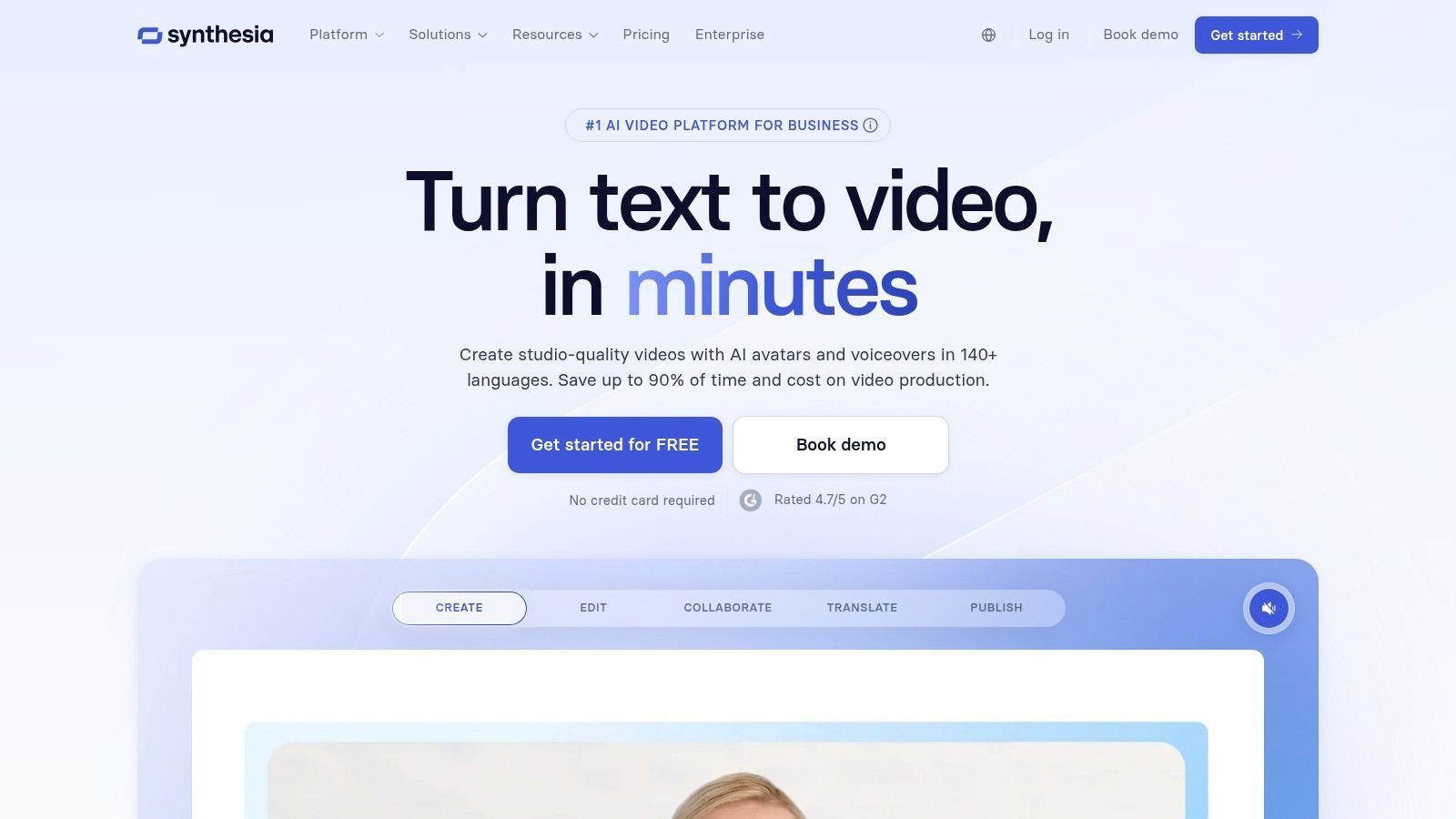
Its standout feature is the vast localization capability, offering over 140 languages and a diverse range of AI voices and accents. This allows creators to reach global audiences with minimal effort and cost, a task that would traditionally require significant resources. For businesses and educators looking to create uniform content across different regions, Synthesia is one of the best ai tools for content creators for achieving scale and consistency without sacrificing quality.
Key Features & Pricing
| Feature | Details | Availability |
|---|---|---|
| AI Avatars | 160+ diverse stock AI avatars. Custom avatar creation is available. | Free Demo, Personal & Enterprise |
| AI Voices | Access to 140+ languages and a wide variety of voices and accents. | Free Demo, Personal & Enterprise |
| Video Templates | 65+ professionally designed templates to start from. | Free Demo, Personal & Enterprise |
| Script Assistant | AI-powered assistant to help generate and refine video scripts. | Personal & Enterprise |
| Brand Assets | Upload your brand fonts, colors, and logos for consistent videos. | Personal & Enterprise |
- Free AI Video Generator: Create a limited free demo video.
- Personal Plan ($22/month): Includes 10 minutes of video per month, 1 seat, and access to stock avatars and voices.
- Enterprise Plan (Custom Pricing): Offers more video minutes, custom avatars, brand kits, and collaboration tools.
Pros & Cons
- Pros:
- Extremely fast script-to-video production workflow.
- Powerful localization with 140+ languages and accents.
- Eliminates the need for expensive camera equipment and actors.
- Cons:
- The AI avatar aesthetic may not suit all brand styles.
- Video generation is limited by a monthly minute-based credit system.
Workflow Example: Use ShortGenius to generate a script for a "how-to" tutorial, then paste the script into Synthesia. Select an AI avatar and voice that matches your brand, add branded assets, and generate the video in minutes.
7. ElevenLabs
ElevenLabs has set the industry standard for realistic and emotive AI-generated audio, making it an indispensable tool for creators needing high-quality voiceovers, narration, or dubbing. The platform offers a suite of powerful features, from hyper-realistic text-to-speech with a vast library of voices to professional-grade voice cloning that can capture the nuances of a specific speaker. This makes it ideal for YouTubers, podcasters, and educators who want to produce polished audio without a professional studio setup.
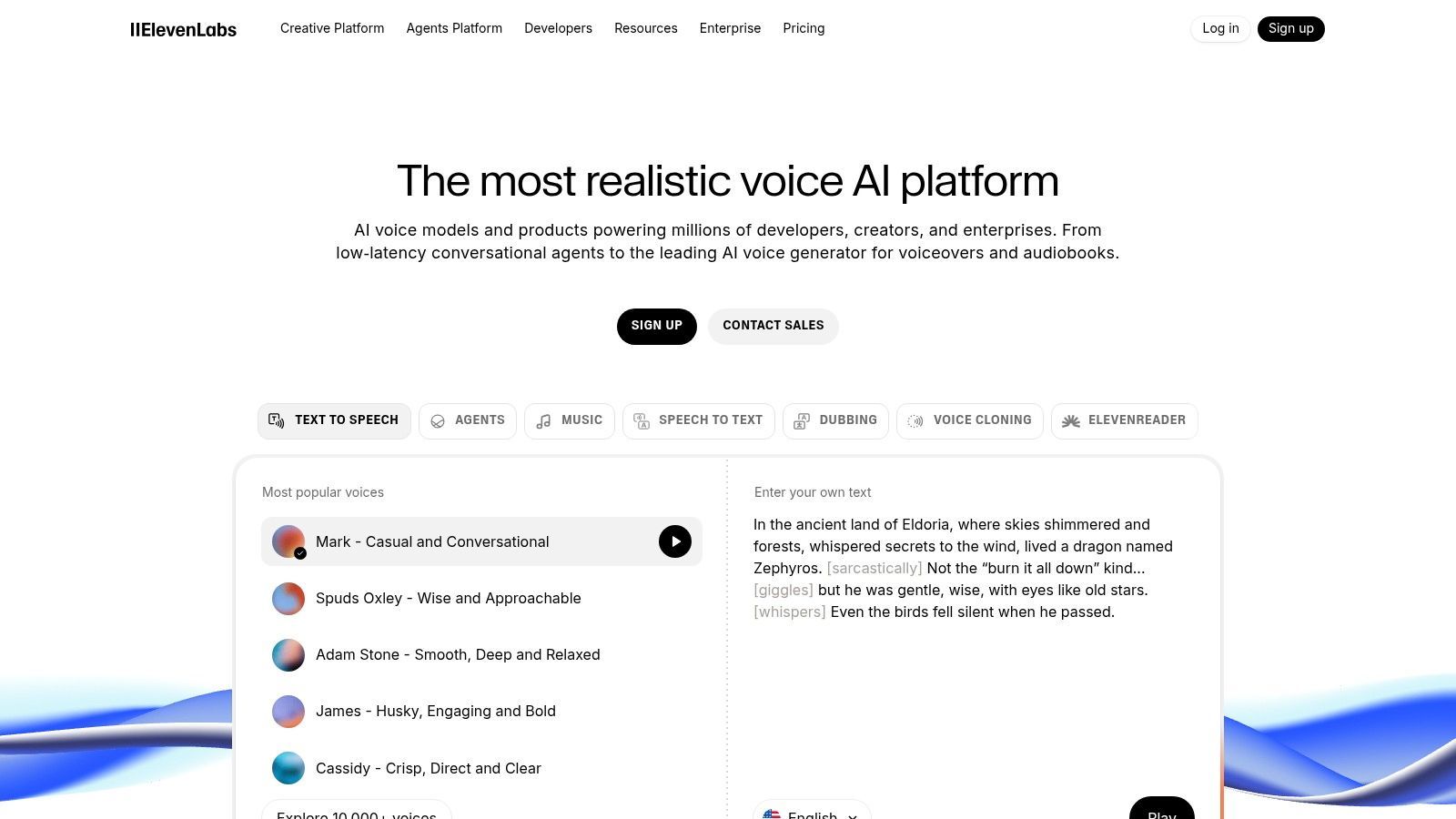
Its key differentiator is the sheer quality and naturalism of its voices, which are often indistinguishable from human speech. The platform's advanced AI models for intonation, pacing, and emotion make it one of the best ai tools for content creators aiming to scale audio production globally. With robust multi-language support and an API for developers, ElevenLabs supports workflows from simple video narration to complex, automated localization projects, establishing itself as a leader in synthetic voice technology.
Key Features & Pricing
| Feature | Details | Availability |
|---|---|---|
| Text-to-Speech | Generates high-quality, natural-sounding audio from text in 29 languages. | Free & Paid |
| Voice Cloning | Create a digital replica of your own voice from just minutes of audio. | Paid Tiers |
| Speech to Speech | Transform one voice into another while preserving the original emotion and delivery. | Paid Tiers |
| AI Dubbing | Automatically translate and dub video content into different languages. | Paid Tiers |
| API Access | Integrate ElevenLabs' voice generation into custom applications and workflows. | All Tiers |
- Free Plan: Includes 10,000 characters per month for text-to-speech with attribution required.
- Creator Plan ($22/month): Provides 100,000 characters, voice cloning, and commercial licensing.
- Pro Plan ($99/month): Offers 500,000 characters and higher quality audio outputs.
Pros & Cons
- Pros:
- Exceptionally realistic and emotionally expressive voice generation.
- Powerful voice cloning and multi-language dubbing capabilities.
- Scalable from individual creator plans to enterprise-level API usage.
- Cons:
- The credit-based system can be complex to manage for heavy usage.
- Dubbing costs can add up quickly depending on the workflow and settings.
Workflow Example: Write a video script using ShortGenius, then paste the text into ElevenLabs to generate a professional, human-like voiceover track for your YouTube or TikTok content.
8. Jasper
Jasper is an AI marketing and content platform built for creators and teams who need to produce on-brand, multichannel content at scale. It moves beyond simple text generation to offer a suite of tools for campaign orchestration, brand voice management, and collaborative workflows. This makes it ideal for agencies, social media managers, and brands that require consistent, high-quality copy across various platforms, from social media posts to email campaigns and ad copy.
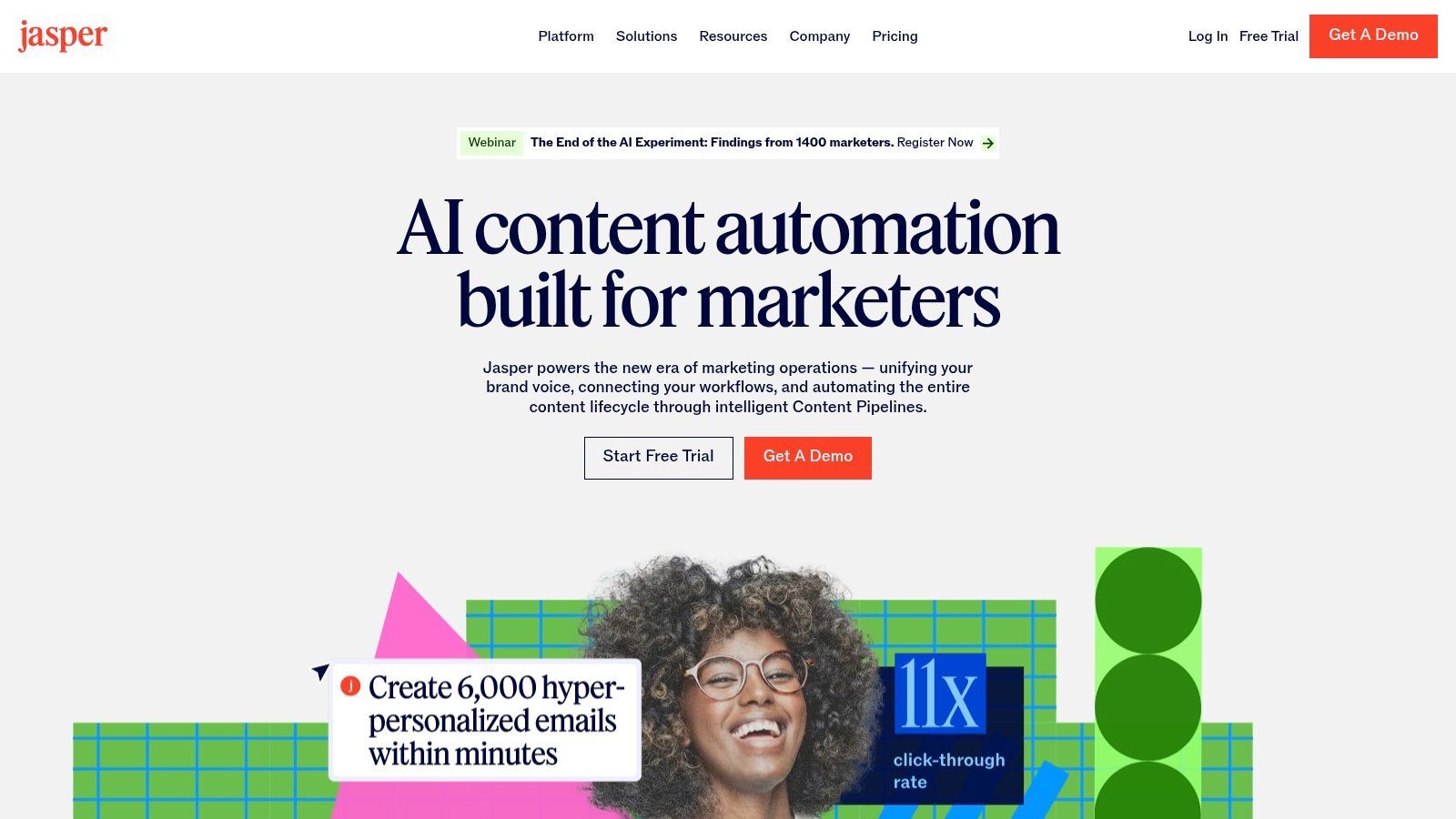
Its key differentiator is the focus on team-based creation and brand safety. Jasper's "Brand Voice" and "Knowledge Base" features allow the AI to learn and adopt a specific tone, style, and product details, ensuring all generated content is perfectly aligned with the brand's identity. For teams managing multiple clients or product lines, this level of control makes Jasper one of the best ai tools for content creators focused on professional marketing and brand integrity.
Key Features & Pricing
| Feature | Details | Availability |
|---|---|---|
| Brand Voice & Knowledge | Teach the AI your brand's specific tone, style, and facts. | Creator & Up |
| Campaigns & Templates | Purpose-built marketing "apps" and workflows for multichannel campaigns. | Creator & Up |
| Canvas Editor | A flexible, long-form document editor for combining commands and AI output. | Creator & Up |
| Team Collaboration | Seat-based access, project folders, and collaborative tools. | Pro & Business |
| Marketing Agents | No-code AI app builder and marketing agents to automate tasks. | Business |
- Creator Plan ($39/month, billed annually): For individuals, includes 1 brand voice.
- Pro Plan ($59/month, billed annually): For small teams, includes 3 brand voices and collaboration features.
- Business Plan (Custom Pricing): For growing teams needing advanced features and API access.
Pros & Cons
- Pros:
- Excellent brand controls and collaboration features for teams.
- Built specifically for multichannel marketing and campaign orchestration.
- Strong security posture (SOC 2 compliance) suitable for businesses.
- Cons:
- Higher starting price point than many single-purpose writing tools.
- Most powerful collaboration and automation features are on higher-tier plans.
Workflow Example: Generate a video script with ShortGenius, then use Jasper's "Repurpose Content" feature to instantly create a blog post, a series of tweets, and a LinkedIn article based on the script, all while maintaining your specific brand voice.
9. Notion (with Notion AI/Agent)
Notion has evolved from a connected workspace into a powerful AI-assisted hub for content creation and project management. With the integration of Notion AI and the new Agent capabilities, it serves as a central nervous system for creators, managing everything from editorial calendars and video scripts to team knowledge bases. It allows you to generate, summarize, and act on content directly within the documents and databases you already use for planning, eliminating the need to switch between different applications.
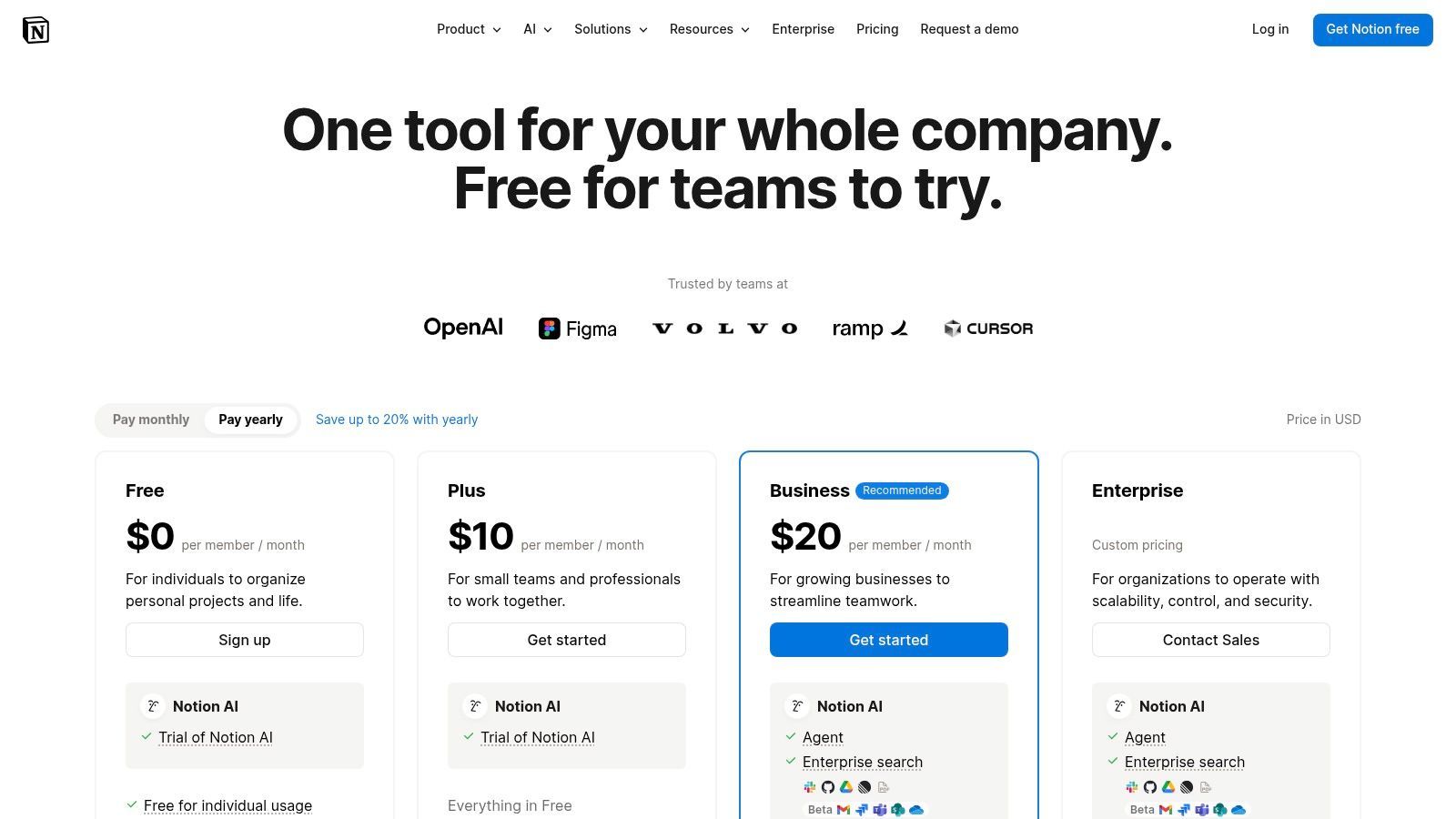
Its key differentiator is the AI's deep integration with your existing workspace context. Unlike standalone AI writers, Notion AI can pull information from your own notes, project briefs, and past content to generate more relevant and on-brand material. This makes Notion one of the best ai tools for content creators who need a unified system for both planning and executing their content strategy, ensuring consistency and leveraging internal knowledge effectively.
Key Features & Pricing
| Feature | Details | Availability |
|---|---|---|
| Notion AI | Write, edit, summarize, and brainstorm within any Notion page. | Add-on |
| AI Agent (Beta) | Automate multi-step tasks across your workspace using AI. | Add-on |
| Connected Workspace | Integrated docs, wikis, project boards, and databases. | Free & Paid |
| Enterprise Search | Search across all connected apps like Slack, Google Drive, and more. | Business & Enterprise |
| Content Calendars | Create and manage sophisticated editorial calendars. | Free & Paid |
- Free Plan: Includes the core connected workspace for individuals.
- Plus Plan ($8/user/month): Designed for small groups with unlimited blocks.
- Notion AI Add-on ($8/user/month): Adds all AI features to any paid plan.
Pros & Cons
- Pros:
- Consolidates content planning, writing, and asset management in one place.
- AI leverages your own workspace data for highly contextual outputs.
- Excellent for team collaboration on content pipelines and briefs.
- Cons:
- AI is a paid add-on and not included in standard plans.
- Can have a steeper learning curve compared to simpler document editors.
Workflow Example: Draft a video script outline in ShortGenius and paste it into a Notion doc. Use Notion AI to expand each section, then create a task in your content calendar to track production progress.
10. Midjourney
Midjourney is a premier AI image generation service renowned for producing exceptionally high-quality, artistic, and stylistically coherent visuals. Operating primarily through a web account and a Discord-based interface, it allows creators to generate stunning assets like YouTube thumbnails, concept art, mood boards, and social media graphics with intricate text prompts. The platform excels in artistic interpretation, making it a go-to for creators who need unique, eye-catching imagery that stands out.
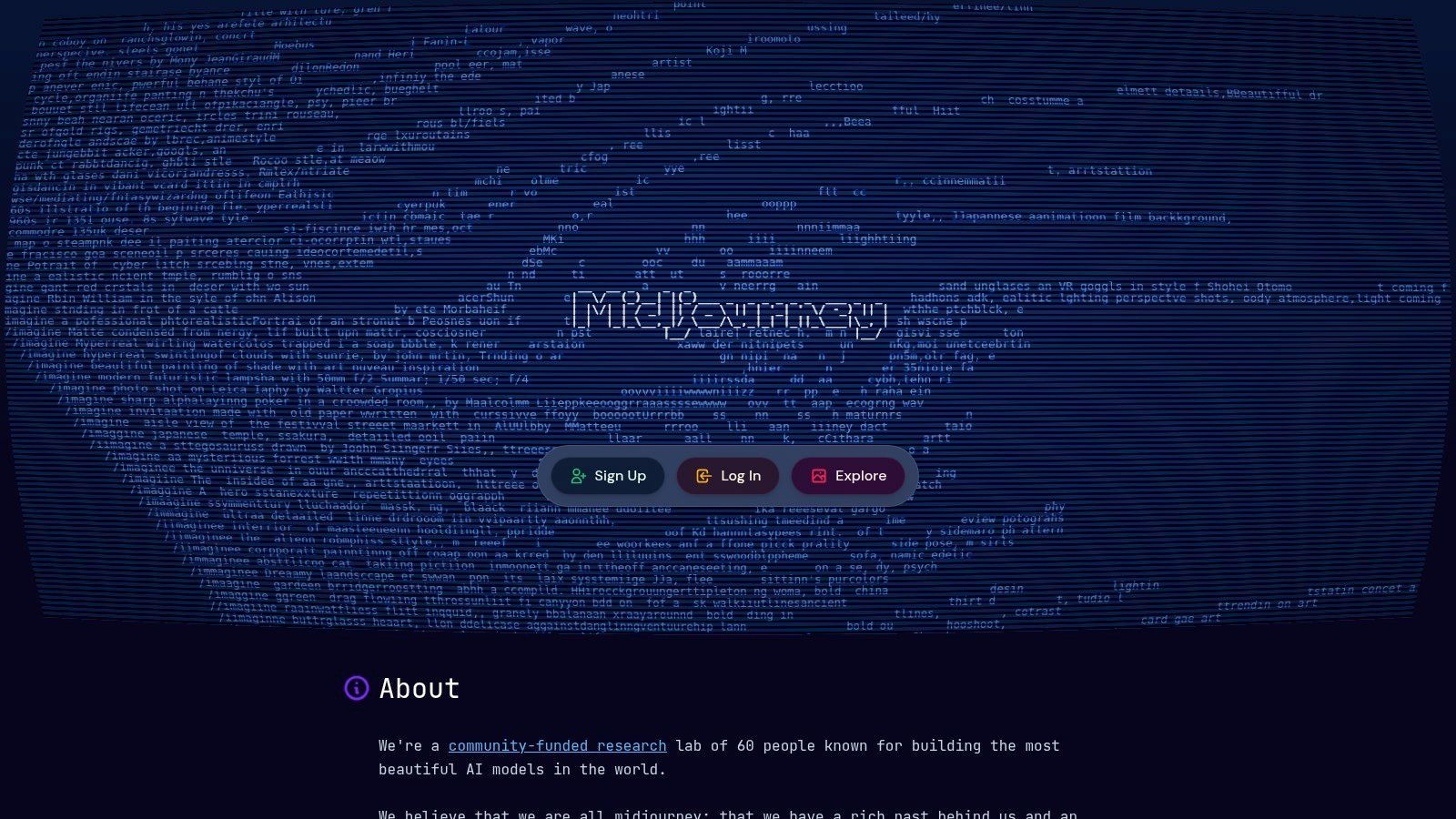
Its key differentiator is the quality and artistic flair of its output, often surpassing competitors in aesthetic appeal and detail. Midjourney's model is particularly skilled at creating consistent characters and styles across multiple generations, a crucial feature for branding or narrative projects. This makes it one of the best ai tools for content creators focused on visual storytelling and establishing a strong, unique brand identity without needing traditional artistic skills.
Key Features & Pricing
| Feature | Details | Availability |
|---|---|---|
| GPU Time | Tiers offer "Fast" GPU time for priority processing. | All Paid Plans |
| Relax Mode | Slower, unlimited image generations. | Standard, Pro & Mega |
| Stealth Mode | Keeps your generations private from the public gallery. | Pro & Mega |
| Job Queues | Run multiple generation jobs simultaneously. | Standard, Pro & Mega |
| Video Generation | Experimental feature to create short videos from images. | Pro & Mega |
- Basic Plan ($10/month): Includes 3.3 hours/month of Fast GPU time.
- Standard Plan ($30/month): 15 Fast GPU hours/month and unlimited Relax Mode generations.
- Pro Plan ($60/month): 30 Fast GPU hours/month, unlimited Relax Mode, and Stealth Mode.
Pros & Cons
- Pros:
- Produces industry-leading, high-quality, and artistic images.
- Strong stylistic consistency for cohesive brand assets.
- Unlimited generation potential on Standard and higher plans via Relax Mode.
- Cons:
- Mastering prompts requires practice and can have a learning curve.
- The Discord-based interface can be less intuitive for new users.
Workflow Example: Write a detailed scene description for a fantasy YouTube series using ShortGenius, then use that description as a prompt in Midjourney to generate a stunning, click-worthy video thumbnail.
11. Product Hunt – AI topic
Product Hunt isn't a single tool, but rather a vital discovery platform where the latest AI tools are launched and showcased. For content creators, its dedicated AI topic section is an essential resource for staying ahead of the curve. It allows you to scout trending and top-rated products across writing, video, voice, and automation, complete with community feedback and founder narratives that provide crucial context beyond a simple feature list.
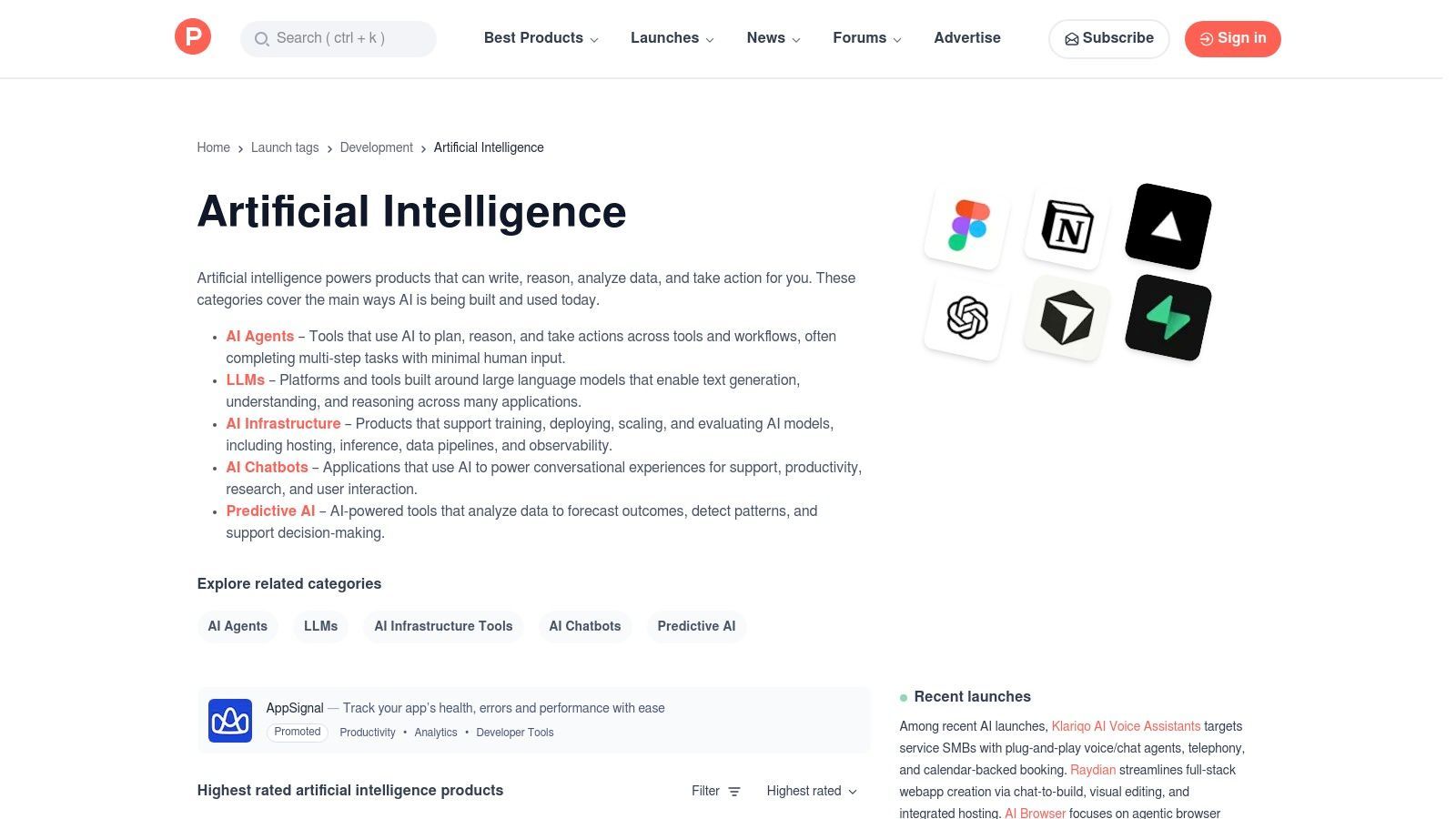
Its key differentiator is the real-time, community-driven curation. Instead of relying on static lists, you get a dynamic feed of what's new and what's gaining traction among early adopters. This makes Product Hunt one of the best ai tools for content creators who want to find innovative solutions and gain a competitive edge by adopting powerful, under-the-radar software before it becomes mainstream.
Key Features & Pricing
| Feature | Details | Availability |
|---|---|---|
| Curated AI Categories | Discover tools organized by function, like Agents, LLMs, Chatbots, etc. | Free |
| Community Reviews | Access user ratings, discussions, and firsthand experiences. | Free |
| Launch Narratives | Read the stories behind the products directly from the founders. | Free |
| Daily & Weekly Digests | Get email roundups of the top trending new AI tools. | Free |
| Direct Vendor Links | Easily navigate to official product sites to sign up or purchase. | Free |
- Free Plan: The platform is completely free to browse, comment, and discover products. Pricing for individual tools found on the site varies.
Pros & Cons
- Pros:
- Excellent for discovering new and emerging AI creator tools.
- Community reviews and discussions provide valuable, unbiased context.
- Conveniently aggregates innovation across numerous AI categories in one place.
- Cons:
- Signal-to-noise ratio can be high; many listings are new or unproven.
- It is a discovery platform, not a tool itself, requiring you to visit third-party sites.
Workflow Example: Browse Product Hunt's AI topic for a new video repurposing tool. After reading the reviews and founder's story, use it to clip highlights from a long-form video, then use ShortGenius to generate social media post captions for each clip.
12. AppSumo – AI Collection
AppSumo isn't a single tool, but rather a curated marketplace offering significant discounts and lifetime deals on emerging software, with a robust and constantly updated AI collection. For content creators on a budget, it’s an invaluable resource for discovering and acquiring powerful AI assistants for writing, SEO, image generation, and more, without committing to recurring monthly subscriptions. The platform excels at providing access to innovative tools before they become mainstream, often at a fraction of their future cost.
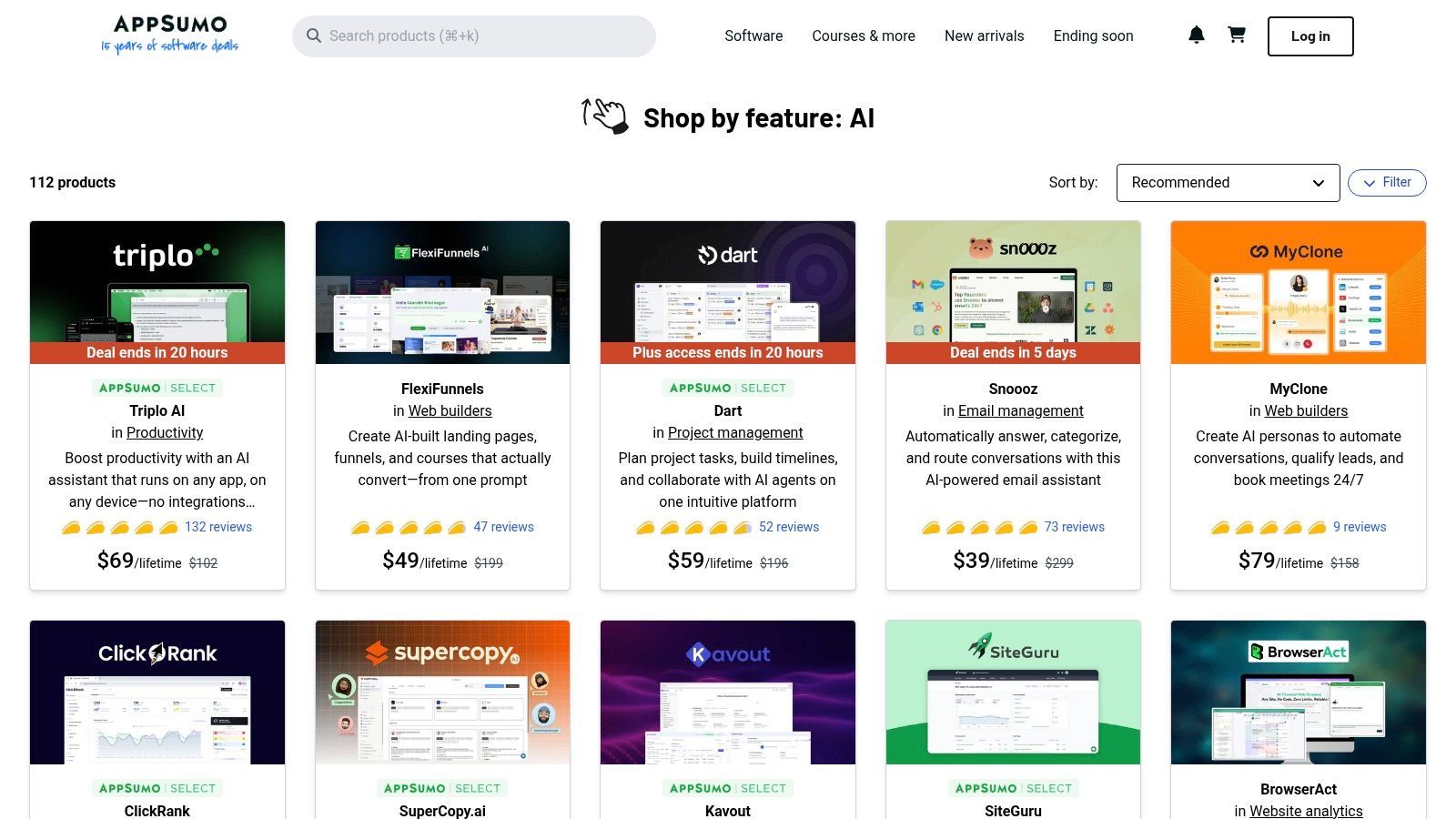
Its key differentiator is the lifetime deal (LTD) model. Paying a one-time fee for lifetime access can dramatically lower the long-term cost of a creator's software stack. The user reviews and Q&A sections on each deal page provide critical, community-driven insights into a tool's real-world performance and support quality. This makes AppSumo one of the best ai tools for content creators who want to build a cost-effective and diverse toolkit by investing in promising new technologies.
Key Features & Pricing
| Feature | Details | Availability |
|---|---|---|
| AI Tool Category | A dedicated section with over 100 listings for AI-powered software. | Always Available |
| Lifetime Deals (LTDs) | One-time purchase for lifetime access to specific software tiers. | Deal-Dependent |
| User Reviews | Community-submitted reviews and Q&A to vet tool quality. | Always Available |
| Featured Roundups | Curated lists like "Best AI Tools" to highlight top-rated deals. | Regularly Updated |
| Money-Back Guarantee | Typically a 60-day refund policy on most deals for risk-free trials. | Standard on most deals |
- Pricing: Varies widely per deal, from freebies to one-time payments typically ranging from $29 to $599 for lifetime licenses.
Pros & Cons
- Pros:
- Significant long-term savings with lifetime licenses.
- Wide variety of niche and mainstream AI tools.
- User reviews provide valuable context before purchasing.
- Cons:
- Deal availability is temporary and changes frequently.
- Newer tools may lack long-term support or could be discontinued.
Workflow Example: Discover a new AI video repurposing tool on AppSumo and secure a lifetime deal. Use it to automatically turn long-form YouTube videos, scripted in ShortGenius, into dozens of engaging social media clips.
Top 12 AI Tools for Content Creators — Quick Comparison
| Product | Core features | UX & Quality (★) | Value & Pricing (💰) | Target audience (👥) | Unique selling points (✨) |
|---|---|---|---|---|---|
| ShortGenius (AI Video / AI Ad Generator) 🏆 | Script→image/video→voice→editor + auto-schedule to TikTok/YouTube/IG/FB/X | ★★★★★ Fast editor, presets, multilingual | 💰 Contact for plans; built for teams & scale | 👥 Influencers, agencies, social managers, DTC | ✨ True all‑in‑one workflow; model mix & series scheduling; API |
| Adobe Express (with Firefly) | Firefly image/text AI, drag‑drop video, Adobe Stock, brand kits, scheduler | ★★★★ Browser & mobile friendly; commercial‑safe AI | 💰 Credit‑based AI + Premium subscription tiers | 👥 Social teams, marketers, small brands | ✨ Adobe Stock + Firefly integration; easy Adobe entry |
| Canva (Pro & Business) | Templates, 100M+ assets, Magic AI tools, brand kits, publishing | ★★★★ Intuitive, template‑first UX | 💰 Pro/Business paid tiers unlock assets & limits | 👥 Solo creators, small teams, educators | ✨ Huge template library, simple collaboration & governance |
| Descript | Text‑based video/audio editing, Studio Sound, AI co‑editor, clip exports | ★★★★ Rapid rough→polish for talking‑heads | 💰 Tiered plans with media hours/AI credits | 👥 Podcasters, creators, social editors | ✨ Text‑first editing for fast repurposing of long recordings |
| Runway | Text/image→video gen (Gen‑4.x), app library, web editor, credit plans | ★★★★ Cutting‑edge results; steeper learning curve | 💰 Credit‑based plans with clear charts | 👥 Motion designers, visual teams, ideation reels | ✨ State‑of‑the‑art generative motion models |
| Synthesia | Script→avatar videos, 125–230+ avatars, 140+ languages, API | ★★★★ Fast localization & scale | 💰 Minute/credit caps per plan; enterprise options | 👥 L&D, training, marketing, product teams | ✨ Quick multi‑language avatar videos at scale |
| ElevenLabs | TTS, voice cloning, dubbing, speech‑to‑speech, low‑latency APIs | ★★★★★ Lifelike voices; strong multi‑lang support | 💰 Credit‑based; scales creator→enterprise | 👥 Voiceover artists, podcasters, localization teams | ✨ Best‑in‑class voice realism & cloning APIs |
| Jasper | Brand‑safe copy, Canvas editor, marketing apps, seat‑based teams | ★★★★ Strong marketing workflows & governance | 💰 Seat‑based pricing; higher tiers for Business | 👥 Agencies, DTC brands, marketing teams | ✨ Purpose‑built marketing apps & brand controls |
| Notion (with Notion AI/Agent) | Docs/wiki/projects + AI chat/generate/Agent for multi‑step tasks | ★★★★ Centralized planning & editorial UX | 💰 Clear individual→enterprise tiers | 👥 Editorial teams, content planners, ops | ✨ Workspace + AI agents using your workspace context |
| Midjourney | Discord/web image gen, GPU time tiers, Relax/Stealth modes | ★★★★★ High‑quality, stylistically consistent images | 💰 Subscription tiers with GPU time allocations | 👥 Designers, thumbnail artists, moodboard creators | ✨ Stylistic consistency and privacy (Stealth Mode) |
| Product Hunt – AI topic | Curated AI launches, community reviews, ratings & product links | ★★★ Community‑driven discovery & launch context | 💰 Free to browse; links to vendor pricing | 👥 Early adopters, founders, tool scouts | ✨ Fast way to spot new trending AI tools & community feedback |
| AppSumo – AI collection | Deals marketplace, lifetime offers, user reviews, curated collections | ★★★ Deal‑centric UX; variable longevity | 💰 Often lifetime discounts or steep promos | 👥 Budget‑conscious creators, startups, SMBs | ✨ Opportunity for lifetime licenses & deep discounts |
Choosing Your AI-Powered Co-Creator
The landscape of content creation is undergoing a seismic shift, and the tools we've explored in this guide are at the epicenter. From the powerful video generation of ShortGenius to the visual magic of Midjourney and Adobe Firefly, we've journeyed through a new arsenal designed not to replace your creativity, but to amplify it. The era of the "AI-powered co-creator" is here, transforming tedious, time-consuming tasks into opportunities for innovation. The key takeaway isn't that you must adopt every tool; it's that you can now strategically eliminate your most significant production bottlenecks.
The central theme connecting all the best AI tools for content creators is the democratization of professional-grade content. Previously, high-quality video production, realistic voiceovers, or stunning custom visuals required expensive software, specialized skills, or outsourcing to agencies. Now, tools like Descript, Synthesia, and ElevenLabs empower solo creators and small teams to produce content with a polish that was once unattainable, leveling the playing field and allowing great ideas to shine.
Your Roadmap to AI Integration
Embarking on this journey can feel overwhelming given the sheer volume of options. To cut through the noise, approach your selection process with a clear, strategic framework. Don't chase the trendiest tool; instead, pinpoint the most significant friction in your current workflow and find a targeted solution.
Use these guiding questions to build your personalized AI tech stack:
- Identify Your Biggest Bottleneck: Where do you spend the most time for the least creative return? Is it writing initial scripts (Jasper, Notion AI), editing video clips (Descript, ShortGenius), creating B-roll and visuals (Runway, Midjourney), or scheduling and repurposing content? Your first AI tool should solve your biggest headache.
- Evaluate All-in-One vs. Specialist Tools: Do you need a comprehensive platform that covers multiple stages of the content lifecycle, like Canva or Adobe Express? Or would your workflow benefit more from a best-in-class specialist tool, like ElevenLabs for voiceovers or Midjourney for unique art? Many creators find a hybrid approach works best, using an all-in-one as a hub and integrating specialists for critical tasks.
- Consider Your Content Niche and Style: A podcaster will find immense value in Descript and ElevenLabs. A visual artist or brand building a strong aesthetic identity will lean heavily on Midjourney and Runway. A social media manager juggling multiple platforms will find an indispensable partner in a tool like ShortGenius for rapidly generating video variations.
- Start Small and Scale: You don't need to revolutionize your entire workflow overnight. Begin by integrating one tool to solve one problem. Master it, measure the impact on your time and content quality, and then identify the next logical addition. For example, start with Jasper to speed up ideation, then add ShortGenius to turn those ideas into videos, and finally use an AI repurposing tool to distribute them.
Final Thoughts: From Creator to Creative Director
Ultimately, integrating AI is a mindset shift. It's about transitioning from being just a "creator" who does everything manually to a "creative director" who orchestrates a team of powerful AI assistants. This new paradigm frees you from the tyranny of the timeline and the drudgery of repetitive tasks, allowing you to invest your most valuable asset, your creative energy, into strategy, storytelling, and connecting with your audience. The best AI tools for content creators are the ones that give you back your time and inspire you to think bigger. Your next viral video, engaging post, or compelling ad isn't just a possibility; it's a prompt away.
Ready to eliminate the biggest bottleneck in short-form video creation? ShortGenius (AI Video / AI Ad Generator) is one of the best AI tools for content creators, designed to turn your ideas into dozens of high-engagement video assets in minutes. Start streamlining your video workflow and reclaim your creative time today by visiting ShortGenius (AI Video / AI Ad Generator).