12 Best AI Ad Tools for Small Businesses Without a Design Team (2026 Review)

Discover the top AI ad tools for small businesses without a design team. Create high-performing video and image ads for social media, even with zero experience.
For small businesses, creating compelling ad creative is a constant challenge. You're competing for attention against huge brands with massive design teams and budgets. But what if you could level the playing field? This guide explores the best AI ad tools for small businesses without a design team, empowering you to produce high-quality, thumb-stopping ads in minutes, not weeks. We'll break down the best platforms that handle everything from scriptwriting and video generation to automated publishing, so you can focus on growing your business while AI handles the creative heavy lifting.
This resource is designed to be your go-to reference. Each entry includes a clear description, core features for non-designers, ideal use cases, and pricing information to help you make an informed choice. We've also included screenshots and direct links to get you started immediately. Our analysis goes beyond simple feature lists, offering practical workflow tips and an honest look at the pros and cons of each tool.
By finding the right platform, you can bypass the traditional hurdles of ad creation, such as high costs and steep learning curves. Staying current with these tools is crucial for modern advertising. To stay ahead, small businesses should also explore the broader implications and trends, such as the future of influencer marketing, including AI and VR. Let's dive into the platforms that will transform your advertising strategy.
1. ShortGenius
ShortGenius stands out as a premier end-to-end solution, positioning itself as one of the most comprehensive ai ad tools for small businesses without a design team. It’s designed to manage the entire ad creation lifecycle, from initial concept to final publishing, making it an exceptional choice for teams aiming to scale their short-form video strategy without a dedicated production crew. The platform expertly transforms basic assets into high-performing ads for TikTok, Instagram, YouTube, and more, automating everything from scripts and UGC-style scenes to voiceovers and captions.
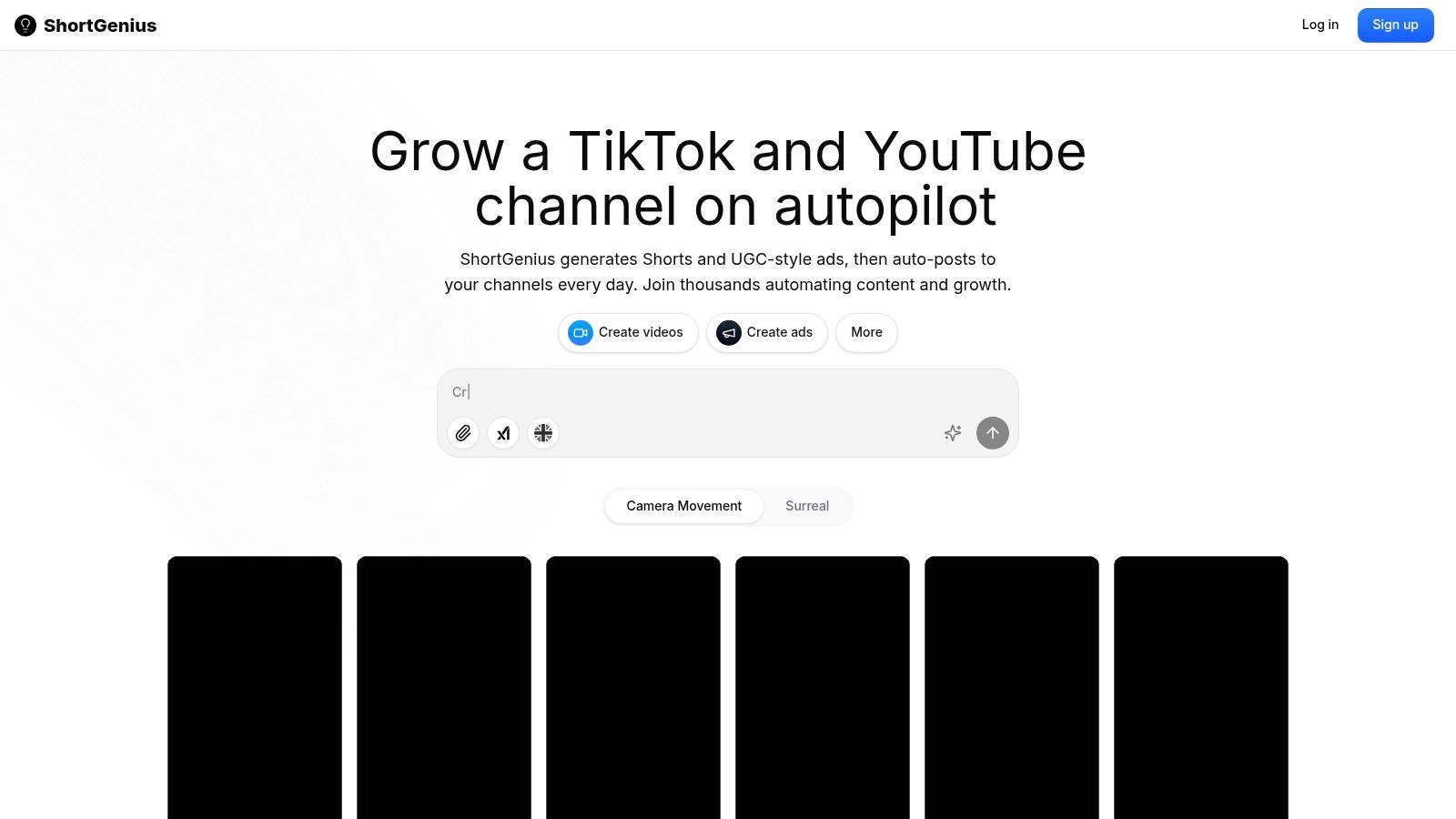
What truly differentiates ShortGenius is its integrated workflow built for performance marketing. It consolidates top-tier AI models for text, image, video, and voice, eliminating the need to juggle multiple subscriptions and tools. This consolidation allows a small business to move seamlessly from idea to a dozen creative variations in minutes, a process that would traditionally take days.
Core Features for Non-Designers
- All-in-One Generation: The platform auto-creates scripts, scenes, visuals, natural-sounding voiceovers, and on-brand captions within a single editor.
- Rapid Variation Testing: Effortlessly generate multiple ad versions to test different hooks, visuals, and calls-to-action to identify top performers quickly.
- Brand Kit Application: Upload your logo, fonts, and color palette once, and the AI will apply them consistently across all generated content for a professional, on-brand look.
- Preset Effects Library: Access a library of "Scroll Stopper" effects and dynamic camera movements to create visually engaging ads that capture attention instantly.
- Automated Publishing & Scheduling: Schedule and auto-post content directly to your social channels on a recurring basis, ensuring a consistent presence.
Ideal Use Cases
ShortGenius is particularly effective for performance marketers and small businesses that rely on a high volume of fresh creative to keep their channels engaging and their ad campaigns effective. It’s also a powerful tool for agencies managing multiple client accounts, enabling them to scale production without scaling their headcount.
Our Take: For a small business, the ability to generate, test, and schedule a high volume of creative variations from a single platform is a game-changer. ShortGenius removes the technical barriers and high costs typically associated with video ad production.
| Feature | Rating | Notes |
|---|---|---|
| Ease of Use | ★★★★★ | The workflow is intuitive, guiding users from script to final ad without a steep learning curve. |
| AI Capabilities | ★★★★★ | Integrates best-in-class models for high-quality, professional-grade output across all media types. |
| Workflow Efficiency | ★★★★★ | Its true end-to-end nature drastically reduces production time and the need for external tools. |
| Value for Cost | ★★★★☆ | While pricing is not public, its feature set suggests a strong ROI for active advertisers. |
Getting Started with ShortGenius
- Define Your Ad Goal: Start by providing a simple brief, a product link, or a core message for your ad campaign.
- AI Script & Scene Generation: The AI will instantly generate multiple ad concepts, scripts, and visual scene suggestions.
- Customize & Refine: Use the intuitive editor to tweak text, swap AI-generated visuals, apply your brand kit, and add effects from the preset library.
- Schedule & Publish: Connect your social media accounts and schedule your new ads to be published automatically.
Pricing
Pricing details are not publicly listed on the main site. You will need to visit the ShortGenius pricing page to find current plans, which likely include different tiers based on usage and features.
Pros:
- True end-to-end workflow from script to scheduling.
- Generates numerous ad variations for rapid A/B testing.
- Integrates top AI models for high-quality outputs.
- Automated series scheduling is ideal for maintaining channel consistency.
Cons:
- Pricing is not transparent; requires visiting the pricing page.
- AI assets may occasionally require minor human tweaks for perfect brand alignment.
To see how this powerful platform can streamline your entire ad creation process, you can explore the features of ShortGenius.
2. ShortGenius
ShortGenius is an end-to-end AI video ad generator built specifically for performance marketing. It excels at quickly moving from a simple text prompt to a fully produced, multi-variant short-form video ad campaign, complete with scripts, AI-generated scenes, voiceovers, and captions. This focus on a complete workflow makes it one of the most practical ai ad tools for small businesses without a design team, as it consolidates multiple creative tasks into a single, cohesive platform.
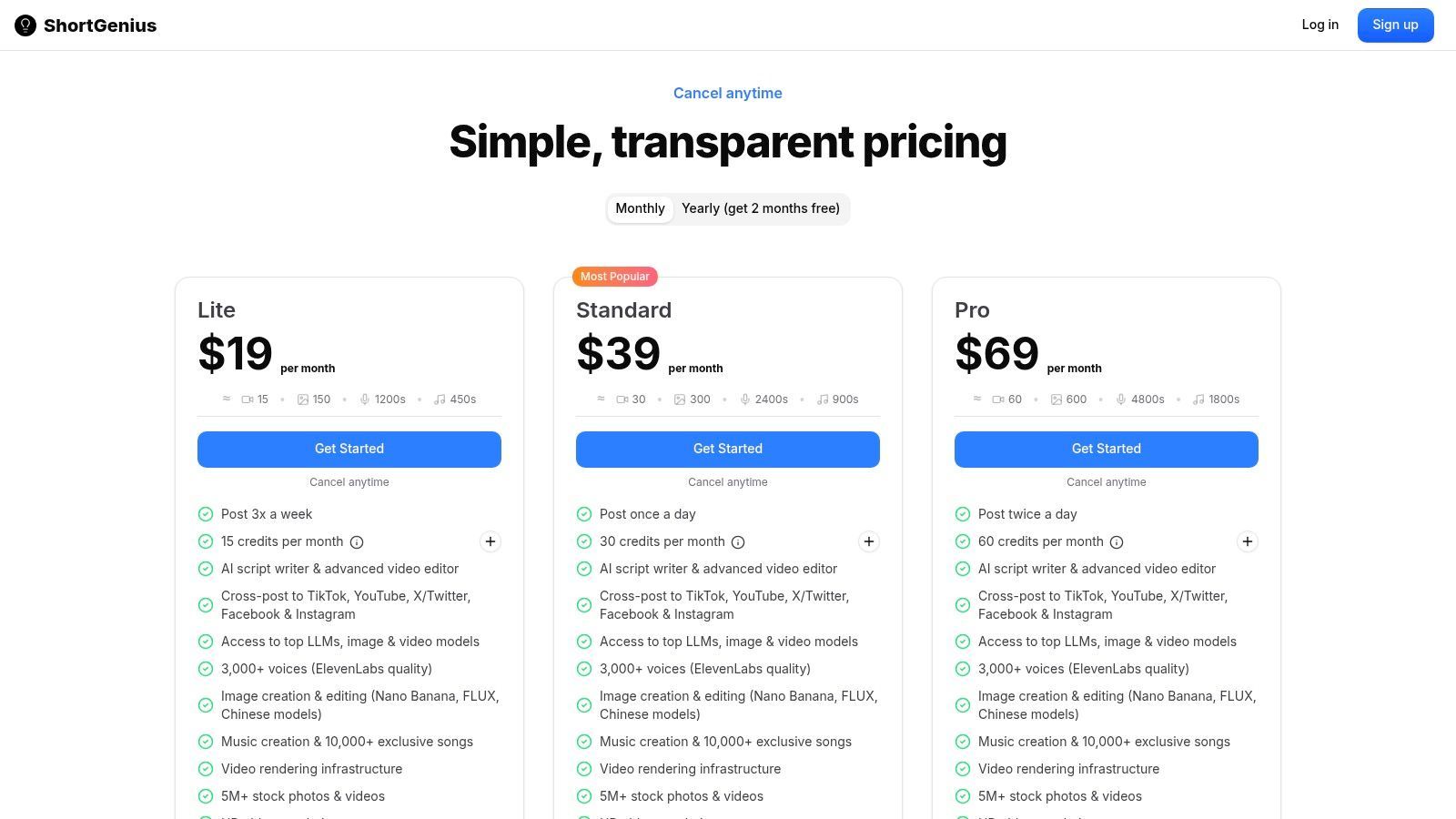
Unlike generic video editors, its entire process is optimized for creating high-converting ads for platforms like TikTok, Instagram Reels, and YouTube Shorts. For a small business, this means you can generate dozens of creative variations to test, a crucial strategy for finding winning ads, without needing any design or video editing expertise.
Core Features for Non-Designers
- Text-to-Ad Concept: Start with just a product URL or description to generate hooks, scripts, and scene ideas.
- AI Voiceovers & Captions: Instantly add professional voiceovers and animated captions to increase engagement.
- Brand Kits: Upload your logo, colors, and fonts once to maintain brand consistency across all ads.
- Variant Generation: Quickly create multiple versions of an ad by changing hooks, calls-to-action, or visuals with a few clicks.
Getting Started Workflow
- Input Your Offer: Provide a link to your product or a brief description of your service.
- Generate Script & Scenes: Let the AI create a performance-focused script and suggest visual scenes.
- Customize Assets: Apply your Brand Kit, select an AI voice, and fine-tune captions.
- Publish: Export videos formatted perfectly for TikTok, Instagram, and YouTube.
Website: https://shortgenius.com/pricing
| Pros | Cons |
|---|---|
| Optimized for performance ads | Credit-based plans may need upgrades for heavy testing |
| Fast concept-to-publish workflow | Best for short social ads, not long-form brand films |
| Lightweight brand governance via kits | Limited advanced manual editing controls |
3. Adobe Express
Adobe Express brings the power of the trusted Adobe ecosystem into an accessible, template-driven tool perfect for creating static and video ad creative. It integrates commercial-safe generative AI, allowing users to create images from text prompts, making it one of the most versatile ai ad tools for small businesses without a design team. Its strength lies in combining AI features with a massive library of templates and stock assets, all within an intuitive interface that works on both web and mobile.
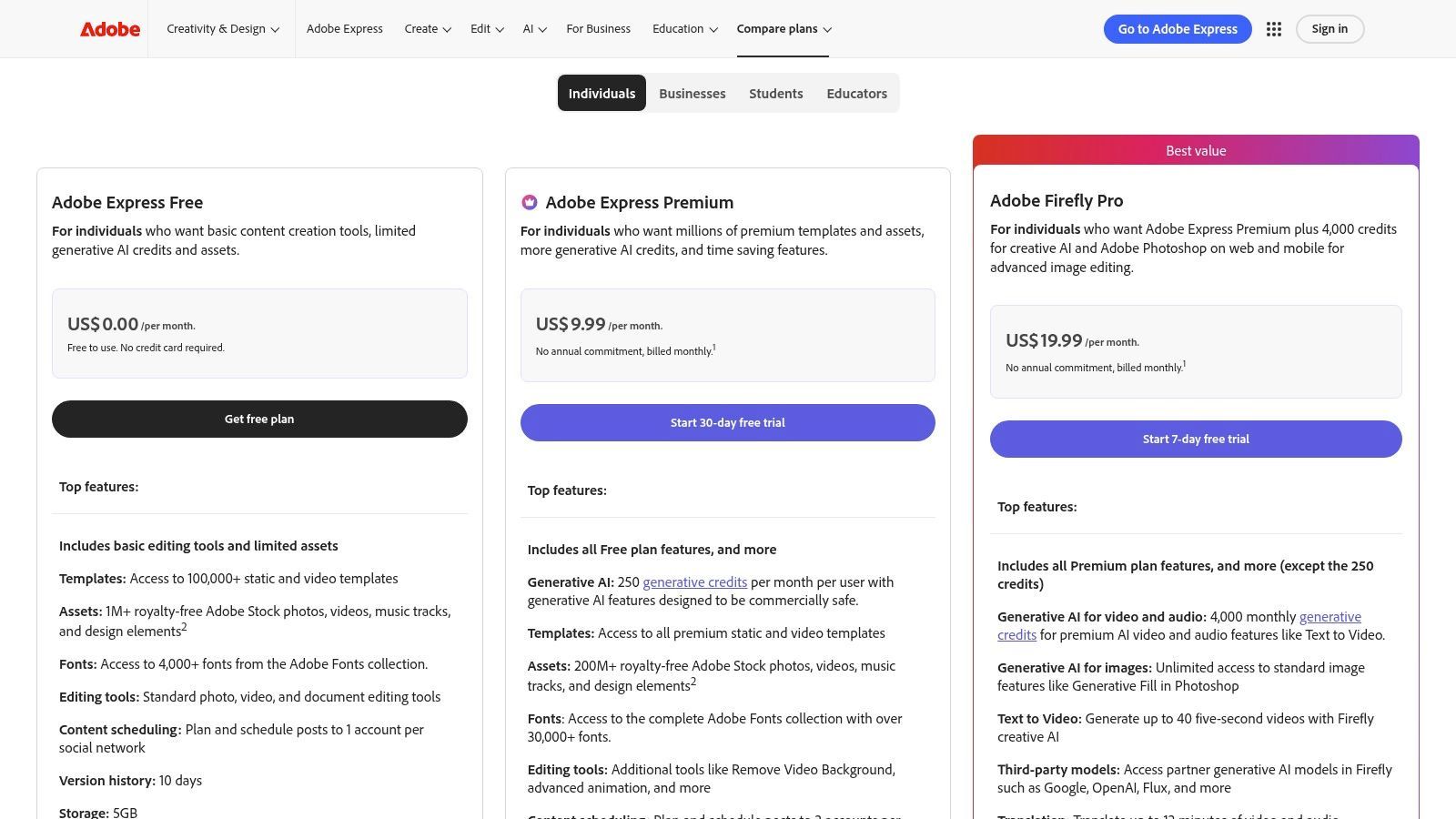
For a small business, this means you can generate a custom image for a Facebook ad, remove its background, place it in a branded template, and resize it for Instagram Stories in minutes. This all-in-one approach to static and simple video ads removes the need for multiple specialized tools, streamlining the creative workflow significantly for non-designers.
Core Features for Non-Designers
- Generative AI Credits: Create unique, commercially safe images and text effects from simple descriptions.
- Templates & Stock Assets: Access thousands of professionally designed templates and a vast library of Adobe Stock photos.
- Brand Kits: Maintain brand consistency by uploading your logo, colors, and fonts for easy application.
- Quick Actions: Use one-click tools to remove backgrounds, animate text, or resize content for any social platform.
Getting Started Workflow
- Choose a Template: Start with a professionally designed ad template sized for your target platform.
- Generate or Add Assets: Use generative AI to create a unique image or pull from the Adobe Stock library.
- Customize Your Ad: Apply your Brand Kit, edit the text, and use quick actions to add animations.
- Schedule or Export: Download the finished creative or use the built-in scheduler to post directly to social media.
Website: https://www.adobe.com/express/pricing
| Pros | Cons |
|---|---|
| Trusted Adobe ecosystem and deep stock library | Credit-based model can feel limiting for heavy AI use |
| Easy brand consistency for non-designers | Some advanced features are desktop-only |
| Lower learning curve than pro editing suites | Not specialized for performance video ad workflows |
4. Canva
Canva is a versatile drag-and-drop design platform that has become a staple for businesses needing professional-looking creative without a dedicated design team. Its AI-powered "Magic Studio" features, including Magic Media for image and video generation, make it an incredibly effective tool for creating static ads, story ads, and simple video spots. This makes Canva one of the most accessible ai ad tools for small businesses without a design team, offering a massive template library to kickstart any project.
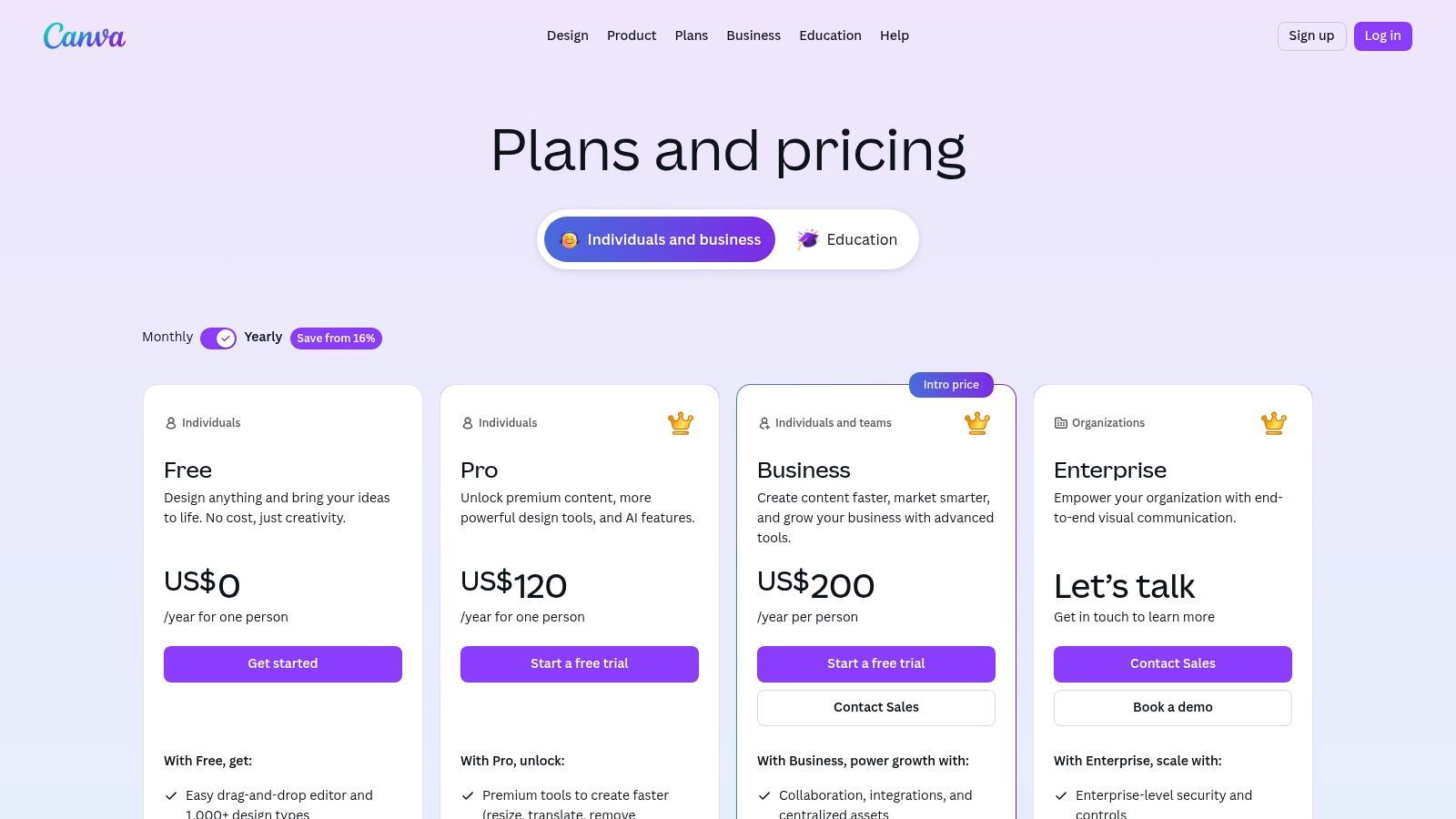
Its strength lies in its simplicity and vast ecosystem of assets. A small business owner can quickly find a template for an Instagram Story ad, customize it with their brand kit, generate a unique background image using AI, and resize it for Facebook and Pinterest in minutes. This rapid, template-driven workflow is perfect for maintaining a high volume of fresh ad creative.
Core Features for Non-Designers
- Magic Media: Generate unique images and short video clips from simple text prompts directly within the editor.
- One-Click Resize: Instantly adapt a single design to fit the dimensions of various ad placements.
- Huge Template & Stock Library: Access millions of templates, photos, and video clips to speed up production.
- Brand Kits: Store logos, brand colors, and fonts to ensure all ad creative remains consistent.
Getting Started Workflow
- Choose a Template: Select an ad template that matches your campaign goal (e.g., "Sale Ad").
- Customize with AI: Use Magic Media to create a custom background or product mockup.
- Apply Brand Kit: Add your logo, adjust colors, and update the text with your offer.
- Resize & Export: Use Magic Resize to create versions for all your channels and download them.
Website: https://www.canva.com/pricing/
| Pros | Cons |
|---|---|
| Very low barrier to entry | Teams pricing may be higher than expected; review plan details |
| Large template library speeds production | Users must still manage brand safety and rights for assets |
| Strong collaboration and sharing features | AI features are less specialized for performance ad copy/scripts |
5. VEED
VEED is a versatile, browser-based AI video editor that doubles as a powerful ad generator. It’s designed for users who need to produce professional-looking social media ads quickly without wrestling with complex software. By combining text-to-video generation, an extensive template library, and one-click resizing tools, VEED streamlines the ad creation process, making it one of the most accessible ai ad tools for small businesses without a design team.
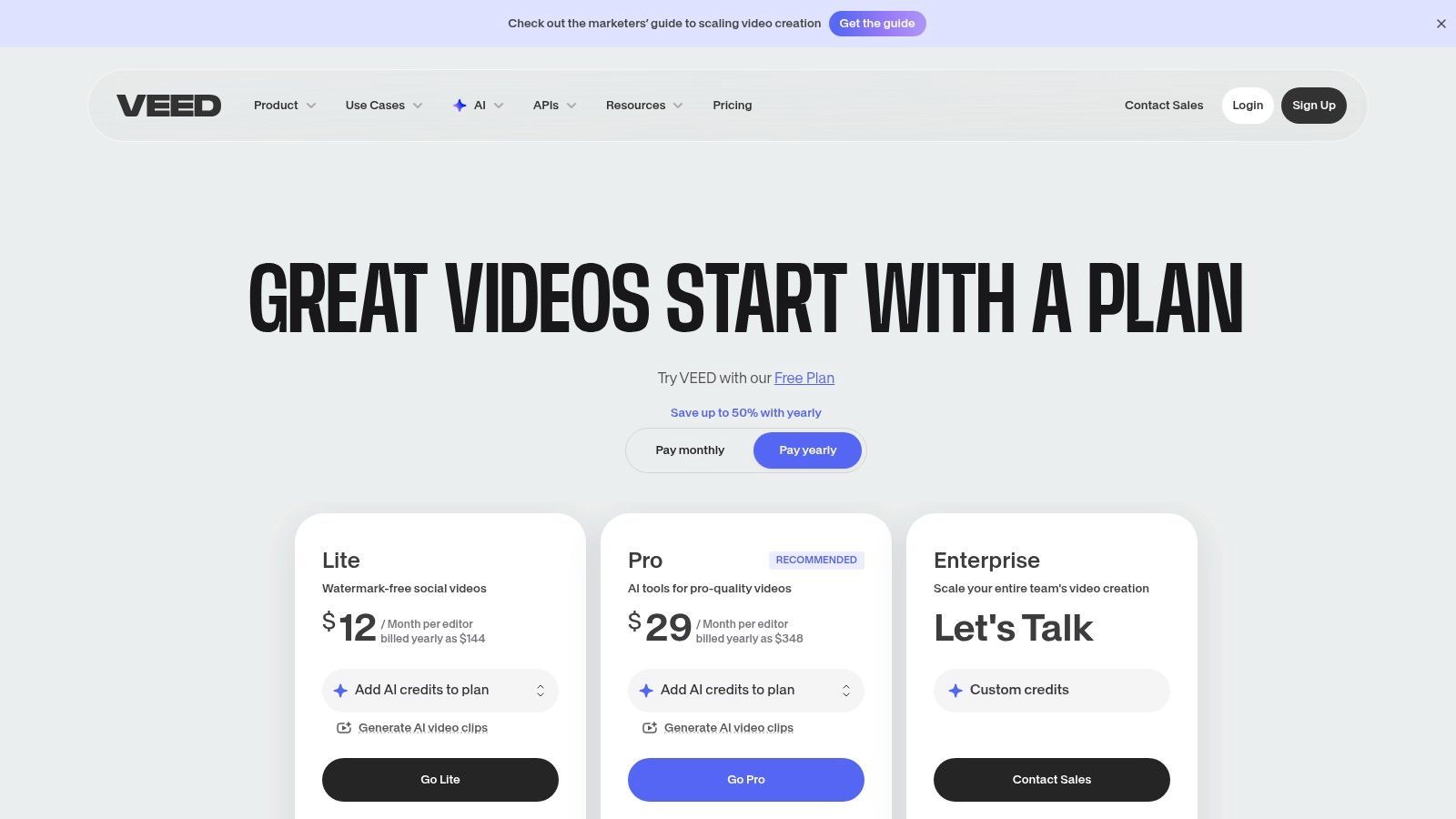
Its strength lies in its comprehensive toolkit that handles everything from generating a commercial from a text prompt to adding AI avatars and auto-subtitles. For a small business, this means you can create a UGC-style product ad, an animated commercial, or a simple promotional video within minutes, all from a single browser tab.
Core Features for Non-Designers
- AI Ad Generator: Create ads from text prompts, images, or even existing video clips.
- AI Avatars & Text-to-Speech: Produce presenter-style videos without a camera or microphone.
- Auto-Subtitles & Cleanup: Instantly add captions and use tools to remove background noise or filler words.
- One-Click Repurposing: Resize a single video ad for TikTok, Reels, and YouTube Shorts formats instantly.
Getting Started Workflow
- Choose a Tool: Select the AI Ad Generator or start with a pre-made template.
- Generate or Upload: Provide a text prompt, upload your media, or select from the stock library.
- Customize: Add your brand colors, logo, auto-subtitles, and an AI voiceover.
- Export: Resize for your target platforms and export the final ad.
Website: https://www.veed.io/pricing
| Pros | Cons |
|---|---|
| Guided flows produce ad-ready outputs | Web performance can vary for long projects |
| Excellent social media repurposing tools | Some features are gated by higher tiers or annual billing |
| No desktop installation required | Can feel less specialized than dedicated ad-only tools |
6. InVideo AI
InVideo AI is a powerful text-to-video platform that turns simple text prompts into polished video ads in minutes. It excels at creating promotional and user-generated content (UGC) style videos with AI avatars, voiceovers, and a vast library of stock media. This makes it a standout choice among ai ad tools for small businesses without a design team because it removes the need for a production crew or expensive equipment to generate professional-looking social media spots.
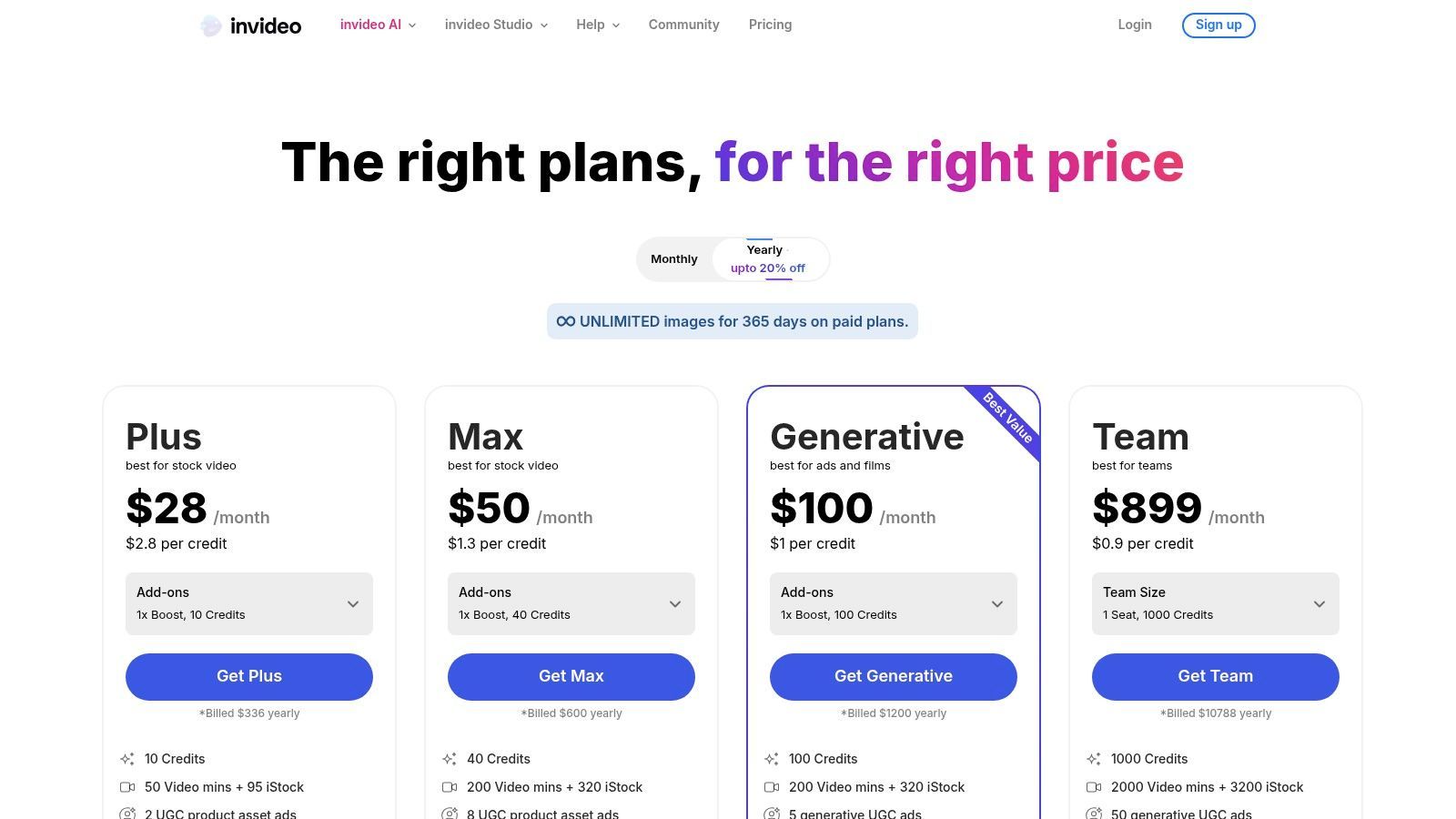
Unlike more complex editors, InVideo AI is built for speed and simplicity, allowing a small business owner to describe an ad concept and receive a complete first draft almost instantly. The platform offers a user-friendly interface that streamlines the process of tweaking scripts, swapping scenes, and resizing videos for different social media placements, making ad creation highly accessible.
Core Features for Non-Designers
- Text-to-Video Generation: Create a full video ad by describing your idea, target audience, and desired tone.
- AI Voiceovers & Avatars: Generate human-like voiceovers or use AI-powered avatars to present your script.
- Ad Templates & Stock Media: Access a large library of templates and stock assets to enrich your video content.
- Rapid Editing Interface: Quickly edit scenes, text, and media using simple commands, almost like editing a document.
Getting Started Workflow
- Enter Your Prompt: Describe the video ad you want to create in detail.
- Generate a Draft: Let the AI create a script, select media, and generate a complete video draft.
- Refine and Edit: Use simple text commands to make changes, such as "change this scene" or "use a different song."
- Export and Publish: Download your video in the correct format for your target social media platforms.
Website: https://invideo.io/pricing
| Pros | Cons |
|---|---|
| Very fast from prompt to draft ad | Free tier includes watermarks and quotas |
| User-friendly interface for non-editors | Generative feature access and limits vary by plan |
| Active development with frequent updates | Avatars can sometimes feel less authentic than real people |
7. Lumen5
Lumen5 is a template-driven AI video creator that excels at repurposing existing content, like blog posts or case studies, into simple marketing videos. It automates the process of converting text from a script or URL into a visual storyboard, matching it with stock media and text overlays. This content-first approach makes it one of the most efficient ai ad tools for small businesses without a design team looking to extend the life of their written content with minimal effort.
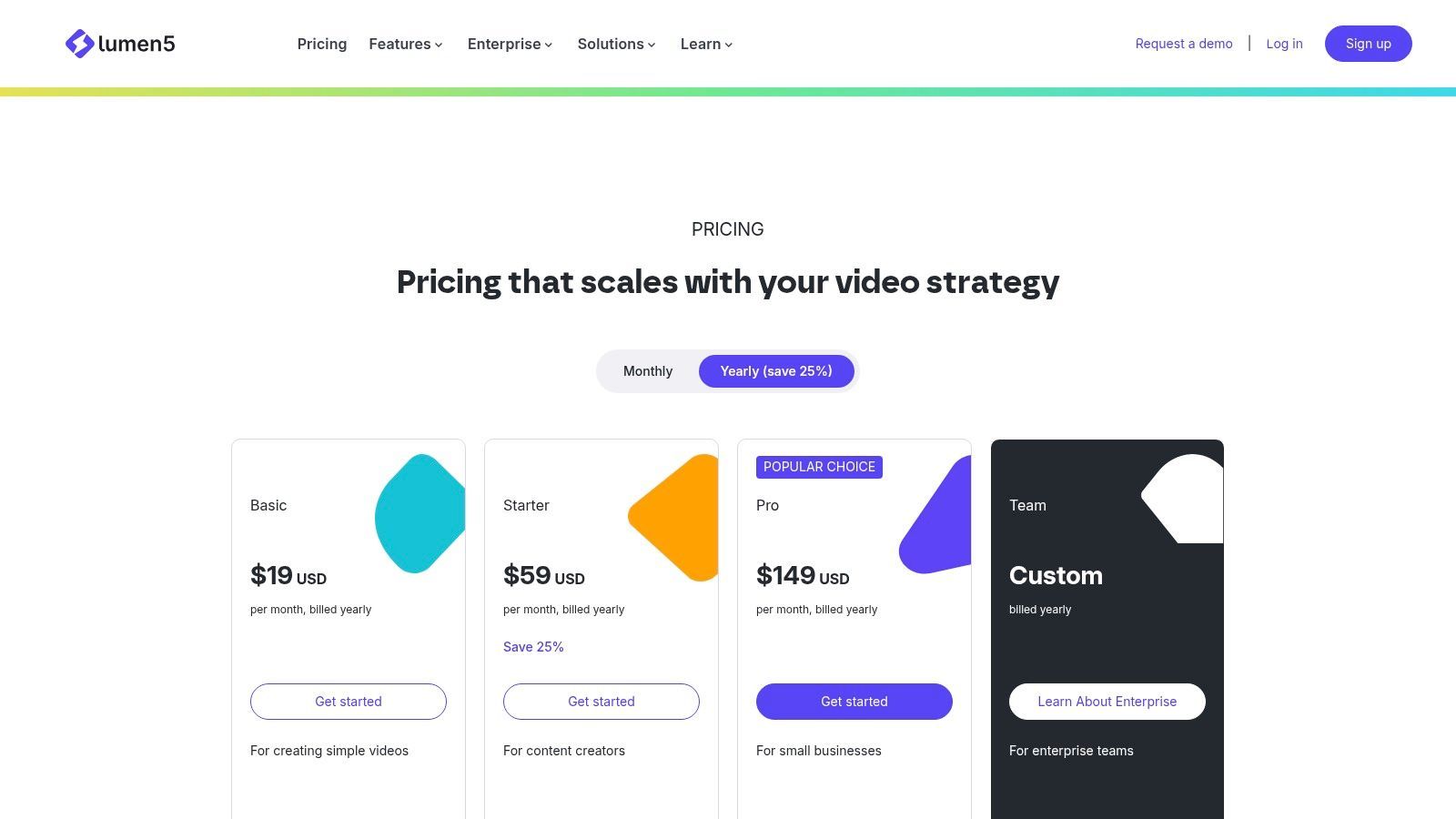
Unlike tools built purely for short-form social ads, Lumen5 is ideal for creating explainers, announcements, or article summaries for platforms like LinkedIn or website embeds. For a small business, this means you can transform a single successful blog post into a shareable video ad without needing any video editing skills, maximizing your content ROI.
Core Features for Non-Designers
- URL-to-Video: Instantly imports text from a webpage and creates an editable video storyboard.
- Brand Kits & Templates: Upload your brand assets to pre-designed templates for consistent video styling.
- Stock Media Library: Access a large library of stock photos and video clips to illustrate your message.
- AI Captioning: Automatically generates captions from your script to improve accessibility and engagement.
Getting Started Workflow
- Input Content: Paste a script or a link to a blog post.
- Choose a Template: Select a template that matches your brand and desired video format.
- Refine Storyboard: Let the AI generate scenes, then customize the text and swap media assets.
- Publish: Add music and export the final video for your marketing channels.
Website: https://lumen5.com/pricing
| Pros | Cons |
|---|---|
| Strong for content repurposing | Less granular editing control than professional software |
| Approachable for non-editors | Premium stock and watermark removal require paid plans |
| Scales from free to professional plans | AI media suggestions can sometimes be generic |
8. CapCut
CapCut has become the go-to cross-platform video editor for social media, especially TikTok and Reels. Its strength lies in a vast library of templates, effects, and AI-powered features like auto-captions and background removal, making it simple to create trendy, ad-style videos. For companies wanting to produce user-generated content (UGC) style ads that feel native to social feeds, CapCut is one of the best ai ad tools for small businesses without a design team due to its intuitive, mobile-first design and powerful editing capabilities.
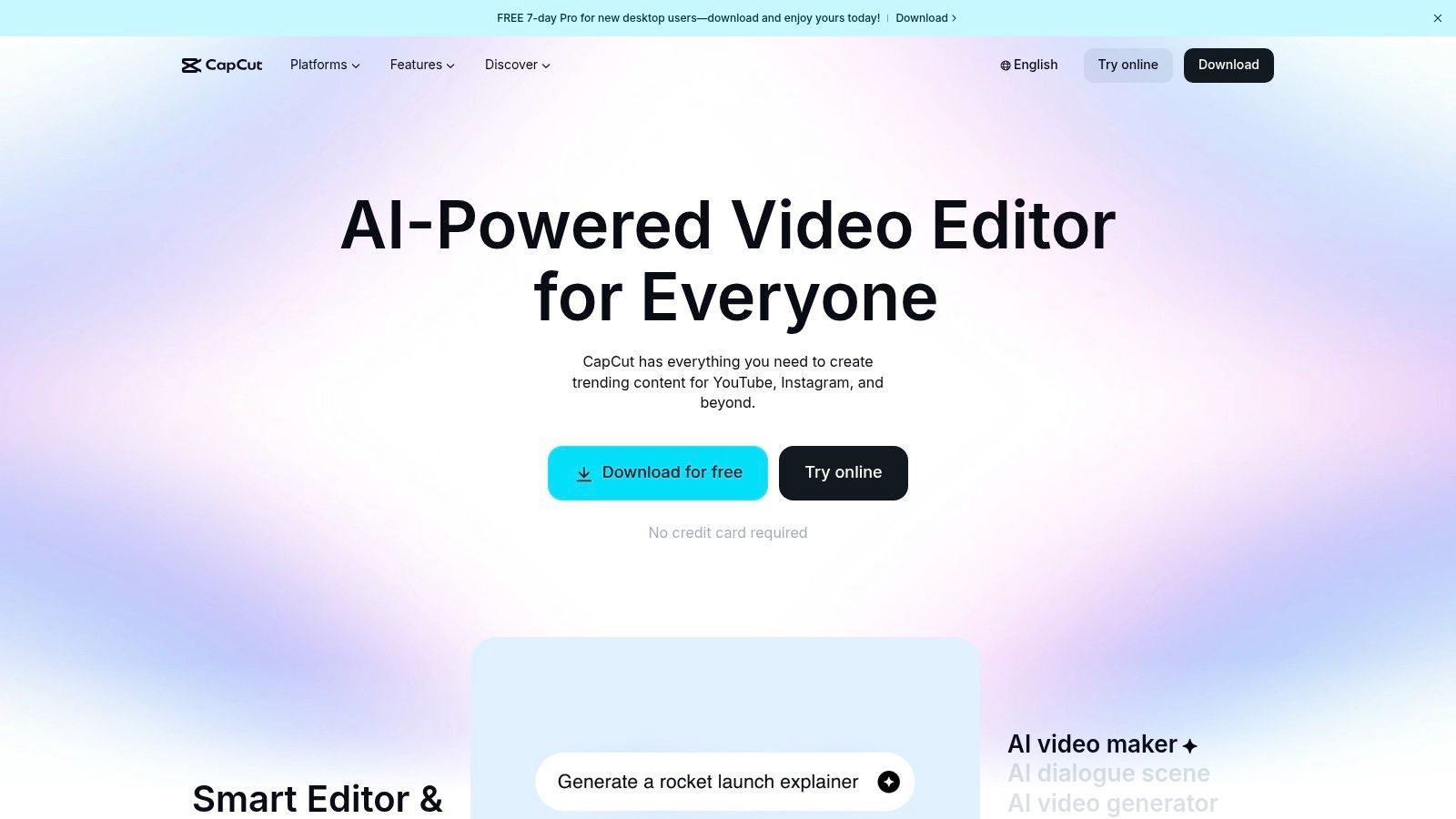
While it started as a creator tool, features like cloud sync and Teams workspaces have made it a viable option for small marketing teams. You can start a project on a phone, and a colleague can finalize it on a desktop, streamlining the creation of fast-turnaround vertical video ads.
Core Features for Non-Designers
- Templates and Effects: Access a huge ecosystem of pre-built templates and viral effects optimized for TikTok and Instagram Reels.
- Auto Captions & Text-to-Speech: Generate accurate, animated subtitles and use AI voices to narrate your ads with one click.
- AI Cleanup Tools: Instantly remove video backgrounds or use retouching features to enhance visual quality.
- Cloud Sync & Teams: Work seamlessly across mobile, desktop, and web, and collaborate with team members in a shared workspace.
Getting Started Workflow
- Choose a Template or Start Fresh: Pick a trending template or upload your raw footage directly.
- Add AI Features: Use Auto Captions, apply effects, and remove the background as needed.
- Incorporate Branding: Add your logo as a sticker, use brand colors in text overlays, and select on-brand music.
- Export: Download the video in the correct aspect ratio for your target social platform.
Website: https://www.capcut.com/
| Pros | Cons |
|---|---|
| Extremely fast for vertical, social-native ads | Pricing can vary by region/platform; verify at checkout |
| Rich template and effect ecosystem for UGC style | Desktop/web feature parity can lag behind mobile releases |
| Affordable compared with pro suites | Less suited for complex, long-form horizontal video ads |
9. Synthesia
Synthesia is an AI video platform that lets you create professional-looking spokesperson videos without a camera, microphone, or studio. It uses stock AI avatars to turn your text script into a polished video ad or explainer, making it an invaluable tool for businesses that need a human touch in their marketing but lack the resources for live-action shoots. This makes it one of the top ai ad tools for small businesses without a design team looking to produce training materials or testimonial-style ads at scale.
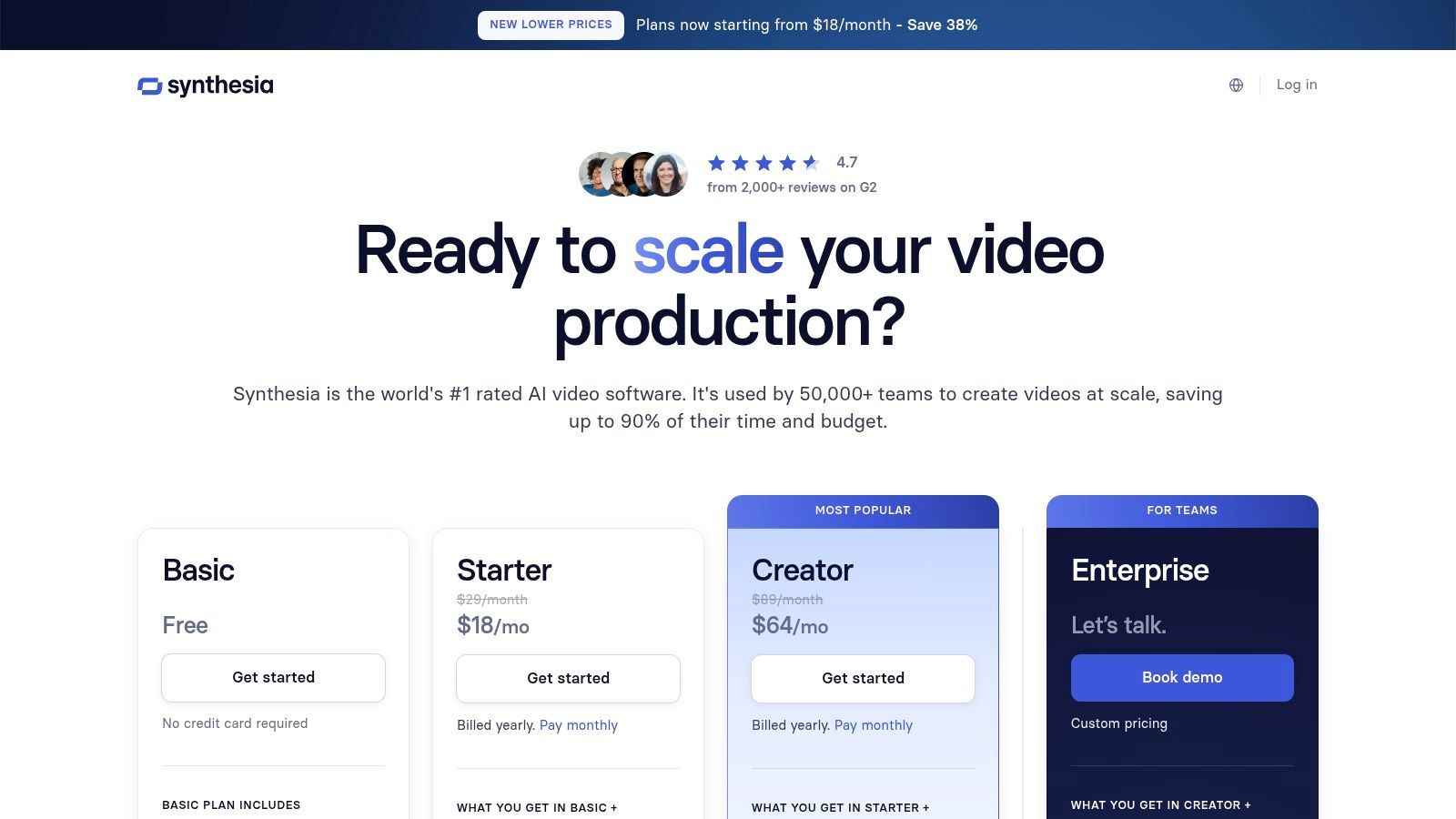
Its core strength lies in replacing the need for on-camera talent. Instead of coordinating schedules and reshooting for every minor script change, you can simply edit the text and regenerate the video in minutes. For a small business targeting multiple regions, the AI dubbing feature is a game-changer, allowing for rapid localization of ad content into different languages with a few clicks.
Core Features for Non-Designers
- AI Avatars: Choose from over 180 diverse stock avatars to act as your brand's spokesperson.
- AI Dubbing & Multi-Language Support: Automatically translate and dub your video script into dozens of languages.
- Simple Video Editor: Add text, images, and shapes to your video within a straightforward, slide-based interface.
- Brand Kits: Maintain brand consistency by uploading your logo, fonts, and colors for easy application.
Getting Started Workflow
- Select an Avatar: Choose a stock AI avatar that fits your brand's voice and style.
- Input Your Script: Type or paste the script you want the avatar to speak.
- Customize Your Scene: Add a background, apply your brand kit, and include on-screen text or media.
- Generate & Export: Click to generate the video and export it for your ad campaigns.
Website: https://www.synthesia.io/pricing-options
| Pros | Cons |
|---|---|
| Removes need for studio shoots and on-camera talent | Avatar style may not fit every brand aesthetic |
| Fast localization for multi-market ads | Credit or minute-based quotas apply per plan |
| Great for explainers and corporate communications | Custom avatars are only available on higher-tier plans |
10. Meta Advantage+ creative
Meta Advantage+ creative is Meta's native AI tooling built directly into the Ads Manager platform. Instead of a standalone app, it works within your ad creation process to generate variations of your text, headlines, and images. It excels at automatically adapting a single creative asset for different placements like Stories, Reels, and Feed, making it an essential efficiency tool for anyone advertising on Facebook and Instagram.
For small businesses, this integration is a huge time-saver. It’s one of the most practical ai ad tools for small businesses without a design team because it removes the need to manually resize images or guess which ad copy will perform best. The system automatically tests different combinations and optimizes delivery based on what resonates with your audience, streamlining the often complex task of creative iteration.
Core Features for Non-Designers
- Automatic Text Variations: Generates alternative primary text, headlines, and descriptions to find the highest-performing copy.
- Image Expansion: Uses AI to automatically expand the background of an image to fit vertical formats like Stories and Reels without awkward cropping.
- Placement Optimization: Tailors creative assets for each placement, ensuring they look native and professional across the entire Meta ecosystem.
- Dynamic Creative: Automatically combines your provided assets (images, videos, text) into numerous permutations to discover winning combinations.
Getting Started Workflow
- Start Ad Creation: In Meta Ads Manager, create a new campaign and navigate to the Ad level.
- Enable Advantage+ Creative: In the Ad Creative section, toggle on the Advantage+ creative optimizations.
- Upload Your Base Assets: Add your primary image or video and write your initial ad copy.
- Review AI Suggestions: Meta will automatically apply optimizations like text improvements or image enhancements.
- Launch and Monitor: Publish the ad and let Meta’s AI test the variations to optimize performance.
Website: https://www.facebook.com/business/ads/meta-advantage-plus/creative
| Pros | Cons |
|---|---|
| Native to Meta Ads, no extra software | AI outputs can be generic and require careful review |
| Speeds up A/B testing significantly | Less creative control compared to dedicated design tools |
| Adapts assets across all placements automatically | Best for optimizing existing assets, not creating from scratch |
11. TikTok Symphony (Creative Center + Assistant)
TikTok’s Symphony suite is a collection of AI ideation and production tools built directly into the TikTok platform. It excels at generating scripts, concepts, and video assets that are perfectly aligned with TikTok's best practices. This native integration makes it one of the most effective ai ad tools for small businesses without a design team looking to create trend-aligned, user-generated content (UGC) style ads specifically for TikTok.
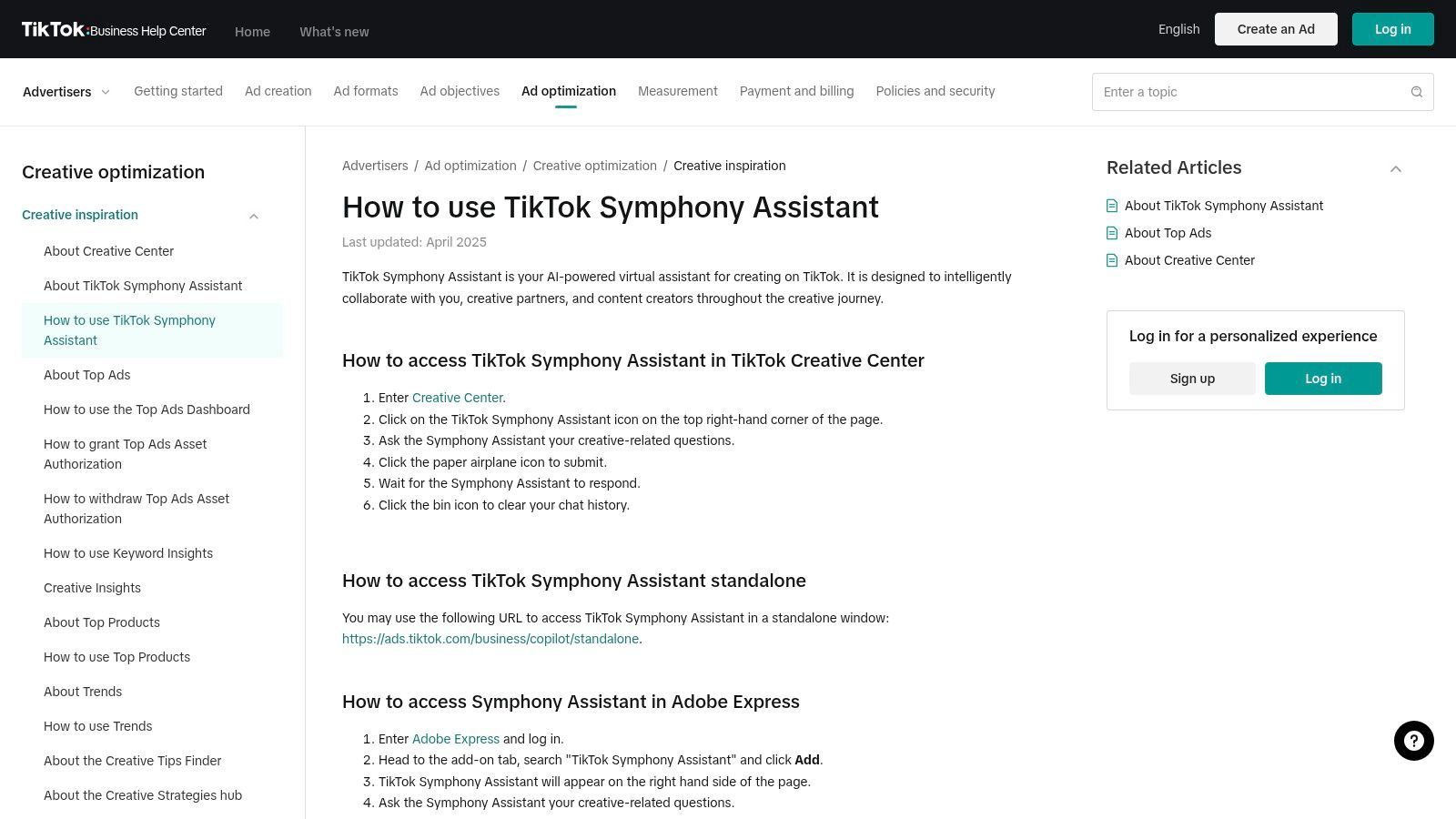
Unlike external tools, Symphony leverages real-time data from the TikTok Creative Center, helping you brainstorm ideas that resonate with current trends. For a small business, this means you can create ads that feel organic and native to the platform, increasing your chances of engagement and conversion without needing a dedicated creative team to monitor trends.
Core Features for Non-Designers
- Symphony Creative Assistant: Use a Q&A interface for creative brainstorming, script generation, and ideation.
- Trend-Aligned Guidance: Get insights and asset suggestions based on what's currently performing well on the platform.
- AI Digital Avatars & Translation: Create stock or custom avatars for ads and use AI to translate content for global audiences.
- Native Ads Manager Integration: Access tools directly within the TikTok Ads Manager to streamline the ad creation workflow.
Getting Started Workflow
- Access Creative Tools: Navigate to the Creative Center or use the Creative Assistant within Ads Manager.
- Brainstorm with Assistant: Input your product details and campaign goals to get script and video ideas.
- Generate Assets: Use the suggestions to create or find video clips and apply AI avatars or voiceovers.
- Launch Campaign: Build your ad directly within the TikTok ecosystem and publish it.
Website: https://ads.tiktok.com/help/article/how-to-use-tiktok-creative-assistant
| Pros | Cons |
|---|---|
| Native guidance tailored to TikTok | Best suited for the TikTok ecosystem; portability is limited |
| Strong for trend-aligned UGC ad formats | Rapid feature changes can make documentation outdated |
| Low lift to produce on-platform ads | Less creative control compared to dedicated editing software |
12. Google Ads (Performance Max / Automated Assets)
Google Ads isn't just an ad platform; it’s now one of the most powerful ai ad tools for small businesses without a design team due to its built-in asset automation. Within campaign types like Performance Max, Google’s AI can automatically generate headlines, descriptions, and even image and video variations from your existing assets. This is a game-changer for small teams who are asset-constrained but need to launch campaigns across Google's vast inventory.
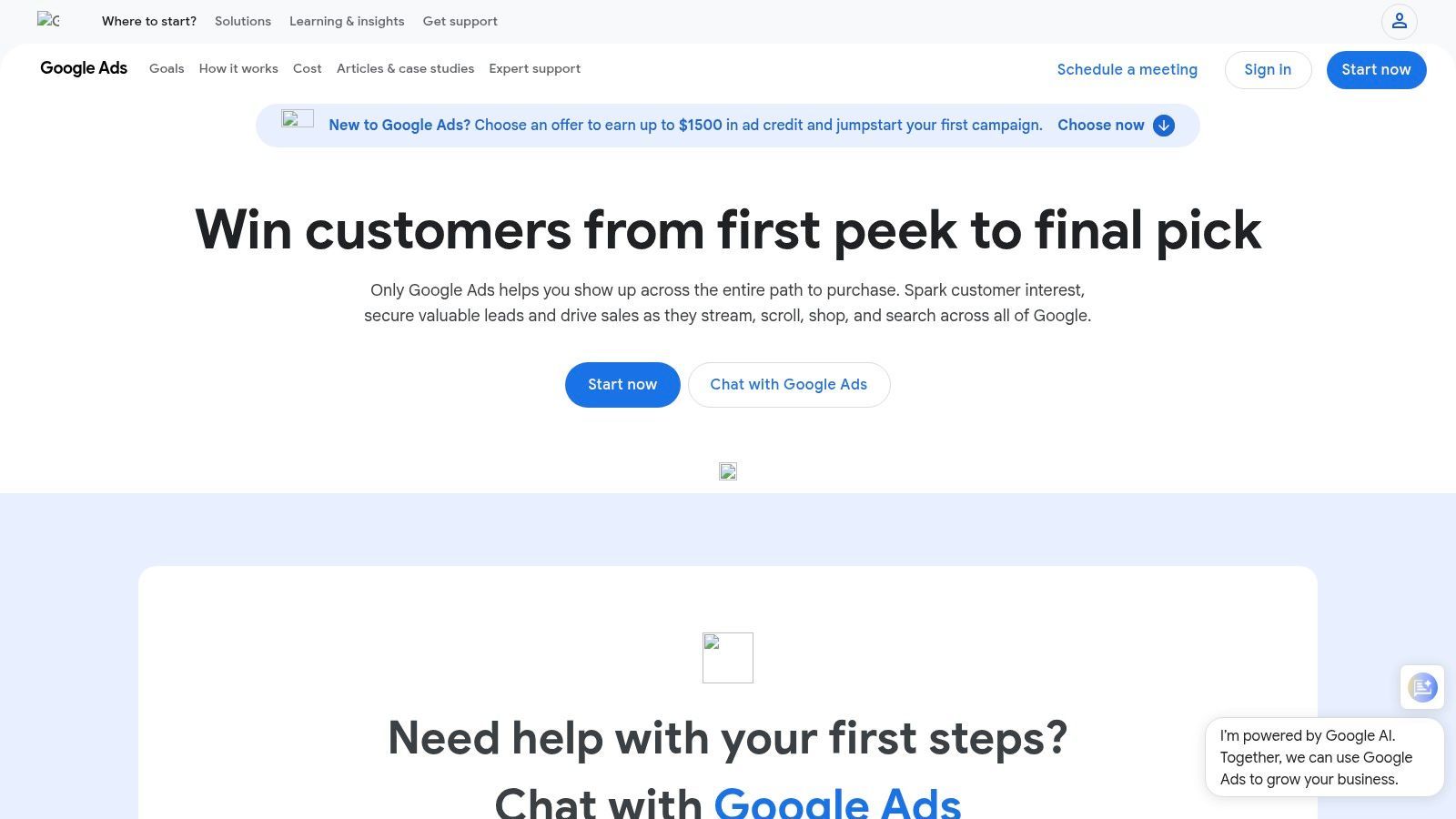
This functionality helps you quickly populate ad groups and discover new winning combinations without manually creating every single variant. Instead of replacing a dedicated design tool, it acts as a native asset multiplier, ensuring you have enough creative coverage to let Google’s algorithm find the best-performing combinations for your budget.
Core Features for Non-Designers
- Automatically Created Assets: Opt-in to let Google generate text and image assets based on your URL and existing creatives.
- Generative AI in PMax: Directly create new text and image assets within the Performance Max campaign setup using Gemini-powered prompts.
- Asset Automation Controls: Turn asset generation on or off at the campaign and ad group level for greater control.
- Performance Insights: See which AI-generated assets are performing best to inform your future creative strategy.
Getting Started Workflow
- Start a Campaign: Create a new campaign, such as Performance Max or Search.
- Upload Core Assets: Provide your primary headlines, descriptions, images, and brand logo.
- Enable Asset Automation: During setup, opt-in to allow Google to automatically create additional assets.
- Review and Launch: Monitor the auto-generated assets in the asset library and launch your campaign.
Website: https://ads.google.com/
| Pros | Cons |
|---|---|
| Native to Google inventory (Search, YouTube) | Requires close oversight to ensure brand relevance |
| Accelerates variant coverage when asset-constrained | Some automation settings may turn on by default |
| Documentation available on how assets work | Less creative control than dedicated design tools |
12 AI Ad Tools — Comparison for Small Businesses Without a Design Team
| Product | Core features | UX / Quality (★) | Price & Value (💰) | Target (👥) | Unique selling points (✨) |
|---|---|---|---|---|---|
| ShortGenius 🏆 | End-to-end AI: scripts, UGC scenes, voiceovers, captions, presets, resize & scheduler | ★★★★★ — performance-first editor; pro models (ElevenLabs, Qwen) | 💰💰 — pricing varies; built to scale testing | 👥 Creators, agencies, performance marketers, SMBs | ✨ Script-to-publish workflow; Scroll Stoppers & camera presets; series auto-publish |
| Adobe Express | Template-driven design + generative AI credits, brand kits, background removal | ★★★★ — trusted UX for non-designers | 💰💰 — credits model; some desktop-only features | 👥 Marketers, small teams, non-designers | ✨ Adobe ecosystem + commercial-safe AI & deep stock library |
| Canva | Magic Media AI, huge templates/stock, resize, brand kits, planner | ★★★★ — very easy for rapid variants | 💰 / 💰💰 — freemium; Teams plans can be pricier | 👥 Non-designers, social teams, small businesses | ✨ Massive template library + strong collaboration |
| VEED | AI ad generator, AI avatars/TTS, auto-subtitles, one-click repurpose | ★★★★ — guided flows for quick ad-ready output | 💰💰 — feature gates on higher tiers | 👥 Non-editors, small teams, social creators | ✨ Browser-native editor with UGC-style templates |
| InVideo AI | Text-to-video, script assistance, templates, avatars & voiceovers | ★★★★ — very fast from prompt → draft | 💰 — free tier (watermark); paid plans for full access | 👥 Solopreneurs, small teams, rapid promos | ✨ Rapid draft generation from prompts |
| Lumen5 | Script/URL → storyboarded video, templates, brand kits | ★★★ — good for repurposing long-form → short | 💰💰 — freemium → pro/enterprise | 👥 Marketing teams repurposing content | ✨ URL-to-video conversion for blog/product pages |
| CapCut | Templates, effects, auto-captions, TTS, cloud sync, Teams | ★★★★ — mobile-first, super fast vertical editing | 💰 — generally affordable; regional plan differences | 👥 Short-form creators, TikTok/Reels editors | ✨ Rich template/effect ecosystem optimized for vertical |
| Synthesia | AI avatars, multi-language dubbing, brand kits, API options | ★★★★ — great for on-camera replace & localization | 💰💰 — minute/credit quotas per plan | 👥 SMBs needing spokespeople & localization | ✨ Large avatar library + fast localization |
| Meta Advantage+ creative | Auto text & creative variations, image expansion, animation | ★★★ — native to Meta; speeds variant testing | 💰 — included in Ads flow; cost tied to ad spend | 👥 Advertisers on Facebook/Instagram | ✨ Native optimization & personalization at delivery |
| TikTok Symphony (Creative Center + Assistant) | Idea assistant, text-to-video guidance, avatars, Creative Center insights | ★★★★ — trend-aligned, low lift on-platform | 💰 — free within TikTok tools; ad spend separate | 👥 TikTok creators, SMBs focused on trends | ✨ Native TikTok best-practice guidance & studio features |
| Google Ads (Performance Max / Automated Assets) | Auto-generated headlines, images/video, asset automation controls | ★★★ — powerful but needs oversight for relevance | 💰 — included in Ads; relies on ad spend | 👥 Advertisers using Google inventory (Search/YouTube) | ✨ Gemini-powered generation; native coverage across Google channels |
Choosing the Right AI Tool for Your Business
The advertising landscape has been fundamentally reshaped by artificial intelligence, democratizing the creation of high-quality, professional-looking ads. As this guide has shown, you no longer need a dedicated design team or a hefty marketing budget to compete. The power to create compelling ad creative is now accessible to every small business, startup, and content creator. The key is no longer about if you can create effective ads, but about choosing the right tools to do so efficiently.
We've explored a range of powerful ai ad tools for small businesses without a design team, from comprehensive video generators to intuitive graphic design platforms. Your ideal choice hinges on your specific goals, existing workflow, and primary advertising channels.
Making Your Selection: A Practical Framework
To find the perfect fit, consider these critical factors:
- Primary Ad Format: Are you focused on video ads for TikTok and Instagram Reels, or do you primarily need static images and carousels for Facebook and Google? Tools like ShortGenius and InVideo AI excel at video, while Canva and Adobe Express are champions of static design.
- Workflow Integration: Do you prefer an all-in-one solution that handles everything from scripting to final asset generation? Or do you need a specialized tool that integrates with your existing software? An end-to-end platform simplifies the process, while specialized tools offer deeper functionality in one area.
- Scalability and Volume: If your strategy relies on testing a high volume of ad variations to find winners, look for tools built for rapid iteration. Platforms like ShortGenius are designed for performance marketers who need to produce and test creative at scale.
- Budget and Pricing Model: Your budget will inevitably guide your decision. Evaluate whether a subscription model, pay-per-use, or a freemium plan aligns with your financial strategy. When evaluating potential tools, comparing pricing structures is crucial. For instance, you can review Wikio AI's pricing details to see if a similar model fits your budget.
Your Actionable Next Steps
The most effective way to move forward is to get hands-on experience. Don't get stuck in analysis paralysis. Choose two or three tools from this list that seem most aligned with your needs and sign up for their free trials or explore their free tiers.
Dedicate a few hours to creating a test ad on each platform. This practical application will reveal more than any feature list ever could. You'll quickly discover which interface feels most intuitive, which AI features save you the most time, and which platform produces results that best match your brand's aesthetic. The era of needing a design team to launch a successful ad campaign is over. The tools are here, they are powerful, and they are ready for you to leverage.
Ready to stop brainstorming and start creating? ShortGenius is the end-to-end solution designed specifically for small businesses that need to produce high-converting video ads without a design team. Go from a simple idea to a ready-to-publish ad in minutes. Try ShortGenius today and launch your next winning campaign.