Ինչպե՞ս օգտագործել AI վիդեո գեներատորը. Գործնական ուղեցույց 2026-ի համար

Սովորեք, թե ինչպես օգտագործել AI վիդեո գեներատոր գործիքները քայլ առ քայլ՝ պրոմպտներից և տեսարաններից մինչև voiceover, խմբագրում և հրապարակում բոլոր հարթակներում 2026-ին:
Դուք նայում եք դատարկ կտորին ձեր վիդեո գործիքում, սցենարի բաց ներդիր մեկ այլ ներդիրում, և ժամկետ, որը չի թողնում տեղ եռ ժամանոց խմբագրության համար: Կարճ հրահանգը ասում է «ստեղծիր կարճ վիդեո», բայց դա նշանակում է ձևաչափ ընտրել, հուկ գրել, տեսարաններ գեներացնել, շարունակականություն ստուգել, նարրացիա ավելացնել, արդյունքը ստորագրել, չափսերը փոխել և հրապարակել մի քանի ալիքներում:
Սա՛ է պատճառը, որ how to use an AI video generator-ը սովորելը հիմնականում չէ խելացի պրոմպտ գրելու մասին: Հուսալի մոտեցումը արտադրության pipeline է՝ պլանավորել տեսարանները, գեներացնել մի քանի տարբերակներ, վերանայել յուրաքանչյուր կլիպ, հավաքել կոպիտ կտոր, կատարելագործել թույլ կետերը և ժամանակացույցով թողարկել պատրաստի տարբերակները: Մասնագիտացված AI video generation-ը արդեն դարձել է sub-$1 billion category in 2026, մեկ գնահատմամբ՝ USD 788.5 million in 2025 և прогнոզվում է USD 3,441.6 million by 2033, մեկ այլը գնահատում է մոտ USD 847 million in 2026 և прогնոզվում է USD 3.35 billion by 2034 (industry market overview): Ճշգրիտ прогնոզները տարբերվում են, բայց ուղղությունը պարզ է՝ այս գործիքները դառնում են առօրյա content infrastructure-ի մաս:
What an AI Video Generator Actually Does in 2026
Ստեղծողը բացում է աշխատանքային տարածք, ինչպես ShortGenius-ը, և սկսում պարզ խնդրանքով՝ վերածել արտադրության գաղափար, բլոգ գրառում կամ կարճ սցենար social video-ի: Generator-ը կարող է այդ մուտքը բաժանել տեսարանների, ստեղծել կամ ընտրել վիզուալներ, ավելացնել նարրացիա և երաժշտություն, տեղադրել ստորագրեր և հավաքել արդյունքը timeline-ի վրա: Ստեղծողը դեռ որոշում է, թե արդյոք արդյունքը օգտակար, վստահելի և հրապարակման արժանի է թվում:
Այդ տարբերակումը կարևոր է: AI video generator-ը չէ հրաշալի «publish» կոճակ: Դա արտադրության գործիքների կապված հավաքածու է, որը սեղմում է կրկնվող աշխատանքը՝ մնացնելով խմբագրական դատողությունը մարդու մոտ:
The three generation paths
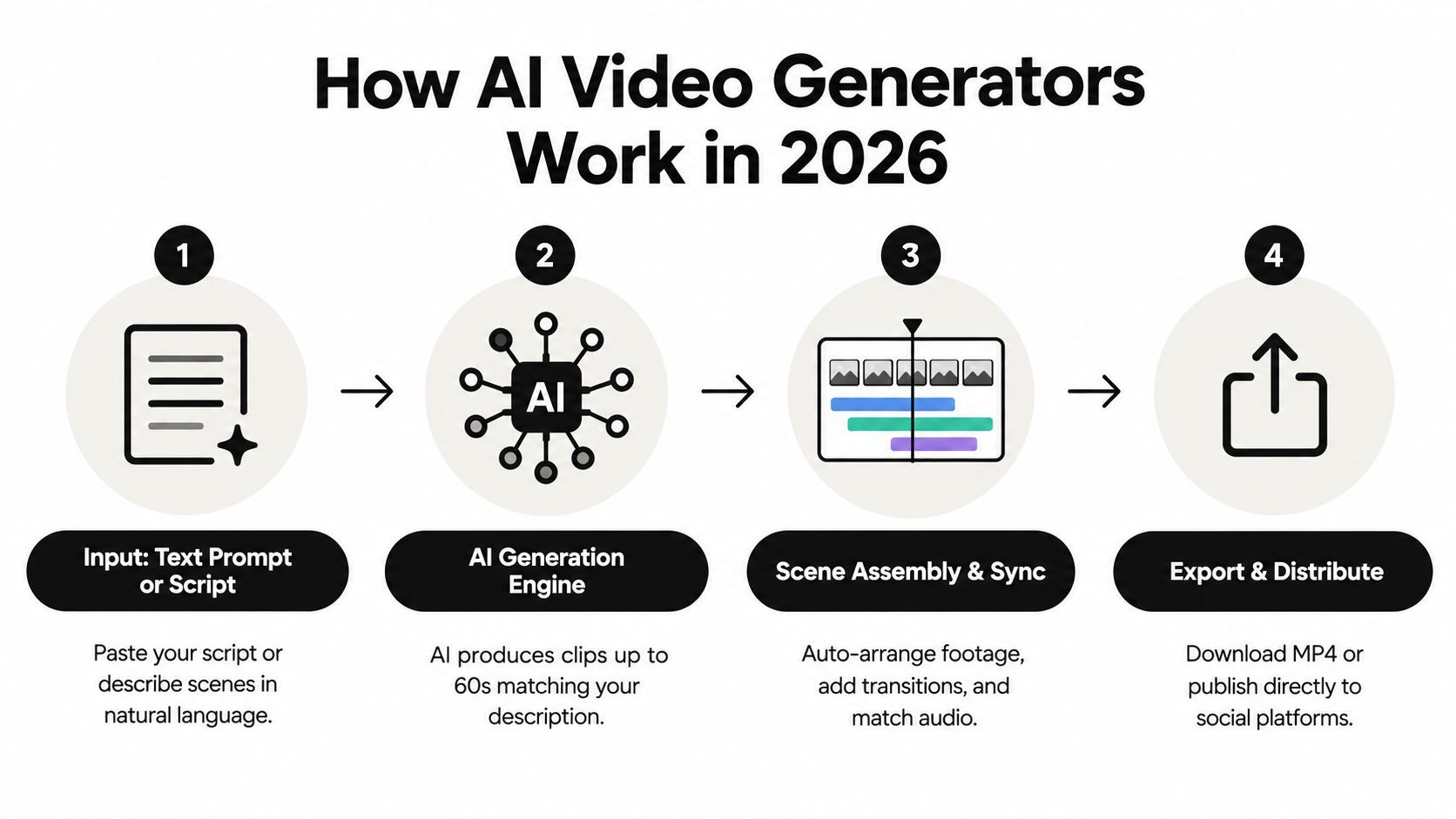
Մեծամասամբ ստեղծողները օգտագործում են երեք engine ընտանիքներից մեկը:
- Text-to-video-ն ստեղծում է տեսարան գրավոր նկարագրությունից: Դա օգտակար է абստրակտ հասկացությունների, պատկերացված վայրերի, վիզուալ մետաֆորների և անհնարին կադրային կարգավորումների համար:
- Image-to-video-ն անիմացնում է առկա still-ը, ինչպես արտադրության լուսանկար, կերպարի հղում, պաստառ կամ բրենդ иллюստրացիա: Դա տալիս է ավելի ամուր վիզուալ խարիսխ, քան միայն տեքստային խնդրանքը:
- Hybrid production-ը համակցում է գեներացված կադրերը phone clip-երի, screen recording-ների, հարցազրույցների կամ live-action արտադրության կադրերի հետ: Սա հաճախ ամենափրակտիկ ուղին է trust-led marketing-ի համար:
Հզոր աշխատանքային տարածքը նաև աջակցում է batch generation-ին, տեսարան-մակարդակի regeneration-ին, reusable template-ներին և exports-ին տարբեր ալիքների համար: Այդ հնարավորությունները ավելի շատ ժամանակ խնայում են, քան մեկ տպավորիչ render, քանի որ թույլ են տալիս փորձարկել հուկերի կամ վիզուալ ուղղությունների խումբ առանց ամբողջ նախագծի վերակառուցման:
Practical rule: Treat the first render as a draft, not a verdict.
Մարդ խմբագիրը դեռ վերահսկում է տեմպը, շեշտադրումը, վիզուալ 맛ը, փաստական ճշգրտությունը և բրենդի համապատասխանությունը: Ընթացիկ benchmark աշխատանքները առանձնացնում են quality, realism, relevance, and temporal consistency-ը, և մեկ գնահատման մեթոդը ստուգում է վիդեոն 9-frame grids-ով՝ օգտագործելով minimum grid score-ը՝ բացահայտելու տեղային ձախողումները, ինչպես տեսարանների ընդմիջումները կամ վիզուալ drift-ը (benchmark methodology): Պրակտիկայում դա նշանակում է, որ կլիպը կարող է ընդհանուր առմամբ հիանալի թվալ՝ ձախողվելով մեկ կարևոր պահի:
AI-ն հիմա վերցնում է մեխանիկական աշխատանքի մեծ մասը: Դա չի փոխարինում մարդուն, ով գիտի, թե որ կադրը պետք է բացի վիդեոն, որտեղ հեռանկարը կարող է կորցնել հետաքրքրությունը կամ գեներացված լոգոն հանդուրժելի է թվում սեփականի կողքին:
Setting Up Your Workspace and Brand Kit
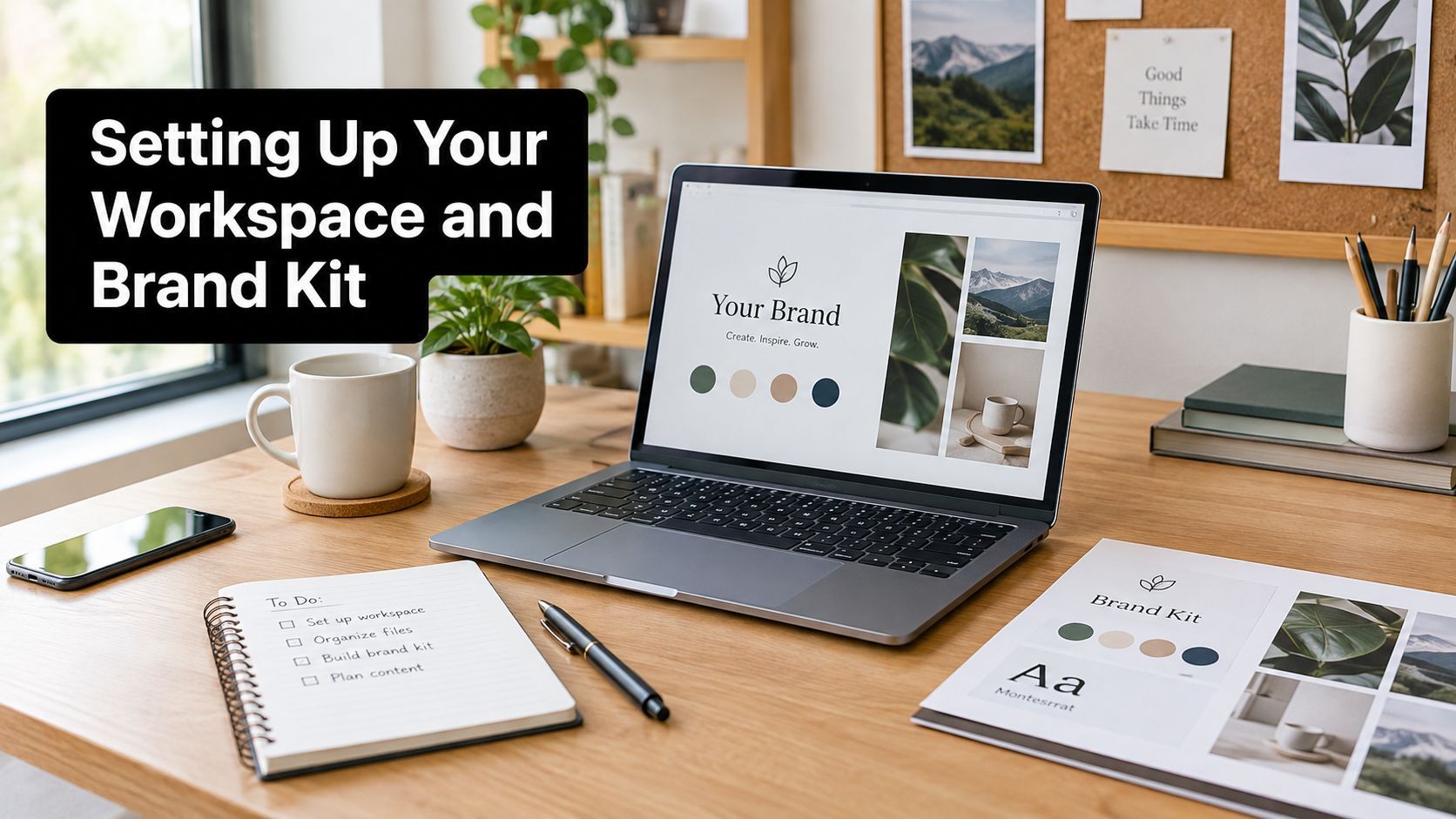
Հուսալի workflow-ը սկսվում է առաջին պրոմպտից առաջ: Պատրաստեք աշխատանքային տարածքը մեկ անգամ, որպեսզի յուրաքանչյուր նոր նախագիծ ժառանգի թիմի կողմից հաստատված որոշումները:
Սկսեք հաշիվ ստեղծելով և աշխատանքային տարածքը անվանելով channel, client, or brand-ով: Ստեղծողը կարող է օգտագործել «Fitness Shorts», իսկ agentությունը՝ առանձին տարածքներ յուրաքանչյուր հաճախորդի համար: Ընտրեք default canvas յուրաքանչյուր կրկնվող output-ի համար՝ 9:16 vertical short-form-ի, 1:1 square feed post-ների և 16:9 standard YouTube layout-ների համար: Պահեք channel-specific template-ներ՝ canvas-ը ձեռքով չփոխելու փոխարեն վերջում:
Վերբեռնեք ակտիվները, որոնք պետք է մշտապես հայտնվեն:
- Logo lockups, ներառյալ light և dark տարբերակները:
- Product photography և հաստատված packaging views:
- Talent reference images recurring presenter-ների կամ կերպարների համար:
- Color palettes, fonts, lower thirds, intro կամ outro տարրեր:
Build templates around repeatable decisions
Brand kit-ը լավագույնս աշխատում է, երբ assets-ները մուտքագրում է template-ների: Ստեղծեք մեկ master template յուրաքանչյուր ձևաչափի համար, ապա կցեք համապատասխան typography-ն, caption treatment-ը, logo position-ը, lower third-ը, transition style-ը և closing frame-ը: Նոր նախագծերը պետք է այդ կարգավորումները ժառանգեն ինքնաբերաբար՝ խմբագրին հիշողությունից վերակառուցելու փոխարեն:
Պատրաստեք workspace defaults voice-ի, music mood-ի և caption style-ի համար: Հանգստացնող educational channel-ը կարող է օգտագործել չափավոր narration voice, զսպված երաժշտություն և high-contrast captions: Արագ product channel-ը կարող է պահանջել ավելի խիստ տեմպ, ավելի ուժեղ caption շեշտ և ավելի էներգետիկ sound bed: Այդ defaults-ները չեն կողպում խմբագրին, բայց հեռացնում են կրկնվող setup աշխատանքը:
Երեք փոքր կազմակերպչական ընտրություններ ունեն oversized ազդեցություն:
- Pin one master template per format. Տեղադրեք հաստատված vertical, square և wide տարբերակները project picker-ի գլխին:
- Create a shared B-roll library. Տեսարանները դասավորեք folder-ներով, ինչպես product details, reactions, interfaces, backgrounds, transitions և seasonal assets:
Օգտագործեք պարզ filename-ներ և նշեք հաստատված assets-ները, որպեսզի ոչ ոք պատահաբար չկառուցի campaign outdated logo կամ unlicensed clip-ի շուրջ: Այս setup-ը ավարտվելուց հետո աշխատանքային տարածքը դառնում է արտադրության տուն՝ դատարկ խմբագրի փոխարեն: Թիմը կարող է գեներացնել տեսարանների batch առանց բրենդի վերա-onboarding-ի յուրաքանչյուր վիդեոյի համար:
Writing Prompts and Scripts That Produce Usable Scenes
AI video-ն ավելի լավ է արձագանքում scene-by-scene direction-ին, քան ամբողջ պատրաստի վիդեոն նկարագրող մեկ հսկա պարբերությանը: Սկսեք հաղորդագրությունից, ապա բաժանեք սցենարը վիզուալ միավորների: Կարճ social video-ն կարող է պարունակել մի քանի տեսարան, յուրաքանչյուրը իր subject-ով, action-ով, setting-ով, style-ով և camera instruction-ով:
Skincare serum demonstration-ի համար խուսափեք լայն խնդրանքից, ինչպես «make a cinematic skincare ad»: Դա չի նույնականացնում արտադրությունը, շարժումը կամ կադրի վիզուալ պատճառը: Օգտակար պրոմպտը կարող է նշել clear glass serum bottle white dropper-ով, տեղադրված pale stone-ի վրա folded towel-ի կողքին, morning light-ով ձախից, slow close push-ով, clean editorial look-ով և առանց լրացուցիչ label-ների:
Use a fixed prompt structure
| Prompt Element | Purpose | Example Wording |
|---|---|---|
| Subject | Names the object or person that must remain recognizable | “Clear serum bottle with a white dropper cap” |
| Action | Defines what changes during the shot | “A single drop forms at the pipette tip” |
| Setting | Establishes the environment and surface | “On pale stone beside a folded cotton towel” |
| Style | Guides the visual treatment | “Clean editorial skincare commercial, soft neutral palette” |
| Camera | Controls framing and movement | “Macro close-up, slow push-in, shallow depth of field” |
Բաժանեք product script-ը առանձին պահերի՝ ամբողջ commercial-ը մեկ խնդրանքով պահանջելու փոխարեն:
- Prompt one: “The same clear serum bottle with white dropper cap stands on pale stone in soft morning window light, macro close-up, slow push-in, clean editorial skincare style.”
Scene result: A stable product establishing shot. - Prompt two: “The same bottle remains on the same pale stone surface, a hand lifts the white dropper and releases one clear drop, side light from the left, tight close-up, slow controlled motion.”
Scene result: A product-use detail with one obvious action. - Prompt three: “The same bottle and towel appear beside a small cream dish, camera moves from the dish toward the bottle, warm morning light, medium close-up, restrained premium beauty style.”
Scene result: A wider closing composition suitable for a call to action.
Կրկնեք նույն character or product descriptor-ը յուրաքանչյուր կապված պրոմպտում: “The same clear serum bottle with white dropper cap” տալիս է մոդելին ավելի ամուր continuity anchor, քան «serum», «skincare product» և «glass bottle» միջև անցումը:
Vague բառերը պահանջում են context: “Cinematic” մենակ շատ քիչ է ասում: Կապեք այն shot size-ի, lens impression-ի, lighting direction-ի, camera movement-ի և ժամի հետ: Եթե մոդելը արտադրում է շատ շարժում, պարզեցրեք action-ը՝ ավելի շատ ածականներ ավելացնելու փոխարեն:
Պահեք հաջող պրոմպտները winning prompts document-ում: Գրառեք input-ը, պահված output-ը, օգտագործված մոդելը և բարելավումները: Ժամանակի ընթացքում այդ փաստաթուղթը դառնում է template library product shot-երի, talking-head backgrounds-ների, transitions-ների և recurring series-ների համար:
Generating, Assembling, and Swapping Scenes
Ընտրեք production path-ը կադրի աշխատանքի հիման վրա, ոչ թե մոդելի demo reel-ի: AI video-ն լավագույնս աշխատում է, երբ յուրաքանչյուր տեսարան ունի պարզ դեր և վիզուալ վերահսկման մակարդակ:
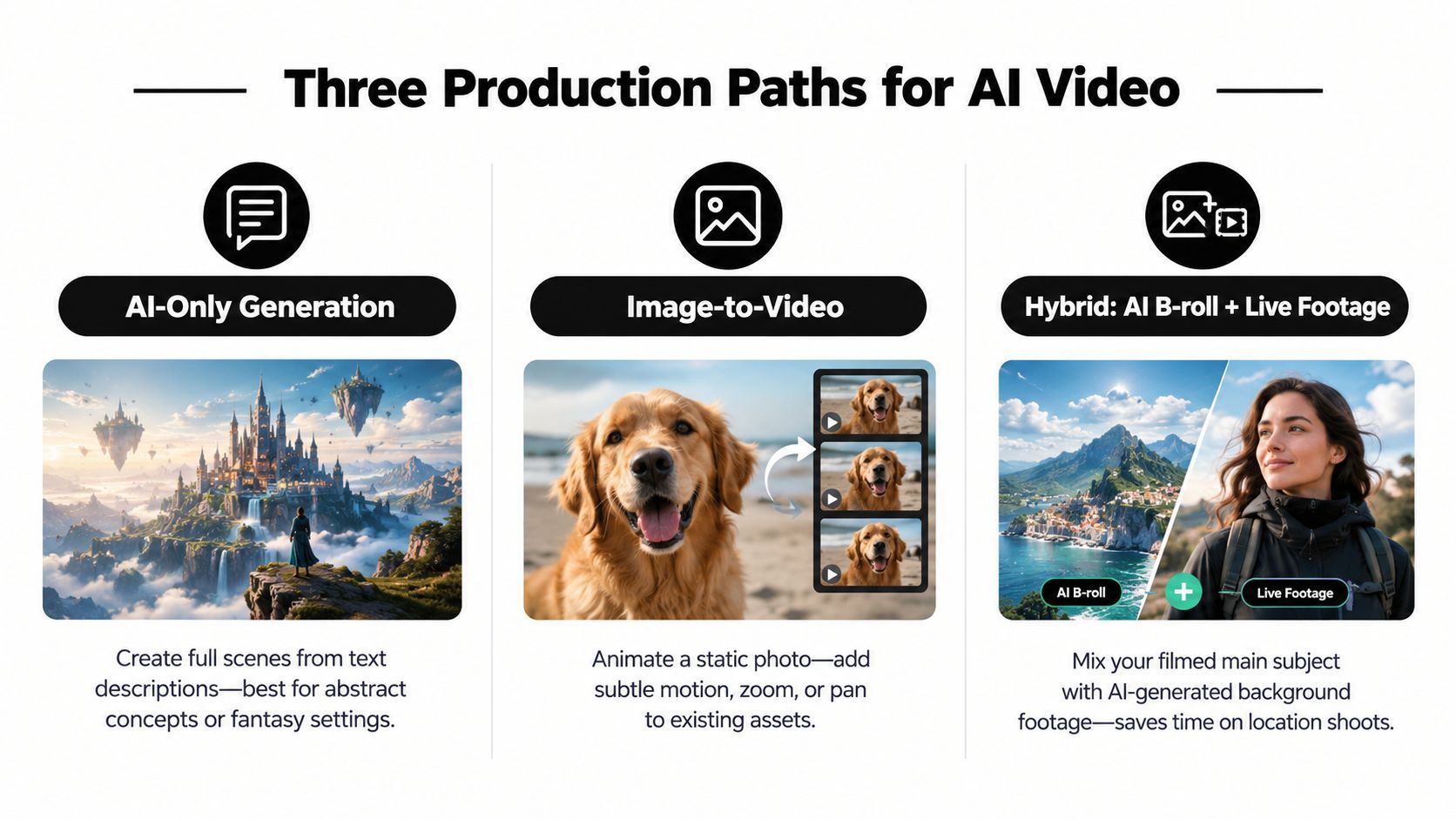
AI-only generation-ը հարմար է абստրակտ հասկացությունների, fantasy settings-ների, պատկերացված product worlds-ների և դժվար ֆիլմավորվող վիզուալ հուկերի համար: Դա տալիս է արագություն և creative range, բայց exact brand details-ները, readable text-ը և continuity-ն մի քանի տեսարաններով դեռ unreliable են:
Image-to-video-ն տալիս է ավելի ամուր starting point, երբ product-ը, character-ը կամ composition-ը արդեն առկա է reference image-ում: Օգտագործեք այն product photograph-ը անիմացնելու restrained camera move-ով, controlled hand action ավելացնելու կամ still background-ը supporting motion-ի վերածելու համար: Image-ը խարիսխում է composition-ը, թեև excessive movement-ը դեռ կարող է warp edges-ները կամ փոխել product features-ները:
Hybrid production-ը հարմար է testimonials-ների, vlog-ների, demonstrations-ների և founder-led ad-ների համար: Պահեք person-ը կամ physical action-ը real footage-ում, ապա տեղադրեք AI-generated B-roll, backgrounds, extensions կամ transitions շուրջը: Դուք պահում եք human presence-ը և physical accuracy-ն առանց յուրաքանչյուր վայրի կամ pickup shot-ի ֆիլմավորումը: Guidance on hybrid AI video workflows recommends this division of labor, with AI handling backgrounds, B-roll, effects, and extensions while real footage or avatars carry the hero moments.
Assemble for the edit, not for the generator
Մերձեցրեք յուրաքանչյուր output-ը scene card-ի timeline-ի վրա: Վերանայեք motion-ը, ընտրեք ամենահզորը section-ը և կտրեք թույլ opening-ը և ending-ը: Generated footage-ը հաճախ պահանջում է tight in-points և out-points, քանի որ շարժումը կարող է stutter shot-ի սկզբում կամ վերջում:
Batch generation-ը ավելի շատ ժամանակ խնայում է, քան մեկ արդյունքի անվերջ polishing: Ստեղծեք 5 to 10 variations, ընտրեք լավագույն 2 to 3-ը, ապա կատարելագործեք դրանք image-to-video կամ video-to-video workflows-ով, ինչպես նկարագրված է այս production workflow guidance-ում: Համեմատեք framing-ը, movement-ը և continuity-ն final sequence կառուցելուց առաջ:
Regenerate միայն ձախողված տեսարանը: Պահեք շրջապատի timeline-ը, reuse prompts-ները, որոնք արտադրել են usable results, և պահեք նույն reference image-ը և seed-ը, երբ platform-ը աջակցում է: Դժվար transition-ի համար օգտագործեք նախորդ կլիպի final frame-ը որպես հաջորդ կլիպի first-frame reference: Continuity-ն guaranteed չէ, բայց handoff-ը պարզվում է:
Օգտագործեք այս decision rule:
- Use AI-only for visual concepts and supporting shots.
- Use image-to-video for controlled product or character compositions.
- Use hybrid footage when trust, physical accuracy, or human emotion carries the message.
ShortGenius-ը տրամադրում է scene breakdown, generated visuals, voiceover, captions, B-roll, music, transitions և scene-level controls prompt-first workflow-ում: Վերանայեք նրա AI video production workflow-ը այլ գործիքների հետ նախագծի ընտրությունից առաջ:
Adding Voiceover, Captions, and Quick Edits
Post-production-ը պետք է լինի կենտրոնացված checklist, ոչ թե մեկ այլ open-ended creative session: Ավարտեք visual sequence-ը առաջինը, ապա lock-եք narration-ը actual timing-ի դեմ:
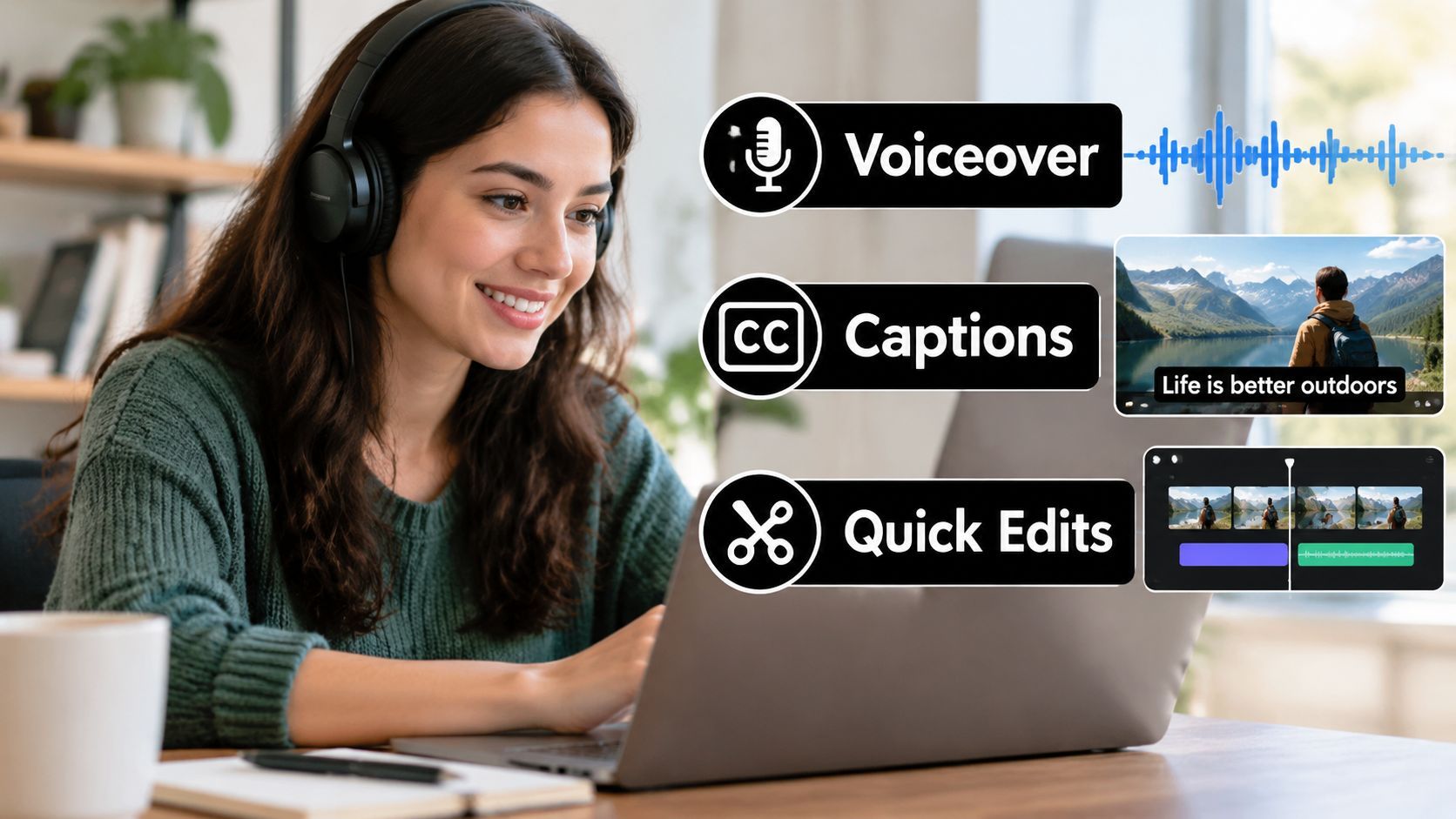
Սկսեք stock կամ հաստատված cloned voice ընտրելով: Paste-եք finalized script-ը, լսեք awkward emphasis-ի համար և adjust-եք pacing-ը voice settings-ով՝ recording-ը կրկնակի գրառման փոխարեն: Եթե narration-ը rushed թվում է, կրճատեք copy-ը կամ reduce-եք delivery speed-ը: Մի փորձեք լուծել visual timing խնդիրը forcing voice-ին race-ի:
A fast finishing pass
- Generate the voiceover. Listen for names, technical terms, product claims, and unnatural pauses.
- Create captions from the final audio. Select the caption treatment from the brand kit, then compare every word with the spoken track.
- Trim scene edges. Remove weak frames at the start and end of generated clips, especially where motion begins with a wobble or ends with a visible freeze.
- Check the mobile crop. Keep faces, products, and text inside the safe central area before exporting.
- Create destination versions. Use 9:16 for TikTok, Instagram Reels, and YouTube Shorts, 1:1 for square feed content, and 16:9 for standard YouTube video.
- Swap without rebuilding. Replace a failed scene while preserving the voice track, caption style, and timeline position.
Captions-ները արժանի են human review-ի, քանի որ automatic timing-ը կարող է correct թվալ՝ շեշտելով wrong phrase-ը: Ստուգեք line breaks-ները, names-ները, numbers-ները և calls to action-ները: Caption, որն շեշտում է product-ը կամ lands spoken phrase-ից հետո, թուլացնում է ամբողջ edit-ը:
Պահեք winning voice settings-ները project-ին կամ template-ին կցված: Երբ տեսարան պահանջում է regeneration, replacement-ը պետք է ժառանգի նույն narration-ը և pacing-ը՝ նոր voice-ով video-ի character-ը չփոխելով:
Publishing Across TikTok, YouTube, Instagram, Facebook, and X
Publishing-ը դանդաղվում է, երբ յուրաքանչյուր channel-ը առանձին project է համարվում: Կառուցեք distribution system series-ի շուրջ, ոչ թե isolated files-ի: Ստեղծեք folder-ներ, ինչպես “Monday Tips,” “Wednesday Reactions,” “Product Demonstrations,” կամ “Customer Questions,” ապա կապեք յուրաքանչյուրը relevant publishing workflow-ին:
Project name-ը պետք է պարունակի բավական context, որպեսզի թիմի անդամը հասկանա առանց file-ը բացելու: Practical naming pattern-ը ներառում է series-ը, topic-ը, hook-ը, format-ը և status-ը: Պահեք master version-ը առանձին channel exports-ից, որպեսզի caption change կամ new crop չգրավի source-ը:
Match the edit to the destination
| Platform | Aspect Ratio | Caption Style | Max Length |
|---|---|---|---|
| TikTok | 9:16 | Large, high-contrast, fast-changing captions | Confirm current platform limit before scheduling |
| YouTube | 16:9 for long-form, 9:16 for Shorts | Search-aware title cards and readable subtitles | Confirm current format-specific limit |
| 9:16 for Reels, 1:1 for feed posts | Brand-led captions with strong opening text | Confirm current placement limit | |
| 9:16, 1:1, or 16:9 depending on placement | Clear captions that work with sound off | Confirm current placement limit | |
| X | 16:9 or 1:1, with vertical variants where appropriate | Compact captions and a direct hook | Confirm current upload limit |
Մերձեցրեք աղյուսակը production planning guide-ի, ոչ թե platform-ների current upload rules ստուգելու փոխարեն: Limits-ները և accepted formats-ները կարող են փոխվել, ուստի verify-եք դրանք scheduler-ի ներսում campaign-ը live գնալուց առաջ:
Կապեք TikTok, YouTube, Instagram, Facebook և X tool-ի approved account connection flow-ով: Ապա գեներացրեք native versions նույն project-ից՝ unmodified file-ը հեռու տեղադրելու փոխարեն: Vertical cut-ը կարող է պահանջել տարբեր opening text YouTube version-ից, իսկ X-ը՝ shorter caption և self-contained message:
Stagger releases-ները, երբ content-ը աջակցում է series-ին: Օգտագործեք audience insights publishing windows ընտրելու համար, բայց մի շփոթեցրեք scheduled time-ը strategy-ի հետ: Publishing-ից հետո համեմատեք retention-ը, comments-ները, saves-ները, shares-ները և click behavior-ը hook-ով և format-ով: Views-ները մենակ չեն ասի, թե opening-ը, pacing-ը կամ offer-ը աշխատել է:
Optimization, Troubleshooting, and Workflow Templates
AI video-ն փոխարինում է production աշխատանքի մի մասը, ոչ թե խմբագրի դատողությունը: Generator-ը կարող է արագ արտադրել persuasive first draft, բայց multi-scene projects-ը դեռ բացահայտում է character morphing, changing object states, broken motion continuity, inaccurate logos և flickering text:
Independent benchmark research-ը նույնականացնում է weak temporal consistency-ն ու poor compositional control-ը որպես recurring technical problems: Strong models-ները դեռ պայքարում են object state changes-ների, motion continuity-ի և text fidelity-ի հետ: DEVIL evaluation metric-ը հասել է մոտ 90% consistency with human ratings-ի, ուստի human review-ը պահանջվում է release-ից առաջ (video evaluation research):
A practical repair playbook
- Temporal drift: Regenerate only the damaged segment, reuse the same reference image, and simplify the action.
- Inconsistent product or character: Repeat the exact descriptor, preserve the reference image, and lock the seed when available.
- Hallucinated text or logos: Remove generated lettering, then add approved text in the editor.
- Off-beat lip sync: Reduce dialogue complexity, choose a simpler shot, or replace the speaking clip with voiceover over supporting footage.
- Broken transition: Use the previous scene's last frame as the next scene's visual reference.
- Resolution collapse: Replace a damaged source instead of repeatedly upscaling a poor render.
- Unconvincing physical demonstration: Insert real footage for the action and keep AI for surrounding B-roll.
Batch generation-ը ժամանակ խնայում է միայն, երբ յուրաքանչյուր variation ունի clear test: Ստեղծեք մի քանի hooks, openings կամ B-roll options, label-եք դրանք scene-ով և purpose-ով, ապա համեմատեք նույն edit structure-ով: Պահեք strongest version-ը, swap-եք weak scenes առանց ամբողջ նախագծի վերակառուցման, և preserve-եք approved references հաջորդ batch-ի համար:
AI-ն լավ է աշխատում talking-head intros-ների, listicle Shorts-ների, abstract B-roll-ների, product atmosphere-ի և looping visual concepts-ների համար: Filmed footage-ը ավելի safe է emotional reactions-ների, precise physical demonstrations-ների և պահերի համար, որտեղ հեռանկարները պետք է վստահեն, որ event-ը իրականում տեղի է ունեցել: Authenticity-ն ու disclosure-ը նույնպես կարևոր են: Deloitte-ը 2025-ի վերջին forewarned, որ generative video-ն կարող է հանգեցնել additional labeling requirements-ների և այլ policy responses-ների 2026-ին, ուստի պահեք clear review և disclosure process (policy coverage):
Reusable workflows that can ship
| Workflow | Prompt and Scene Plan | Voiceover Style | Publishing Cadence |
|---|---|---|---|
| Daily Short | Hook, problem, one visual example, takeaway, CTA. Generate several hook and B-roll variants, then keep the strongest sequence. | Direct, conversational, tightly edited | Schedule as part of a recurring short-form series |
| Weekly YouTube Video | Intro, context, three to five main points, demonstrations, summary, next step. Use real screen recordings or footage for proof and AI scenes for transitions or concepts. | Calm explainer with deliberate pauses | Publish one edited master, then create platform-specific clips |
| Monthly Ad Batch | One product message with multiple hooks, visual openings, offers, and CTAs. Keep product shots and legal copy manually controlled. | Brand-approved voice with consistent delivery | Schedule approved variants across paid and organic placements |
Պահեք final human check publishing-ից առաջ: Նայեք phone-ով, կարդացեք յուրաքանչյուր caption, inspect-եք first և last frames-ները, verify-եք product-ը և offer-ը, և confirm-եք, որ disclosure approach-ը համապատասխանում է platform-ին և campaign-ին:
ShortGenius (AI Video / AI Ad Generator) համակցում է scriptwriting, image generation, video assembly, natural voiceovers, captions, B-roll, resizing, scene swaps, brand kits և multi-channel scheduling մեկ workflow-ում: Այցելեք ShortGenius (AI Video / AI Ad Generator)՝ brief-ը վերածելու reviewed, reusable production pipeline-ի՝ one-off render-ի փոխարեն: