مفت AI Script Generator: 2026 کے لیے 10 ٹولز کا موازنہ

شارٹ فارم ویڈیو، اشتہارات اور سوشل میڈیا کے لیے بہترین مفت AI Script Generator ٹولز کا جائزہ لیں۔ مفت حدود، نمونہ پرامپٹس، فوائد، نقائص اور اپ گریڈ ٹریگرز کا موازنہ کریں۔
آپ کو سیکنڈوں میں ایک دلچسپ ہک مل جاتا ہے۔ پھر پروڈکشن سست ہو جاتی ہے۔ Voiceover کی ریکارڈنگ درکار ہوتی ہے، scenes بنانے پڑتے ہیں، captions چیک کرنے پڑتے ہیں، اور فائنل export ابھی TikTok، YouTube، Instagram، یا ad account تک پہنچنا ہے۔ ایک free script خالی صفحہ تو حل کر سکتا ہے مگر publishing کا مسئلہ حل نہیں کرتا۔
یہی خلا ہے جس پر یہ راؤنڈ اپ مرکوز ہے۔ بہترین AI script generator free آپشنز اس بات پر منحصر ہیں کہ آپ کا workflow کہاں ٹوٹتا ہے: copy development، rough-cut production، یا distribution۔ کچھ tools hooks اور dialogue کے لیے بہترین ہیں مگر text پر رک جاتے ہیں۔ دوسرے usable video جلدی assemble کرتے ہیں، مگر exports، voices، credits، یا advanced features محدود کر دیتے ہیں۔ ایک all-in-one platform زیادہ خلا بند کر سکتا ہے، مگر آپ output quality اور plan limits ٹیسٹ کریں commit کرنے سے پہلے۔
AI-assisted writing اب mainstream business capability بن چکی ہے۔ McKinsey نے رپورٹ کیا کہ 65% surveyed organizations نے early 2024 میں کم از کم ایک business function میں generative AI باقاعدگی سے استعمال کیا، جو 33% تقریباً دس ماہ پہلے سے بڑھا، جبکہ later 2024 survey نے 78% AI use کم از کم ایک business function میں رپورٹ کیا۔ The same McKinsey research یہ عملی بات بھی کرتی ہے کہ adoption اکیلا business value کی ضمانت نہیں دیتا۔ Human review اب بھی اہم ہے۔
اگر آپ مزید آپشنز کا موازنہ کر رہے ہیں، تو یہ free AI tools کی گائیڈ ایک مفید ساتھی ہے۔ نیچے کی لسٹ workflow trade-offs کو جلدی واضح کر دیتی ہے۔
1. ShortGenius
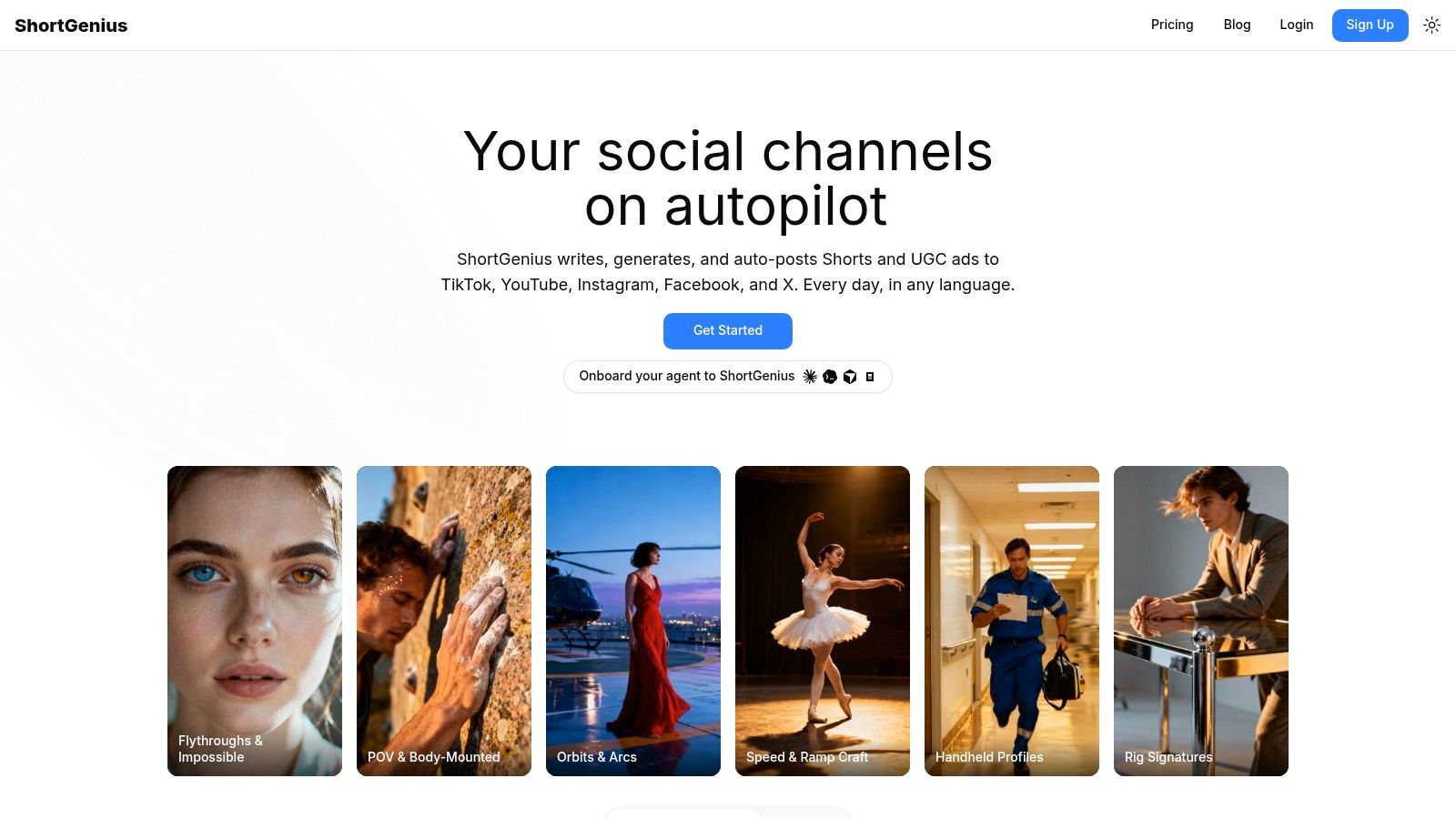
ایک creator صبح product idea سے شروع کر سکتا ہے اور دوپہر تک finished social variations، captions، اور scheduled posts چاہیے۔ ShortGenius اس workflow کے لیے موزوں ہے کیونکہ یہ صرف script drafting سے زیادہ ہینڈل کرتا ہے۔ آپ prompt، script، یا blog post سے شروع کر سکتے ہیں، پھر writing، visuals، voiceover، captions، editing، resizing، اور scheduling ایک ہی editor میں۔
مرکزی فائدہ کم production handoffs کا ہے۔ ShortGenius scenes اور voices swap کرنے دیتا ہے، clips trim کرتا ہے، captions اور brand kits apply کرتا ہے، اور camera movement، scroll stoppers، اور دیگر creative treatments کے لیے presets استعمال کرتا ہے۔ یہ themed series اور TikTok، YouTube، Instagram، Facebook، اور X کے لیے auto-scheduling بھی سپورٹ کرتا ہے۔ پروڈکٹ 100,000+ creators and teams کے استعمال کی رپورٹ کرتا ہے، اور اس کی سائٹ پر published videos substantial engagement کے ساتھ دکھائے جاتے ہیں۔
Best use case and upgrade trigger
Creator series، DTC ads، product explainers، educational clips، اور multi-channel campaign variations کے لیے ShortGenius استعمال کریں۔ اس کا workflow language models کو image، video، اور voice tools کے ساتھ جوڑتا ہے، لہٰذا ٹیم کو ہر production stage کے لیے الگ subscriptions یا API connections کی ضرورت نہیں۔ Free-to-start workflow میں sign-up پر لسٹڈ three videos per month اور watermark-free previews شامل ہیں۔
عملی ٹیسٹ complete production path کا ہے۔ ایک real concept draft کریں، اس کے scenes generate کریں، voiceover review کریں، asset export کریں، اور post schedule کریں۔ Strong script اکیلا یہ نہیں دکھاتا کہ tool آپ کے publishing process میں فٹ بیٹھتا ہے۔
مرکزی trade-off limited pricing visibility ہے۔ Public pages full plan details نہیں دکھاتے، لہٰذا costs اور usage limits confirm کرنے کے لیے sign up یا ShortGenius سے رابطہ کریں۔ Manual editing مہموں کے لیے ضروری رہ سکتی ہے جہاں exact claims، distinctive visual direction، یا highly specific brand voice درکار ہو۔
Pros
- End-to-end production: Writing، assets، video assembly، voiceover، editing، اور scheduling ایک workflow شیئر کرتے ہیں۔
- Multi-channel distribution: TikTok، YouTube، Instagram، Facebook، اور X کے لیے series تیار کریں۔
- Model flexibility: Multiple writing، image، video، اور voice technologies الگ API wiring کے بغیر استعمال کریں۔
- Fast creative testing: Presets اور scene controls hook اور visual variations تیز کرتے ہیں۔
- Brand consistency: Brand kits، reusable series، captions، resizing، اور shared library repeated setup کم کرتے ہیں۔
Cons
- Pricing requires a check: Public site پر full plan details نظر نہیں آتے۔
- Human review remains necessary: Bespoke campaigns اور sensitive claims کو substantial editing درکار ہو سکتی ہے۔
اگر آپ کا bottleneck scripting سے publishing تک ہے نہ کہ صرف copy، تو ShortGenius وزٹ کریں۔
2. InVideo AI
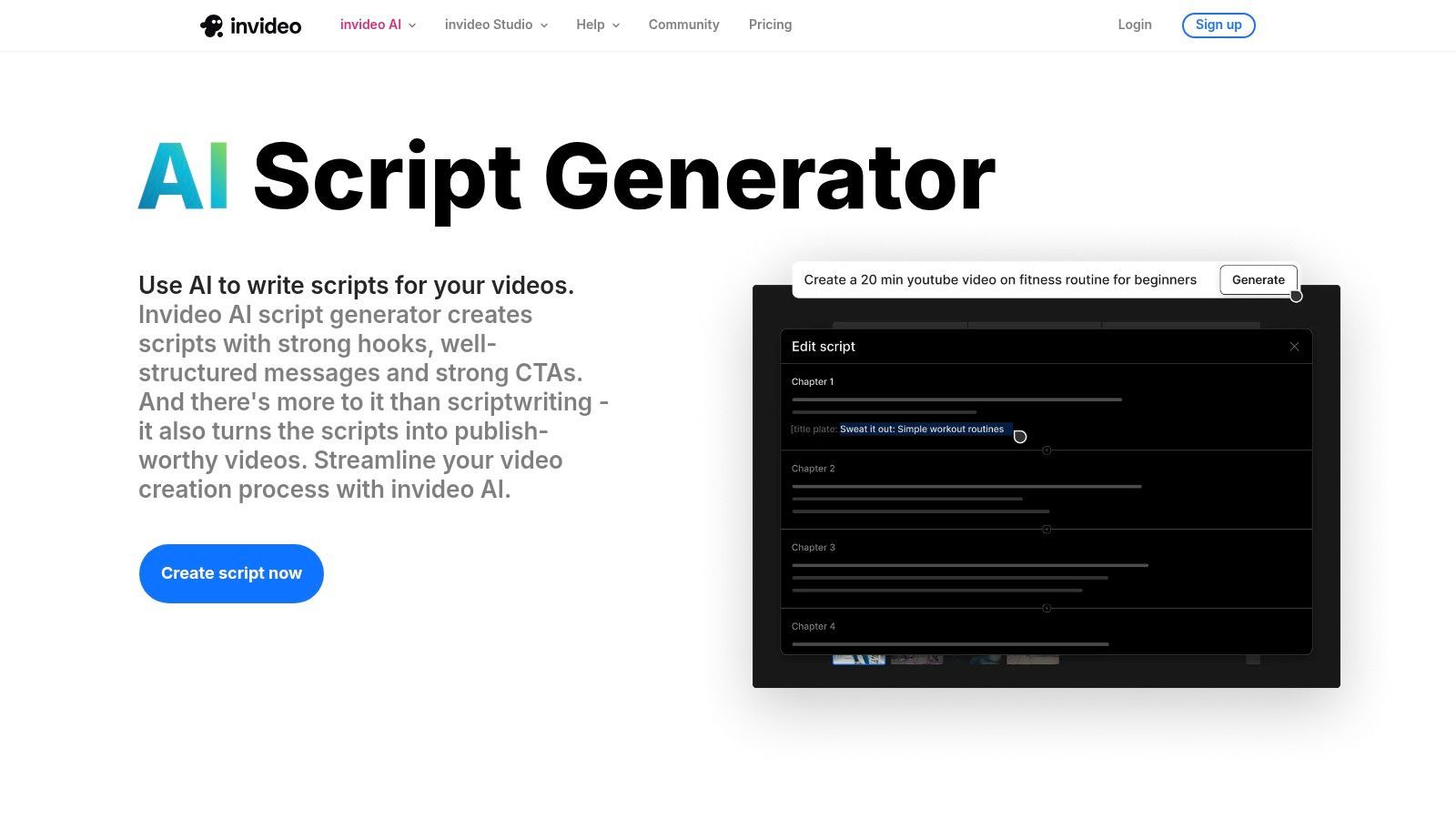
InVideo AI ان ٹیموں کے لیے اچھا کام کرتا ہے جو script کو جلدی rough video بنانا چاہتی ہیں۔ اس کا free AI Script Generator idea یا partial draft لے سکتا ہے، جبکہ broader workflow scenes build کرتا ہے، stock footage select کرتا ہے، music add کرتا ہے، voiceover generate کرتا ہے، اور captions apply کرتا ہے۔ یہ copy-only tool سے زیادہ useful ہے جب آپ decide کر رہے ہوں کہ idea production time deserve کرتا ہے۔
Standalone script step fast iteration کے لیے مددگار ہے۔ آپ کئی openings ٹیسٹ کر سکتے ہیں، message revise کر سکتے ہیں، اور full video کی طرف بڑھنے کا فیصلہ کر سکتے ہیں بجائے ہر بار complete edit generate کرنے کے۔ Explainers، simple ads، اور stock footage پر مبنی social videos کے لیے یہ separation effort بچاتی ہے۔
Where it fits
جب ٹیم کو quick concept validation اور one prompt سے rough cut چاہیے تو InVideo AI منتخب کریں۔ Stock libraries اور social-oriented outputs copy سے stakeholders review تک کا راستہ مختصر کرتے ہیں۔ Visual language b-roll پر rely کر سکے تو یہ خاص طور پر practical ہے۔
Free tier کو trial environment سمجھیں۔ Exports limited یا watermarked ہو سکتے ہیں، اور voice quality یا stock selection specialist niche کے tone miss کر سکتے ہیں۔ Client work یا paid ads میں جہاں final file clean اور consistent ہونی چاہیے، یہ limitations اہم ہو جاتی ہیں۔
Upgrade when you need: unwatermarked exports، more dependable production volume، stronger asset control، یا voice اور stock workflow جو repeated substitutions نہ چاہے۔
اسے ٹیسٹ کرنے کے لیے InVideo AI script generator دیکھیں کہ اس کا prompt-to-rough-cut process آپ کے production habits سے match کرتا ہے۔
3. VEED
VEED اچھا choice ہے جب آپ script idea سے short social edit تک بڑھنا چاہیں بغیر صرف writing experience ٹیسٹ کرنے account بنائے۔ اس کا AI Script Generator free generation سپورٹ کرتا ہے، جبکہ AI Studio prompt یا existing script کو video میں بدل سکتا ہے captions، b-roll، dubbing، avatars، یا voice options کے ساتھ۔
فائدہ friction کم ہونا ہے۔ Creator hooks جلدی ٹیسٹ کر سکتا ہے، پھر decide کر سکتا ہے کہ concept visual treatment deserve کرتا ہے۔ Reels، TikToks، اور ad variations کے لیے جہاں first draft weak positioning expose کرنے کے لیے ہوتا ہے نہ کہ final production script، یہ valuable ہے۔
Free access and limits
VEED free-versus-paid boundaries دوسرے AI video tools سے زیادہ واضح کرتا ہے۔ Free experience voice generations، avatars، exports، یا دیگر AI features پر caps لگا سکتی ہے، لہٰذا script stage production stage سے زیادہ open لگ سکتی ہے۔ Export requirements جلدی چیک کریں۔ Strong draft generate کرنے والا tool مگر آپ کے needed format block کر دے تو workflow کے لیے free نہیں۔
Fast social testing، basic dubbing، اور lightweight script-to-video experiments کے لیے VEED استعمال کریں۔ High-volume generation، custom visual direction، یا premium AI features تک unrestricted access چاہیے تو کم attractive ہے۔
Upgrade when you need: more voice capacity، avatar access، fewer export restrictions، یا regular production pipeline بجائے occasional experiments کے۔
VEED AI Script Generator سے شروع کریں اور ایک script کو editor تک مکمل ٹیسٹ کریں۔
4. Kapwing
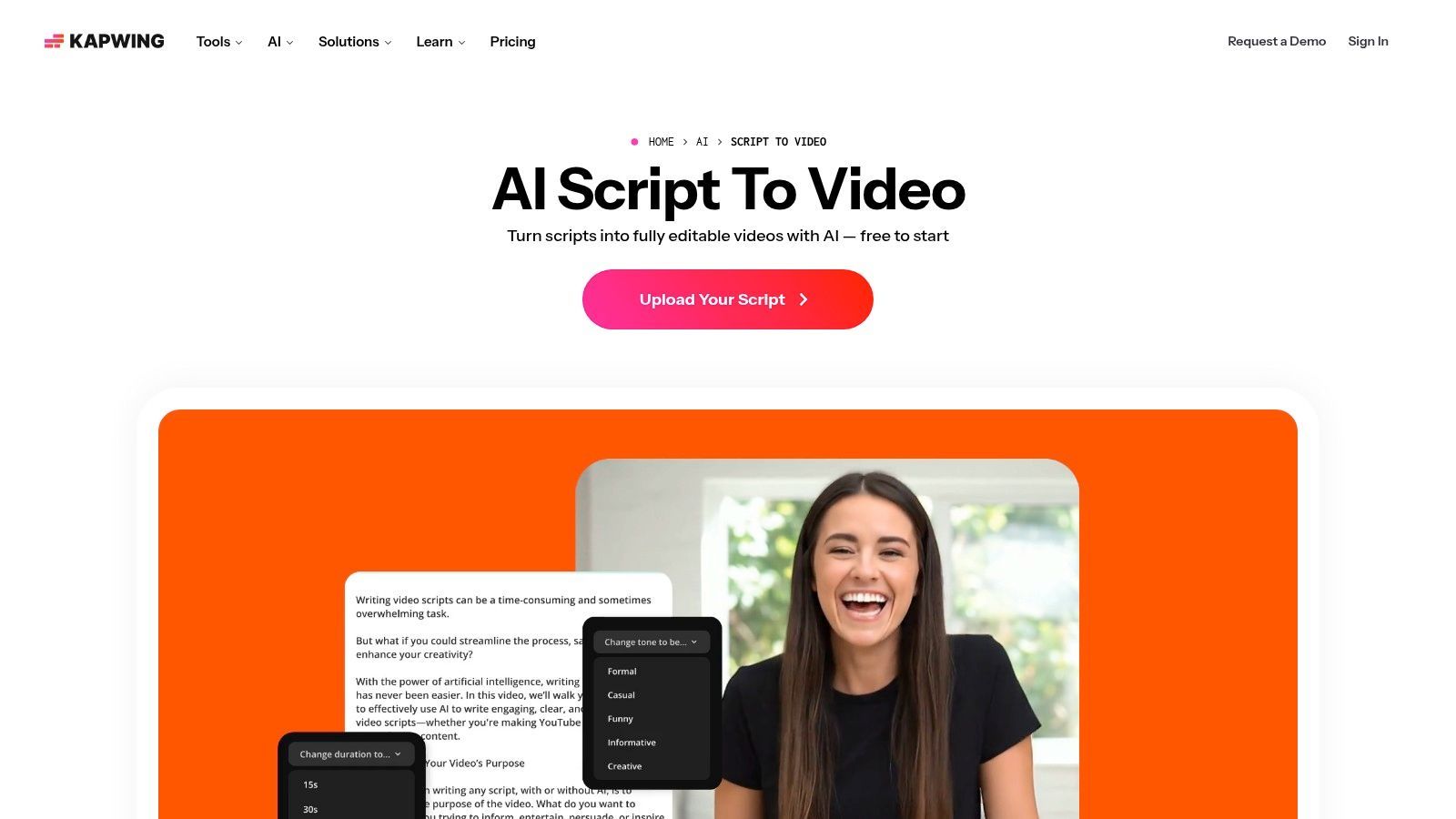
Kapwing social teams کے لیے sensible ہے جو script اور short-form layout کو ایک ساتھ develop کرنا چاہیں۔ اس کے AI tools prompt، article، یا existing script کو scenes میں بدل سکتے ہیں stock visuals اور captions کے ساتھ، جبکہ free AI credits نئے users کو workflow ٹیسٹ کرنے کا practical طریقہ دیتے ہیں۔
سب سے strong use case Shorts اور Reels production ہے جہاں speed cinematic control سے زیادہ matter کرتی ہے۔ Kapwing کا onboarding اور editing environment social content کے گرد بنایا گیا ہے، لہٰذا output reviewable post کے قریب ہوتا ہے نہ کہ bare writing draft۔ یہ small team کو pacing، caption density، اور visual continuity جلدی judge کرنے میں مدد دیتا ہے۔
What the free tier really tests
Free AI credits interface سیکھنے اور validate کرنے کے لیے useful ہیں کہ Kapwing کا scene assembly آپ کے content میں فٹ بیٹھتا ہے۔ یہ ongoing publishing schedule support نہ کریں۔ Credit اور time limits، plus possible watermarks، promising workflow کو manual export workaround میں بدل سکتے ہیں اگر team بڑھے۔
Platform script-only tools اور automated video suites کے درمیان reasonable middle ground ہے۔ Accessible editor رہتا ہے، مگر فرض نہ کریں کہ first AI assembly brand کا exact rhythm یا claims reflect کرے گا۔ Publish کرنے سے پہلے captions، stock choices، اور scene boundaries review کریں۔
Upgrade when you need: more generation capacity، longer یا more frequent projects، cleaner exports، یا heavier automation۔
Real social concept کے ساتھ Kapwing AI script-to-video workflow آزمائیں بجائے generic demo prompt کے۔
5. Canva Magic Write
Canva Magic Write ان ٹیموں کے لیے practical choice ہے جو پہلے سے Canva میں کام کرتی ہیں۔ اس کا AI Script Generator Canva Docs اور presentations میں video، podcast، اور presenter scripts draft کر سکتا ہے، پھر ان ideas کو visual layouts، slides، یا video designs میں ہینڈ اوور کر سکتا ہے۔
یہ connection raw script quality سے زیادہ important ہے بہت سی marketing teams کے لیے۔ Social manager talking points develop کر سکتا ہے، انہیں presenter notes میں منتقل کر سکتا ہے، brand elements apply کر سکتا ہے، اور draft collaborators کے ساتھ شیئر کر سکتا ہے بغیر نئے workspace introduce کیے۔ Brand voice controls اور team collaboration recurring content aligned رکھنے میں آسانی دیتے ہیں۔
Best for designed content
Presenter-led videos، educational slides، branded announcements، اور content جو design handoff چاہے کے لیے Canva استعمال کریں۔ Automated scene generation، natural voiceover، یا direct multi-platform scheduling ایک ہی flow سے چاہیے تو کم compelling ہے۔
Free plan usage allowances شامل کرتا ہے، لہٰذا heavy users pauses یا limits hit کر سکتے ہیں۔ Script output generic ہو سکتا ہے، خاص طور پر جب prompt میں audience، product، proof، tone، اور delivery constraints نہ ہوں۔ Canva presentable visual package کے قریب لے جاتا ہے، مگر human کو hook sharpen اور language spoken sound کرنے کی ضرورت ہے۔
Upgrade when you need: more AI usage، premium design assets، higher-volume collaboration، یا broader production access۔
اپنی ٹیم کے استعمال والے workspace میں Canva's AI Script Generator ٹیسٹ کریں۔
6. CapCut
CapCut پہلے سے وہاں edit کرنے والے creators کے لیے سب سے آسان recommendation ہے۔ اس کا free web-based Ad Script Generator copy produce کر سکتا ہے بغیر الگ writing environment کے، اور text-to-video tools ideas suggest کر سکتے ہیں، visuals compose کر سکتے ہیں، اور result کو mobile یا desktop editing میں feed کر سکتے ہیں۔
Value workflow continuity میں ہے۔ آپ ad angle draft کر سکتے ہیں، social-native format میں منتقل کر سکتے ہیں، captions add کر سکتے ہیں، اور ایک ہی editor میں finish کر سکتے ہیں۔ یہ UGC-style ads، product clips، trend-responsive posts، اور creator content کے لیے useful بناتا ہے جو quick mobile finishing چاہے۔
Why existing CapCut users benefit most
CapCut کا built-in captioning اور familiar social formats setup کم کرتے ہیں۔ اگر ٹیم editor جانتی ہے تو script generator extra starting point بن جاتا ہے نہ کہ نیا production system سیکھنے کا۔ Short product brief کو editable social draft میں بدلنے کے لیے یہ sensible first stop ہے۔
Limitation automation depth ہے۔ CapCut کے AI features پروڈکٹ evolve ہونے کے ساتھ change ہو سکتے ہیں، اور heaviest script-to-video workflows dedicated end-to-end suite سے match نہ کریں۔ Specific feature کے گرد larger process design کرنے سے پہلے current experience review کریں۔
Upgrade when you need: more advanced AI access، greater automation، یا standard editor workflow سے آگے production controls۔
Product benefit اور clear audience constraint کے ساتھ CapCut Ad Script Generator آزمائیں۔
7. vidIQ AI Script Generator
vidIQ مختلف workflow stage کے لیے بنایا گیا ہے۔ یہ strongest ہے جب script YouTube channel strategy serve کرے نہ کہ صرف short social slot بھرے۔ اس کا generator hooks، retention beats، pacing، اور storytelling پر focus کرتا ہے، جبکہ broader platform scripts کو title، description، thumbnail، اور analytics tools سے جوڑتا ہے۔
یہ context creators کو good line اور useful video concept کے درمیان بہتر فرق سمجھنے میں مدد دیتا ہے۔ Script polished sound کر سکتا ہے مگر title یا thumbnail support نہ کرے جو viewer کو attract کیا۔ vidIQ کا YouTube orientation full package پر سوچنے کی ترغیب دیتا ہے، click سے پہلے کی promise سمیت۔
Best use case and limitation
Niche research، YouTube openings، educational explainers، اور repeatable channel formats کے لیے استعمال کریں۔ Free plan monthly AI credits شامل کرتا ہے، جو concepts ٹیسٹ کرنے اور interface سیکھنے کے لیے suitable ہے۔ Unlimited drafts، multi-platform publishing، یا full visual production layer چاہیے تو کم suitable ہے۔
Output quality vary کر سکتی ہے، لہٰذا facts، pacing، اور hook video payoff سے match کرتا ہے یا نہیں چیک کیے بغیر first draft publish نہ کریں۔ Platform idea structure کرنے میں مدد کرتا ہے، مگر channel-specific editorial judgment replace نہیں کرتا۔
Upgrade when you need: more AI credits، deeper optimization access، یا titles، thumbnails، اور analytics کے گرد larger YouTube workflow۔
Channel-focused drafting کے لیے vidIQ AI script generator explore کریں۔
8. ChatGPT Free
ChatGPT Free copy-only scripting کے لیے سب سے flexible options میں سے ایک ہے۔ یہ outlines، scene اور shot lists، ad variants، UGC dialogue، presenter notes، educational scripts، اور alternate hooks ایک ہی brief سے generate کر سکتا ہے۔ اس کا سب سے بڑا فائدہ iteration ہے۔ آپ shorter opening، more conversational delivery، stronger objection، یا three different calls to action مانگ سکتے ہیں بغیر tools change کیے۔
یہ flexibility constraints provide کرنے پر best کام کرتی ہے۔ Audience، platform، duration، claim boundaries، reading level، visual action، اور desired delivery style specify کریں۔ Vague request vague script produce کرتی ہے، structured brief model کو useful decisions دینے کا موقع دیتا ہے۔
Strong at drafting, not publishing
ChatGPT brainstorming، A/B hook development، scene formatting، اور rapid revisions کے لیے strong baseline ہے۔ یہ automatically voiceover، scene sourcing، editing، export، یا scheduling حل نہیں کرتا۔ Copy کو الگ video editor یا production suite میں منتقل کرنا پڑے گا۔
Free plan usage limits رکھتا ہے، اور advanced research، browsing، یا media capabilities current plan اور access conditions پر depend کر سکتے ہیں۔ Generated claims کو drafts سمجھیں۔ McKinsey کی research نے پایا کہ 80% سے زیادہ surveyed organizations نے generative AI سے tangible enterprise-level EBIT impact ابھی نہیں دیکھا، جو reminder ہے کہ usage خود value کا proof نہیں۔ Research review، verification، اور clear publishing controls والے workflow کی حمایت کرتی ہے۔
Upgrade when you need: higher usage، advanced capabilities، یا more integrated content workflow۔
اگر صرف capable script partner چاہیے تو ChatGPT free plan سے شروع کریں۔
9. Google Gemini Free
Google Gemini convenient ہے جب ٹیم پہلے سے Google Docs اور Slides میں کام کرتی ہے۔ یہ scripts، talking points، presenter notes، اور content outlines draft کر سکتا ہے، پھر material کو familiar productivity tools میں review اور collaboration کے لیے منتقل کر سکتا ہے۔
Best use case presentation-led content، internal explainers، educational videos، اور lightweight social drafts ہے۔ Marketing team initial script generate کر سکتی ہے، shared document میں refine کر سکتی ہے، اور supporting slides تیار کر سکتی ہے بغیر specialist writing application add کیے۔
A practical Google Workspace fit
Gemini کا free access lightweight drafting کے لیے useful ہے، مگر availability اور limits Google entitlements adjust کرنے سے change ہو سکتے ہیں۔ Advanced models یا features paid plan require کر سکتے ہیں۔ High-volume production schedule کے لیے sole engine کے طور پر کم predictable بناتا ہے۔
یہ complete video publishing workflow سے short بھی رہتا ہے۔ Voiceover، scene assembly، captions، اور exports کے لیے editor درکار رہے گا۔ Document handoff automated video creation سے زیادہ matter کرے تو Gemini استعمال کریں۔
Upgrade when you need: higher access limits، advanced models، یا basic drafting اور Workspace handoff سے آگے capabilities۔
Presenter brief، target audience، اور defined speaking duration کے ساتھ Google Gemini آزمائیں۔ اگر watermark-related workflows research کر رہے ہیں تو reducing SynthID watermark signals الگ consideration ہے اور rights یا originality review replace نہیں کرتا۔
10. Rytr
Rytr صرف copy چاہیے تو straightforward choice ہے۔ اس کے templates video ideas، outlines، pitches، اور short scripts support کرتے ہیں، beginners کو blank chat سے تیز path دیتے ہیں۔ Interface lightweight ہے، اور free plan basic drafting cover کر سکتا ہے decide کرنے سے پہلے کہ tool workflow میں جگہ deserve کرتا ہے۔
یہ simplicity boundary بھی ہے۔ Rytr scenes assemble، voiceover generate، footage edit، یا video publish نہیں کرتا۔ Script کو دوسرے tool میں copy کرنا پڑے گا، جو established editor والے solo creator کے لیے fine ہے مگر handoffs کم کرنے والی ٹیم کے لیے کم efficient۔
Best for basic repeatable drafts
Social clip concepts، simple promotional scripts، اور repeatable copy structures کے لیے Rytr استعمال کریں۔ Template-driven writing inputs standardize کرنے میں مدد دیتی ہے، مگر output کو specificity، spoken rhythm، factual support، اور brand voice کے لیے human pass درکار ہے۔
Budget tight اور production elsewhere ہو تو reasonable entry point ہے۔ Free limits restrictive ہو جائیں تو Rytr کے paid tiers capacity step کے طور پر positioned ہیں نہ کہ complete video production upgrade۔
Upgrade when you need: more generation capacity، stronger writing controls، یا scripting کو visual production سے جوڑنے والا tool۔
اگر fast copy-only workflow ہی چاہیے تو Rytr وزٹ کریں۔
Top 10 Free AI Script Generators Comparison
| Product | Core features ✨ | UX & Quality ★ | Value & Pricing 💰 | Best for 👥 |
|---|---|---|---|---|
| 🏆 ShortGenius (AI Video / AI Ad Generator) | ✨ End‑to‑end script→publish editor; multi‑model (LLM/video/image/voice); presets & series + auto‑scheduling | ★★★★★ Streamlined editor; proven high‑engagement outputs | 💰 Contact sales, unified workflow reduces multiple subscriptions | 👥 Influencers, agencies, social teams, DTC brands, educators |
| InVideo AI | ✨ AI script generator, scene assembly, stock footage, TTS & captions | ★★★★ Fast rough cuts; good for iterations | 💰 Freemium (free trials; limited/watermarked exports) | 👥 Small teams, marketers, explainer & ad creators |
| VEED | ✨ No‑signup script tool, AI Studio, avatars & dubbing | ★★★★ Frictionless drafting; clear free limits | 💰 Freemium (AI/voice caps on free plan) | 👥 Creators testing ideas, quick social videos |
| Kapwing | ✨ Script→video builder, auto captions, free AI credits | ★★★★ Easy onboarding; social‑first tools | 💰 Freemium (credits/time limits; some watermarks) | 👥 Short‑form creators, educators, social editors |
| Canva Magic Write | ✨ Script drafts in Docs/Slides, brand voice & collaboration | ★★★ Seamless handoff to design; outputs need editing | 💰 Freemium (usage allowances; heavy use may require upgrade) | 👥 Teams, designers, marketers needing design integration |
| CapCut | ✨ Free ad script generator, text‑to‑video, mobile/desktop editor | ★★★ 100% free start; UX/features can change | 💰 Free (feature variability) | 👥 Mobile creators & editors already in CapCut |
| vidIQ AI Script Generator | ✨ YouTube‑tuned scripts, hook/retention structure, thumbnail/title integration | ★★★★ Optimized for watchability; occasional output variance | 💰 Freemium (monthly AI credits) | 👥 YouTube creators focused on growth & analytics |
| ChatGPT (Free) | ✨ General LLM for scripts, tone control, scene/shot lists, A/B hooks | ★★★★ Fast iteration; copy‑only (no video assembly) | 💰 Free tier (usage limits) | 👥 Writers, creators needing rapid copy/ideation |
| Google Gemini (Free) | ✨ Script & presenter notes; smooth Docs/Slides handoff | ★★★ Convenient for Google users; rate limits apply | 💰 Free (limits; some advanced features paid) | 👥 Google Workspace users, presenters |
| Rytr | ✨ Template‑driven script templates; quick short‑form copy | ★★★ Simple & fast; copy‑only | 💰 Freemium / low‑cost paid plans | 👥 Budget creators, copy-first workflows |
Pick One Tool, Test One Script, Then Decide
صحیح choice اس بات پر منحصر ہے کہ آپ کا process کہاں time lose کرتا ہے۔
Script-only tool منتخب کریں جب bottleneck ideation، hooks، structure، یا revision ہو۔ ChatGPT Free formats اور tone پر broadest control دیتا ہے۔ Rytr simpler اور template-driven ہے۔ Script فوری presentation، branded design، یا presenter-led video بن جائے تو Canva Magic Write بہتر فٹ ہے۔ ٹیم Docs اور Slides میں رہے تو Google Gemini اچھا کام کرتا ہے، جبکہ vidIQ YouTube storytelling اور packaging پر focused ہے۔
Script-to-video suite منتخب کریں جب written draft useful نہ ہو جب تک کوئی دیکھ اور سن نہ لے۔ InVideo AI prompt سے stock footage، scenes، voiceover، captions، اور rough cut تک جاتا ہے۔ VEED scripting سے short social video تک quick route دیتا ہے، کچھ free AI features کے clear limits کے ساتھ۔ Kapwing social-ready scene assembly اور captions پر focus کرتا ہے۔ CapCut خاص طور پر ان ٹیموں کے لیے practical ہے جو اس کے platform پر edit کرتی ہیں۔
All-in-one workflow منتخب کریں جب scripting، asset creation، editing، اور publishing connected رہیں۔ ShortGenius اس لسٹ میں اس use case کے لیے strongest ہے۔ یہ scriptwriting، images، video assembly، natural voiceovers، captions، resizing، brand kits، series organization، اور TikTok، YouTube، Instagram، Facebook، اور X پر scheduling جوڑتا ہے۔ Free-to-start offering three videos per month اور watermark-free previews کے ساتھ workflow ٹیسٹ کرنے کا طریقہ دیتی ہے، جبکہ plan details sign-up یا direct inquiry require کرتے ہیں۔
Pay کرنے سے پہلے ایک script entire chain سے گزارئیں۔ Generic prompt نہ ٹیسٹ کریں۔ اپنی ٹیم والا concept استعمال کریں، audience، claims، visual references، call to action، اور target platform سمیت۔ پھر پانچ points چیک کریں:
- Draft quality: کیا opening attention earn کرتی ہے، اور script aloud natural sound کرتی ہے؟
- Editorial control: کیا آپ scenes، timing، tone، claims، captions، اور voice revise کر سکتے ہیں بغیر tool سے لڑے؟
- Production fit: کیا output visuals، narration، اور format استعمال کرتا ہے جو آپ کے channel کو چاہیے؟
- Export quality: کیا آپ required format میں file download کر سکتے ہیں بغیر watermark یا unexpected restriction کے؟
- Distribution: کیا tool publish، schedule، یا asset hand off کر سکتا ہے بغیر extra manual step کے؟
Free tier limit reveal کرے گا جو eventually upgrade trigger کرے گا۔ یہ export restrictions، voice capacity، monthly credits، watermarking، editing controls، team collaboration، یا distribution ہو سکتا ہے۔ ٹیم tool کے گرد habits بنانے سے پہلے یہ limit identify کریں۔
Human review optional نہیں۔ Professional writers AI کو mainly iterative ideation اور editing system کے طور پر استعمال کرتے ہیں۔ 1,481 working writers کی ایک survey میں 63% نے text generate کیا اور مزید edit کیا، جبکہ صرف 7% نے AI-generated text directly publish کیا۔ The reported usage patterns multi-pass process کی حمایت کرتے ہیں: hooks generate کریں، angle choose کریں، outline expand کریں، delivery adapt کریں، claims verify کریں، originality check کریں، اور final version approve کریں۔
Rights کا سوال بھی ہے۔ U.S. Copyright Office کہتا ہے کہ AI-assisted work copyrightable رہ سکتا ہے جب human perceptible expression، creative arrangement، selection، یا modification contribute کرے، جبکہ prompts alone generally final expressive elements پر sufficient control نہ دیں۔ Its January 2025 report وجہ ہے کہ ٹیمیں original hooks، examples، claims، structure، اور meaningful revisions add کریں، drafts اور edit history preserve کریں۔ Free access software cost کم کرتا ہے، مگر accuracy، originality، یا brand safety کی responsibility transfer نہیں کرتا۔
اپنے actual bottleneck حل کرنے والے smallest workflow سے شروع کریں۔ اگر صرف words چاہیے تو script generator استعمال کریں۔ Reviewable rough cut چاہیے تو script-to-video choose کریں۔ اگر ٹیم کو idea سے scheduling تک recurring content چاہیے تو ShortGenius کو ایک complete production cycle کے خلاف ٹیسٹ کریں اور result کو final post سے judge کریں، نہ کہ first draft سے۔
اگر آپ free script سے آگے finished social content تک بڑھنا چاہتے ہیں تو ShortGenius (AI Video / AI Ad Generator) scripting، visuals، voiceovers، editing، captions، brand controls، اور multi-channel scheduling ایک workflow میں جوڑتا ہے۔ ایک real concept کو draft سے publish تک ٹیسٹ کریں، پھر free limits bottleneck بن جائیں تو upgrade کریں۔