2026 میں Chrome کے لیے 10 بہترین ویڈیو ایڈیٹنگ سافٹ ویئر

Chrome کے لیے بہترین ویڈیو ایڈیٹنگ سافٹ ویئر تلاش کریں۔ ہمارا 2026 گائیڈ کارکردگی، AI فیچرز، قیمتوں اور استعمال کے کیسز کے لیے ٹاپ 10 براؤزر مبنی ایڈیٹرز کا جائزہ لیتا ہے۔
آپ صبح 9 بجے Chromebook کھولتے ہیں، Drive سے footage ڈریگ کرتے ہیں، اور لنچ سے پہلے ایک usable cut کی ضرورت ہوتی ہے۔ اس نقطے پر، فیصلہ less about finding the editor with the longest feature list کا ہوتا ہے اور more about picking one that fits Chrome کی limits without slowing the job down۔
Chrome ویڈیو ایڈیٹنگ کو اچھی طرح handle کر سکتا ہے right kind of work کے لیے۔ Short clips، captions، resizing، templates، review links، اور fast exports سب browser میں realistic ہیں۔ Longer timelines، heavier footage، multicam projects، اور unreliable internet weak points کو جلدی expose کر دیتے ہیں۔ ChromeOS پر، RAM pressure، upload time، اور limited local storage editing experience کو feature set کی طرح shape دیتے ہیں۔
یہی وجہ ہے کہ یہ گائیڈ workflow fit پر focus کرتی ہے۔
کچھ tools quick social posts کے لیے best ہیں۔ کچھ بہتر کام کرتے ہیں جب team کو comments، approvals، اور shared templates کی ضرورت ہو۔ چند production systems کے قریب ہیں editors سے، خاص طور پر اگر آپ کا کام multiple ad variations یا recurring short-form campaigns generate کرنا ہو جیسے ShortGenius for AI-driven video production جیسے platform کے ذریعے۔ اگر آپ browser-first creation stacks compare کر رہے ہیں، تو یہ 2026 AI video generator comparisons مدد کرتے ہیں کہ editing کہاں ختم ہوتی ہے اور automated content generation شروع ہوتی ہے۔
نیچے کی list tools کو real Chrome workflows میں performance کی بنیاد پر rank کرتی ہے، marketing polish کی بنیاد پر نہیں۔ مفید سوال simple ہے۔ کیا آپ کو ایک clip trim اور publish کرنی ہے quickly، team کے ساتھ browser میں collaborate کرنا ہے، یا repeatable system بنانا ہے جو ideas کو batches of finished videos میں بدل دے؟
1. ShortGenius
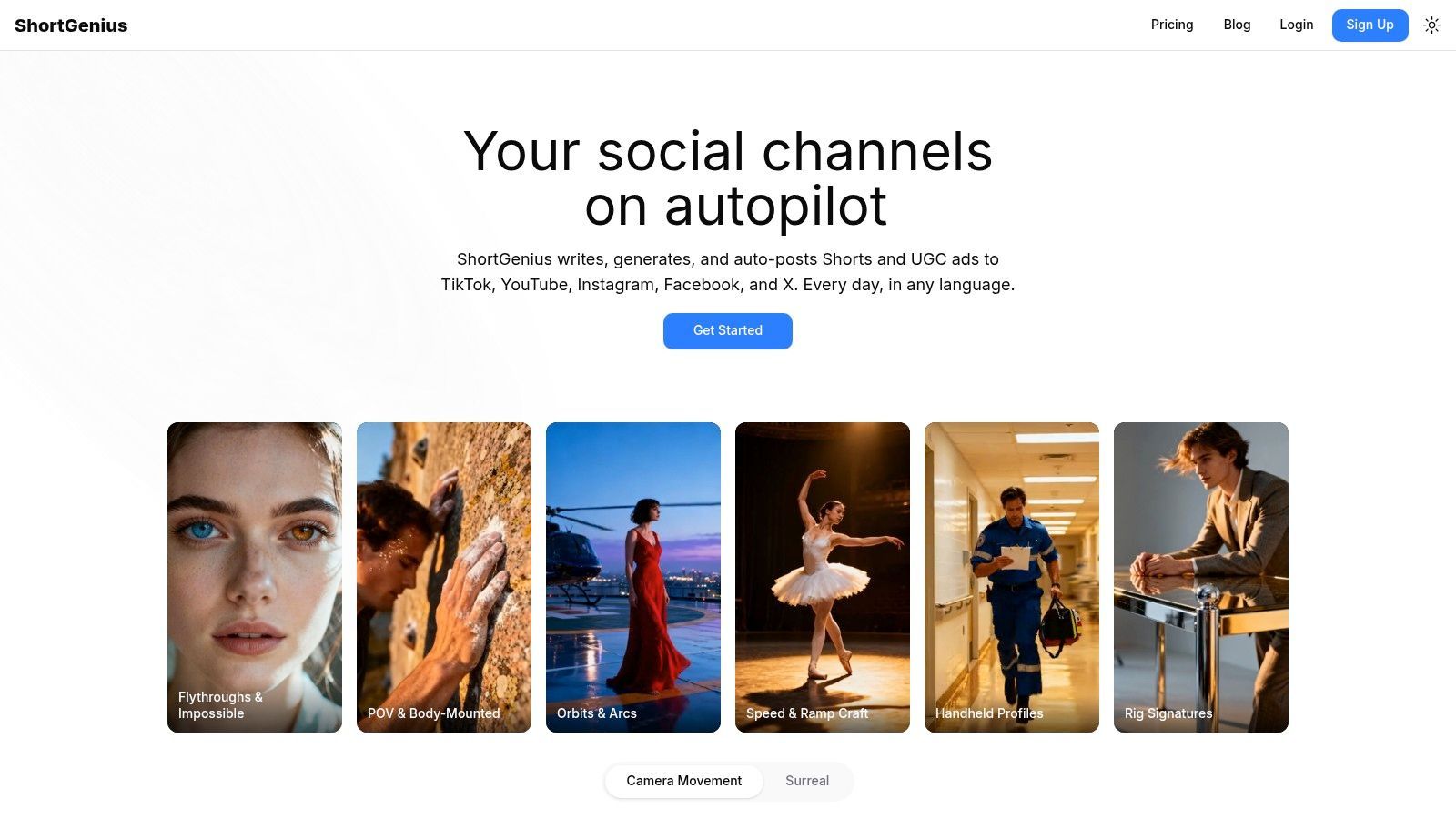
ShortGenius یہاں strongest pick ہے اگر آپ کا bottleneck clips cut کرنے کا نہ ہو۔ یہ sufficient good clips produce کرتا ہے، consistent branding، voice، variations، اور distribution کے ساتھ۔ Most Chrome tools آپ کو edit کرنے میں مدد دیتے ہیں۔ ShortGenius full chain handle کرتا ہے idea سے published short-form campaign تک۔
یہی practice میں سب سے بڑا فرق ہے۔ آپ script generator، image tool، voice app، caption editor، اور scheduler کے درمیان jump نہیں کرتے۔ آپ concepts generate کرتے ہیں، scenes build کرتے ہیں، voice apply کرتے ہیں، trim کرتے ہیں، resize کرتے ہیں، scenes یا narration swap کرتے ہیں، brand styling add کرتے ہیں، اور content کو multiple platforms پر push کرتے ہیں ایک ہی workspace سے ShortGenius پر۔
جہاں یہ best fit کرتا ہے
ShortGenius creators اور teams کے لیے best کام کرتا ہے جو repeatable short-form output produce کرتے ہیں۔ اس میں influencer clips، product promos، educational explainers، ad variants، اور recurring “series” content شامل ہے جہاں consistency speed کی طرح matter کرتی ہے۔
اس کا AI stack unusually flexible ہے۔ یہ multiple major language، image، video، اور voice models میں plug کرتا ہے، لہٰذا آپ ایک generation engine پر stuck نہیں ہوتے اگر results drift ہوں یا style کام نہ کرے۔ اس کی اہمیت often recognized سے زیادہ ہے، کیونکہ AI video workflows ٹوٹ جاتے ہیں جب tool ایک weak model یا mediocre voice provider پر locked ہو۔
Practical rule: اگر آپ ایک handcrafted hero video بنا رہے ہیں، تو classic timeline editor کافی ہو سکتا ہے۔ اگر آپ ہر ہفتے short videos کی stream بنا رہے ہیں، تو all-in-one workflow کسی single editing feature سے زیادہ matter کرتا ہے۔
یہاں strong production advantage preset اور campaign structure ہے۔ Camera moves، scroll-stopper styles، surreal effects، themed series generation، اور scheduling اسے normal browser editor سے زیادہ useful بناتے ہیں recurring output کے لیے جو ہر بار blank timeline سے start کرتا ہے۔
یہاں Chrome workflow میں time بچاتا ہے:
- Script-to-publish flow: آپ idea سے finished short تک الگ apps جوڑے بغیر move کر سکتے ہیں۔
- Brand consistency: Brand kits، scene swaps، اور voice swaps outputs کو channels کے across aligned رکھنے میں آسان بناتے ہیں۔
- Distribution built in: TikTok، YouTube، Instagram، Facebook، اور X پر auto-publishing separate scheduling step ہٹا دیتا ہے۔
- Team readiness: یہ support، secure payments، unified library، اور deeper operational use کے لیے API شامل کرتا ہے۔
Real trade-offs
ShortGenius powerful ہے، لیکن magic نہیں۔ AI-generated content اب بھی review کی ضرورت رکھتا ہے، خاص طور پر brand tone، factual nuance، اور compliance-sensitive campaigns کے لیے۔ Fastest workflow اب بھی guided workflow ہے۔
Pricing provided materials میں disclosed نہیں، لہٰذا team-wide decision سے پہلے current plans directly check کریں۔ اگر decide کرنے سے پہلے wider overview چاہیے، تو یہ 2026 AI video generator comparisons useful context ہیں۔
ایک اور وجہ جو یہ tool standout کرتی ہے adoption ہے۔ ShortGenius کو 100,000+ creators اور teams استعمال کرتے ہیں، جو platform کے built for سے match کرتا ہے: scale، repeatability، اور multi-channel publishing بجائے one-off editing کے۔
2. CapCut Online
CapCut Online وہ tool ہے جو میں کسی کو ہاتھ میں دوں گا جو raw footage کو decent Reel، Short، یا TikTok میں بدلنا چاہے without overthinking۔ یہ fast، template-heavy، اور social creators کے روزانہ ship کرنے والے کے around built ہے۔ Chrome پر، یہ real advantage ہے۔
Workflow simple ہے۔ Footage drop کریں، aggressively trim کریں، built-in effects اور captions استعمال کریں، platform format pick کریں، اور export کریں۔ اگر آپ کا editing style “make it look polished quickly” ہے، تو CapCut usually traditional timeline editors سے faster لگتا ہے۔
کیا اچھا کرتا ہے
CapCut کا browser editor barrier low رکھتا ہے جبکہ social content کو platform native feel دینے کے لیے sufficient control دیتا ہے۔ Auto-captions، text-to-speech، audio cleanup، filters، اور speed tools most short-form needs cover کرتے ہیں۔
یہ creators کے لیے good fit ہے جو hooks اور pacing میں سوچتے ہیں tracks اور bins میں نہیں۔ آپ rough assembly سے posted clip تک quickly move کر سکتے ہیں heavy interface سے لڑے بغیر۔
CapCut strongest ہے جب content short، trend-aware، اور disposable ہو fast iterate کرنے کے لیے۔
Catch یہ ہے کہ “PWA” true local editing freedom نہیں دیتا۔ ChromeOS کا ایک pain point یہ ہے کہ users often offline 4K editing یا larger files کا local handling چاہتے ہیں، لیکن mainstream guides hardware limits clearly explain نہیں کرتے۔ ایک YouTube analysis جو gap highlight کرتا ہے note کرتا ہے کہ many ChromeOS users 2GB سے زیادہ footage سے struggle کرتے ہیں RAM constraints کی وجہ سے، اور browser editors hardware bottlenecks جیسے limited local acceleration میں run ہوتے ہیں، حتیٰ کہ PWA options CapCut Online جیسے tools کے لیے this ChromeOS editing breakdown میں موجود ہوں۔
جہاں short آتا ہے
CapCut long documentary edit، multi-camera interview، یا detailed audio work والے project کے لیے نہیں جہاں final result drive کرتا ہو۔ یہ expected سے زیادہ کر سکتا ہے، لیکن short-form assembly کے لیے optimized لگتا ہے، deep post-production کے لیے نہیں۔
اگر workflow social-first اور speed most matter کرتی ہے، تو یہ Chrome کے لیے best video editing software میں سے ایک ہے۔ اگر workflow complex ہو جائے، تو ceiling جلدی hit ہو جائے گی۔
3. Microsoft Clipchamp
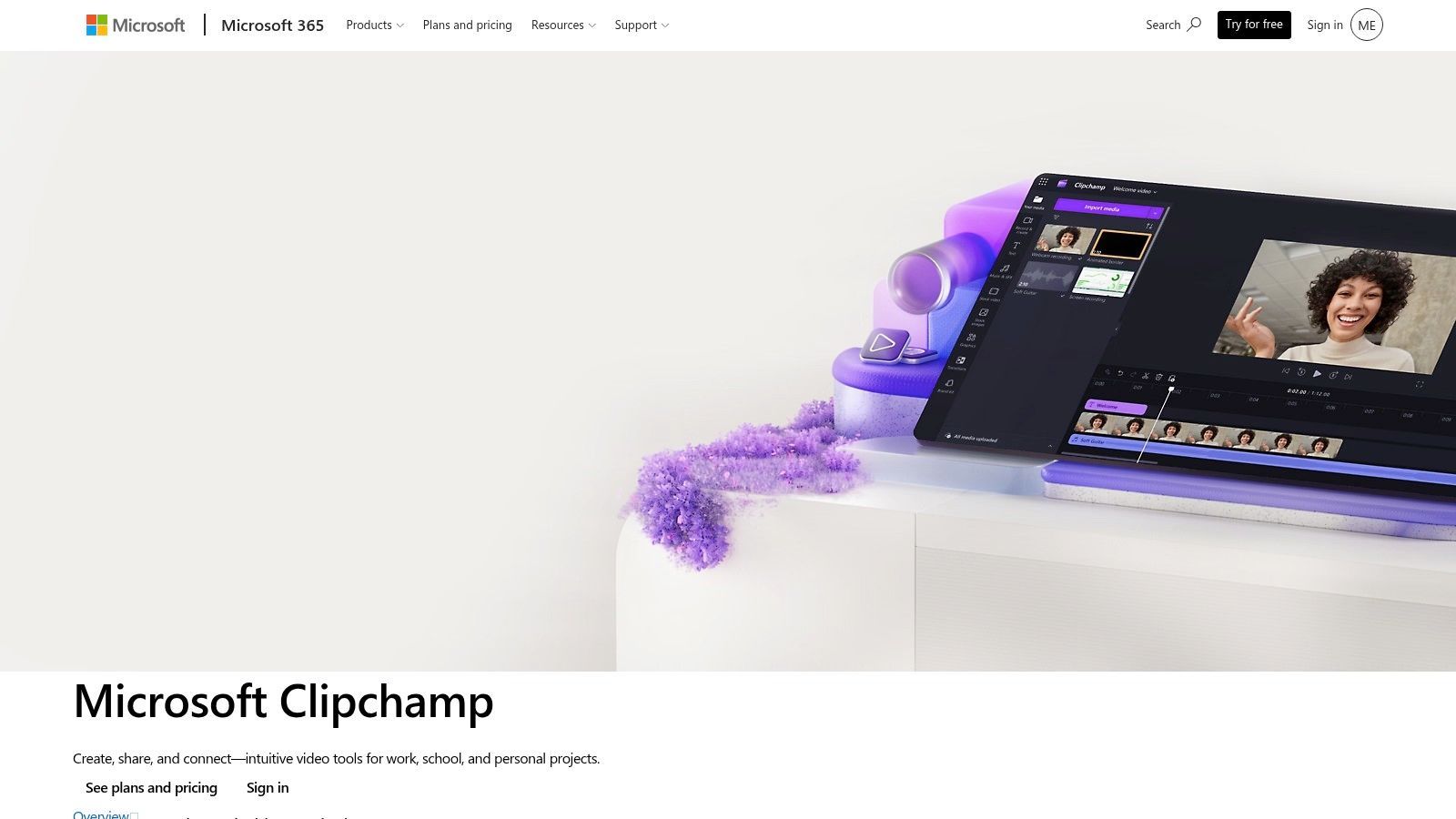
ChromeOS workflow عام طور پر ایسا ہوتا ہے۔ Files OneDrive یا Google Drive میں، edit browser میں، اور کوئی complicated interface سیکھنے میں آدھا دن خرچ نہیں کرنا چاہتا دو منٹ کی update ship کرنے کے لیے۔ Clipchamp اس job کو well fit کرتا ہے۔
اس کی strength straightforward production ہے۔ Timeline easy to read ہے، templates effective ہیں، اور Microsoft connection matter کرتا ہے اگر team OneDrive میں assets store کرتی ہو یا Microsoft 365 میں کام کرتی ہو۔ میں نے اسے internal explainers، product updates، recruiting videos، اور simple paid social variations کے لیے especially practical پایا جہاں speed اور consistency advanced finishing سے زیادہ matter کرتی ہیں۔
Chrome پر کیوں well کام کرتا ہے
Clipchamp Chrome میں comfortably چلتا ہے کیونکہ workflow browser editing، cloud media، اور quick exports کے around built ہے heavy local post-production کی بجائے۔ یہ Chromebooks پر real difference دیتا ہے، جہاں storage، memory، اور hardware acceleration options کو narrow کر دیتے ہیں۔
Microsoft نے tool کو business use کے لیے improving رکھا ہے۔ Microsoft 365 updates میں، company نے browser-based 4K export اور subscribers کے لیے brand kit support highlight کیا، جو Clipchamp کو teams کے لیے زیادہ useful بناتا ہے repeatable branded content produce کرنے کے لیے Chrome میں بجائے separate desktop app میں one-off edits کے۔
یہاں جہاں spot earn کرتا ہے:
- Fast onboarding: New editors clean timeline assemble کر سکتے ہیں بغیر زیادہ training کے۔
- Recurring business content کے لیے good fit: Brand controls، templates، اور stock assets outputs consistent رکھنے میں مدد دیتے ہیں۔
- Microsoft-centric file workflows کے ساتھ well کام کرتا: OneDrive سے assets pull کرنا Chromebook پر local uploads juggle کرنے سے simpler ہے۔
Practical downside
Clipchamp tight feel ہونے لگتا ہے جب project کو precision چاہیے۔ Layer-heavy edits، stylized motion work، اور detailed audio cleanup possible ہیں up to a point، لیکن tool accessible editing کے لیے optimized ہے fine-grained control کی بجائے۔ Premium assets workflow interrupt کر سکتے ہیں اگر team کا کوئی member paid media draft میں drag کر دے without realizing۔
یہ trade-off سمجھنا آسان ہے۔ Clipchamp Chrome پر dependable browser editing چاہنے والوں کے لیے safer picks میں سے ایک ہے اور everyday polished content ship کرنے پر زیادہ care کرتے ہیں timeline limits push کرنے کی بجائے۔
4. Kapwing
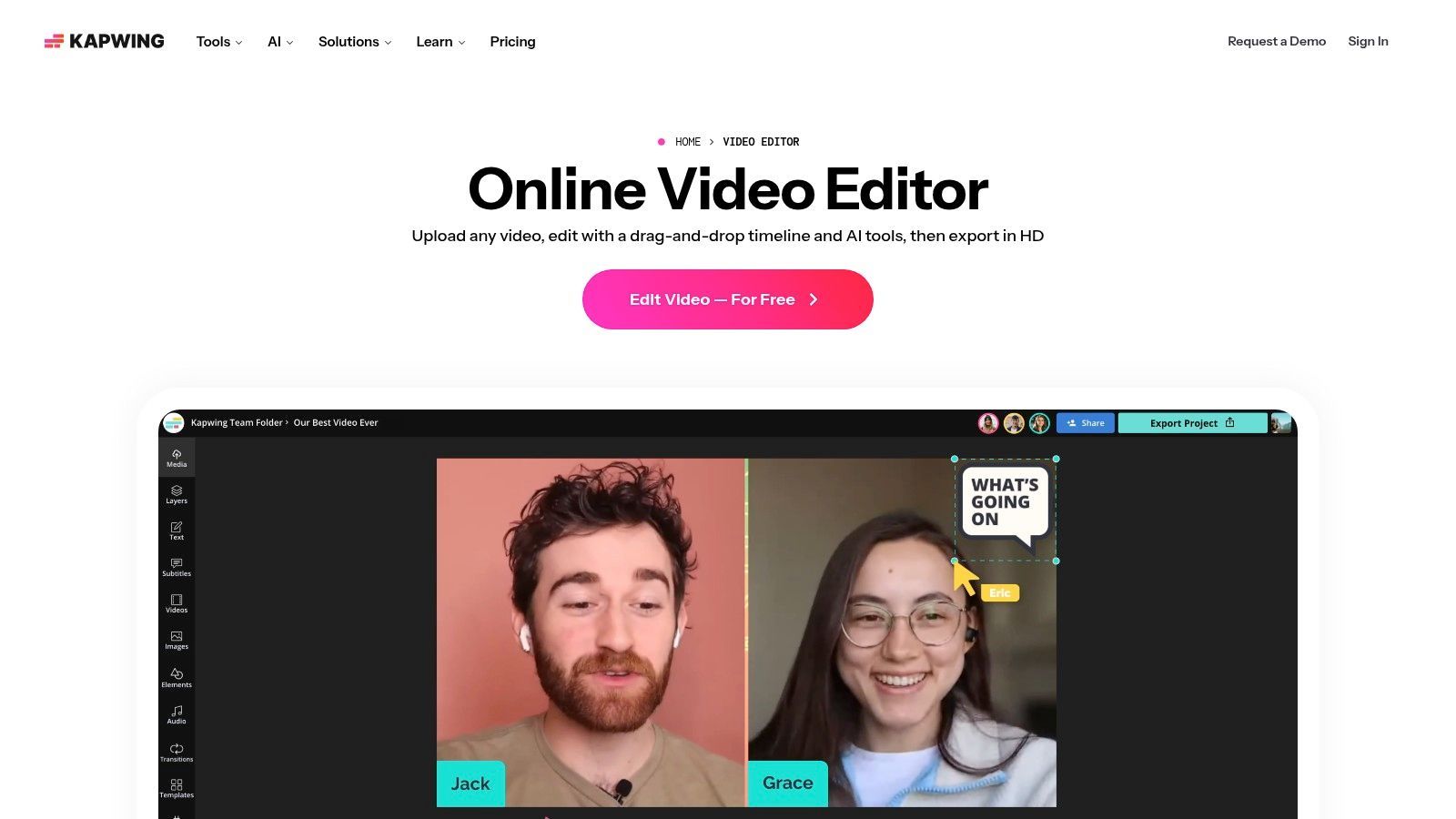
Kapwing classic editing craft less about ہے اور content operations more about۔ اگر team کو subtitles، translations، dubs، social cutdowns، اور shared browser projects چاہیے، تو Kapwing prettier timeline editor سے زیادہ sense بناتا ہے۔
یہی وجہ ہے کہ social teams اسے like کرتے ہیں۔ یہ repurposing کے friction کم کرتا ہے، صرف editing نہیں۔
Best use case
Kapwing strong ہے جب ایک source video multiple assets میں بدل جائے۔ Webinar Shorts بن جاتا ہے۔ Podcast clips with subtitles۔ Founder video several audiences کے لیے localized۔ Browser-first collaboration وہی workflow tolerable بناتا ہے۔
اس کے AI tools content team work سے well map ہوتے ہیں۔ Auto-subtitles، dubbing، voice tools، اور repurposing features ان environments میں flashy transitions سے زیادہ important ہیں۔
Working note: اگر multiple people کو Chrome میں same video touch کرنا ہو، تو collaboration timeline depth سے زیادہ matter کرتا ہے۔
اس کے پیچھے broader ChromeOS trend بھی ہے۔ Browser-native editors جیسے Clipchamp، Kapwing، اور WeVideo Chromebook users میں top adoption tier میں ہیں کیونکہ وہ directly Chrome میں run ہوتے ہیں اور limited-storage devices fit کرتے ہیں، جبکہ fast social publishing workflows align کرتے ہیں، جیسا کہ Chrome editor analysis on YouTube میں discuss کیا گیا۔
کیا expect کریں
Kapwing کا free plan restrictive ہے sufficient کہ serious use paid tier کی طرف push کر دے۔ اس کے علاوہ، AI-heavy workflows plan allowances جلدی burn کر سکتے ہیں expected سے۔
Solo creators کے لیے، یہ simpler editors کے relative expensive لگ سکتا ہے۔ Teams کے لیے، collaboration اور localization features often justify کرتے ہیں۔ یہ بہتر options میں سے ایک ہے جب “editing” واقعی “one asset کو many assets میں fast بدلنا” ہو۔
5. VEED.io
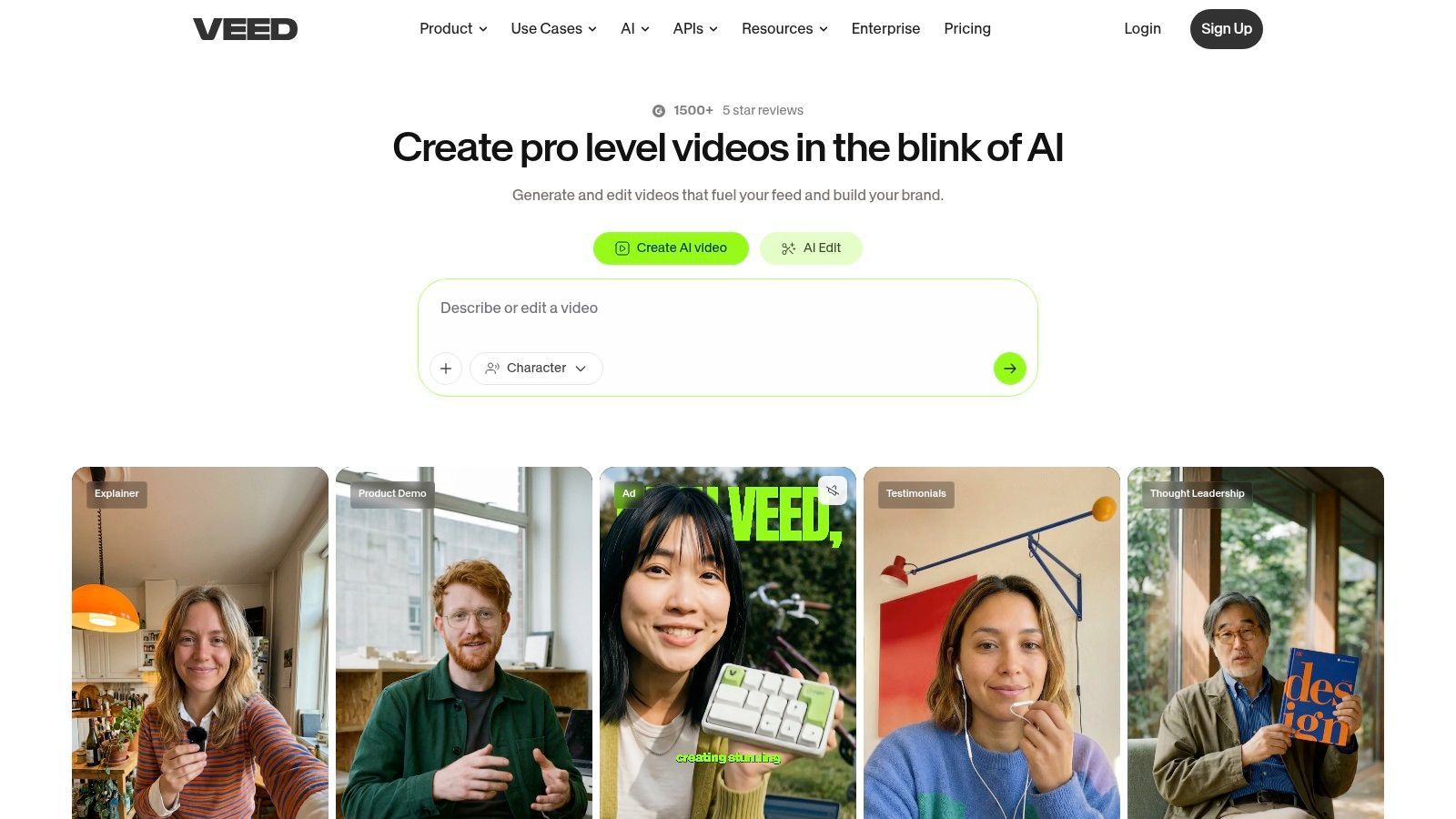
VEED.io browser editor ہے لوگوں کے لیے جو speed، subtitles، اور brand-safe output کی زیادہ care کرتے ہیں advanced editorial control کی بجائے۔ یہ narrow لگتا ہے، لیکن real work کا بہت کچھ cover کرتا ہے۔ Internal comms videos، training clips، product explainers، founder updates، اور social edits سب اس pattern میں fit ہوتے ہیں۔
Actual use میں، VEED communications tool لگتا ہے editor کی disguise میں۔ Subtitle workflow fast ہے۔ Screen recording built in ہے۔ Translation، dubbing، اور text-driven AI features different audiences کے لیے information package کرنا آسان بناتے ہیں۔
جہاں VEED اپنا place earn کرتا ہے
VEED strong ہے جب source material already “good enough” ہو اور main job اسے properly package کرنا ہو۔ Captions add کریں، opening tighten کریں، titles insert کریں، branding consistent رکھیں، اور publish کریں۔
یہی وجہ ہے کہ marketing اور L&D teams اسے like کرتے ہیں۔ Browser reliability usually good ہے، اور heavier editing software سے less setup ہے۔
کچھ practical wins:
- Caption workflow: Fast subtitle generation اور easy subtitle cleanup۔
- Localization support: Translation اور dubbing platform میں built in ہیں۔
- Recording plus editing: Handy اگر process screen capture یا webcam clips سے start ہو۔
جہاں compete نہیں کرتا
VEED precision editing، layered audio design، یا frame by frame total control والے projects کے لیے right tool نہیں۔ آپ polished work finish کر سکتے ہیں، لیکن ceiling deeper timeline model والے tools سے lower ہے۔
Free limitations quickly show up۔ Occasional use کے لیے fine ہے۔ Regular production کے لیے، export اور watermark frustration avoid کرنے paid plan چاہیے۔
6. Canva Video Editor
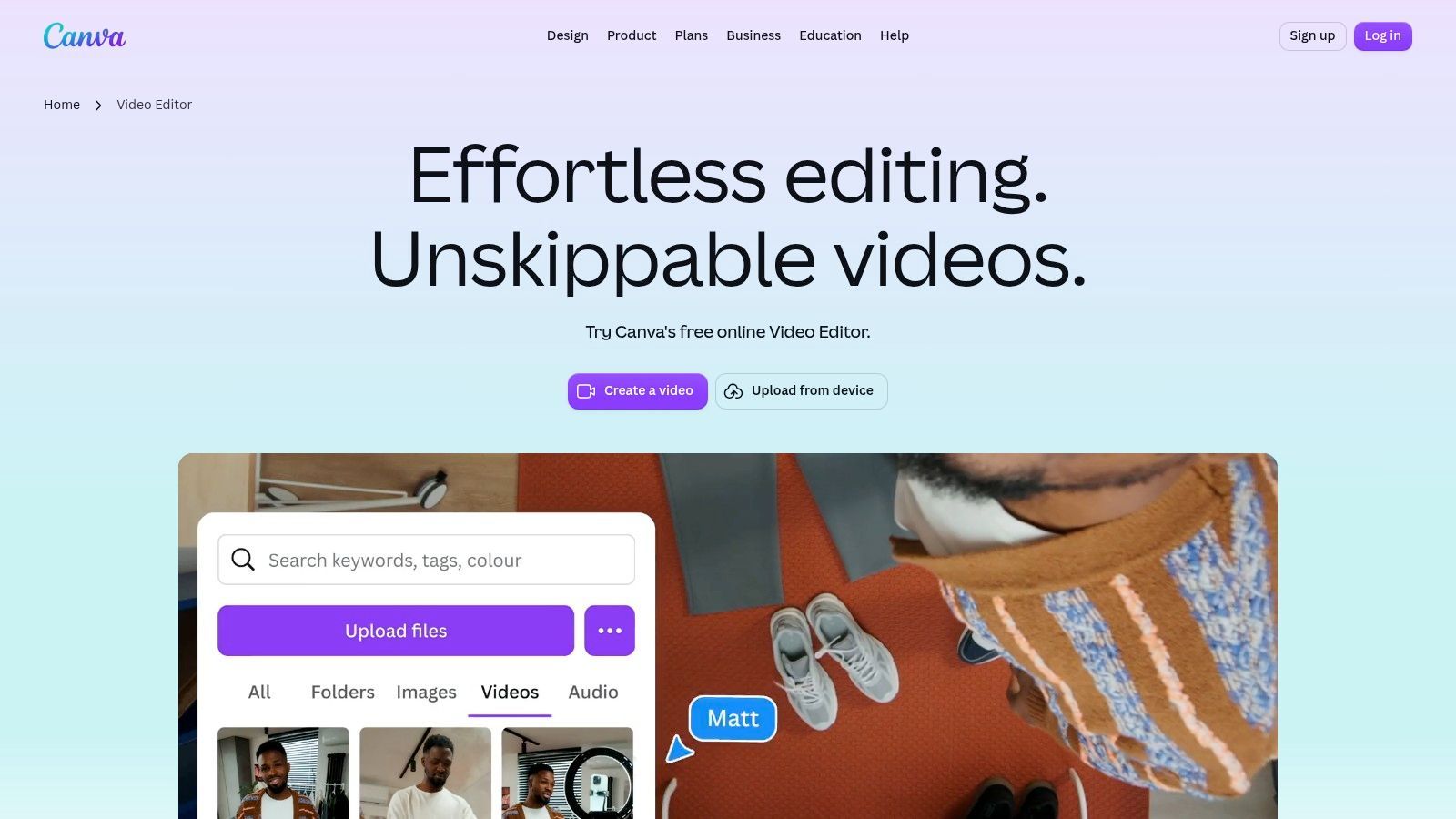
Canva Video Editor وہ ہے جو میں reach کرتا ہوں جب job واقعی design system problem ہو۔ اگر video کو campaign، deck، ad set، یا social package match کرنا ہو، تو Canva often “serious” editors سے faster ہوتا ہے۔
اس کا rebuilt video workflow Chrome well fit کرتا ہے کیونکہ Canva کی core strength کے قریب رہتا ہے۔ Templates، drag-and-drop design، branded assets، اور collaborative editing سب ایک browser workspace میں۔
Branded variations کے لیے best
Canva traditional editors پر clear advantage دیتا ہے۔ آپ ایک promo بنا سکتے ہیں، duplicate کریں، product shots swap کریں، copy change کریں، another platform کے لیے resize کریں، اور visual identity intact رکھیں بغیر زیادہ effort کے۔
Social ads، explainers، simple reels، اور team-produced content کے لیے، fine-grain editorial power سے زیادہ matter کرتا ہے۔ Canva non-editors کے friendly ہے، اور real organizations میں یہ small thing نہیں۔
Canva best ہے جب video larger branded content system کا ایک حصہ ہو، standalone post-production project نہیں۔
اس کے Magic Studio tools asset creation اور cleanup میں مدد دیتے ہیں، جو team کو separate tools کھولنے کی تعداد کم کرتے ہیں۔ Chrome پر useful، جہاں best workflow fewest tabs اور handoffs والا ہوتا ہے۔
Limits obvious ہیں
Canva کا timeline کام کرتا ہے، لیکن deep editing invite نہیں کرتا۔ اگر complicated pacing، nuanced audio mixing، یا multi-camera structure چاہیے، تو restrictive لگنے لگتا ہے۔
Lane میں استعمال کیا جائے تو، Canva Chrome کے لیے most practical video editing software میں سے ایک ہے۔ یہ film editor بننے کی کوشش نہیں کر رہا۔ Teams کو polished branded videos quickly ship کرنے میں مدد دے رہا ہے، اور well کرتا ہے۔
7. Adobe Express Web
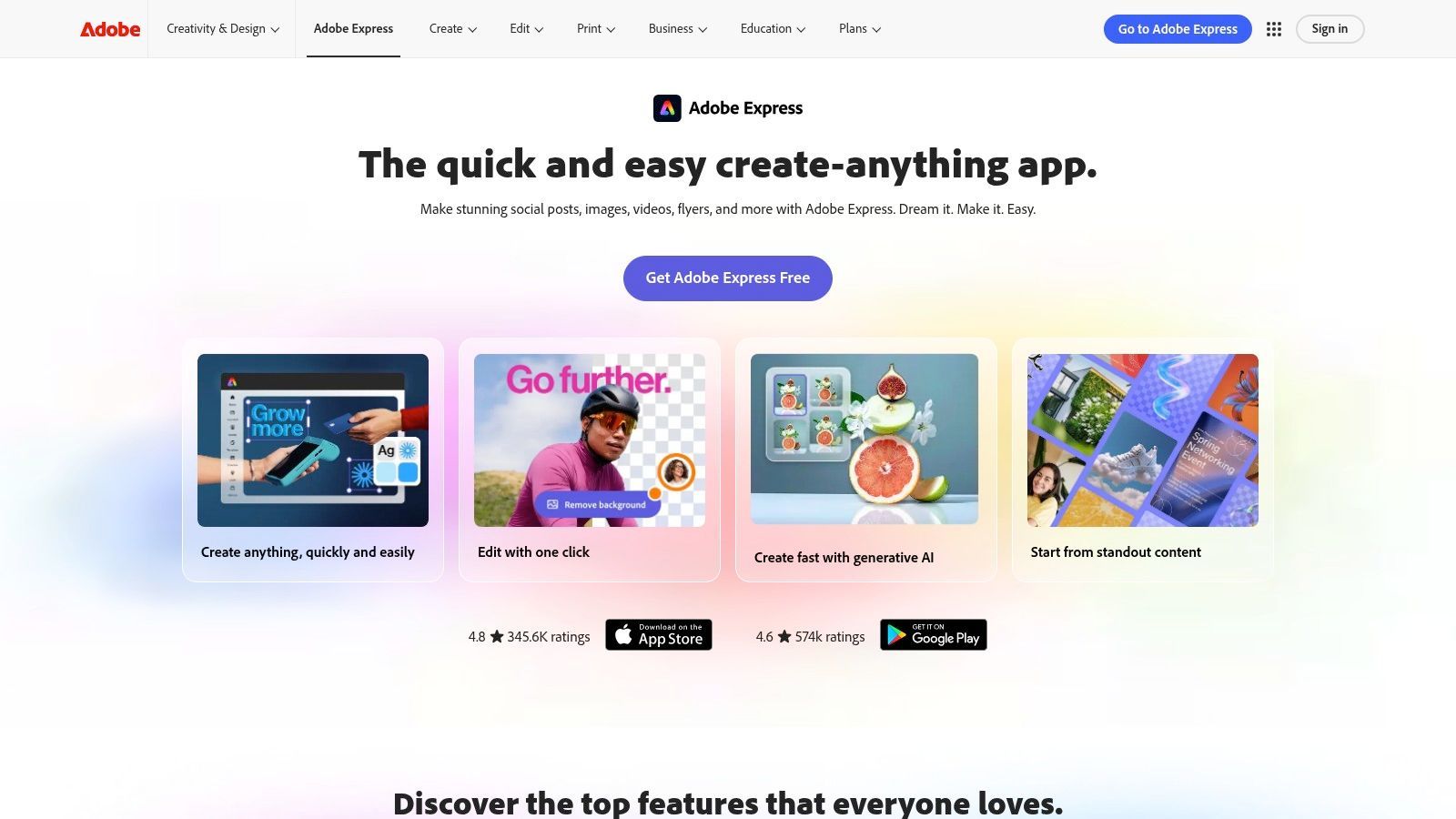
Adobe Express interesting middle ground میں ہے۔ یہ browser میں Premiere Pro نہیں، اور اس طرح judge نہیں ہونا چاہیے۔ یہ Adobe کا lightweight web workspace ہے social videos، branded clips، اور simple multi-layer edits بنانے کے لیے Chrome چھوڑے بغیر۔
یہ Adobe ecosystem میں رہنے والی teams کے لیے useful بناتا ہے۔ Brand assets، stock، templates، اور handoffs familiar لگتے ہیں، حتیٰ کہ editing depth much lighter ہو۔
کیوں کچھ teams prefer کرتی ہیں
Adobe Express well کام کرتا ہے جب design اور video tightly connected ہوں۔ Campaign میں social graphics، story slides، short promo videos، اور resized variants شامل ہو سکتے ہیں۔ Express video-only editors سے بہتر multi-asset environment handle کرتا ہے۔
Multi-layer editing most simple motion content کے لیے enough ہے۔ Firefly-powered AI tools asset creation speed up کرتے ہیں، حالانکہ premium stock اور credits پر rely کرنے کی quantity پر eye رکھیں۔
کچھ practical positives:
- Adobe familiarity: Creative Cloud استعمال کرنے والی teams کے لیے easier adoption۔
- Social packaging کے لیے good: Templates اور exports modern platform needs کے around built ہیں۔
- Decent middle ground: Simplest editors سے زیادہ layered، pro software سے less intimidating۔
جہاں enough نہیں رہتا
جب motion work intricate ہو جائے، یا project کو serious storytelling اور edit rhythm چاہیے، تو Adobe Express helper app لگنے لگتا ہے main editor کی بجائے۔ Fine ہے۔ Many teams کو exactly یہی چاہیے۔
Chrome users جو approachable، branded، browser-based video creation چاہتے ہیں Adobe-style workflow continuity کے ساتھ، یہ solid option ہے۔
8. InVideo
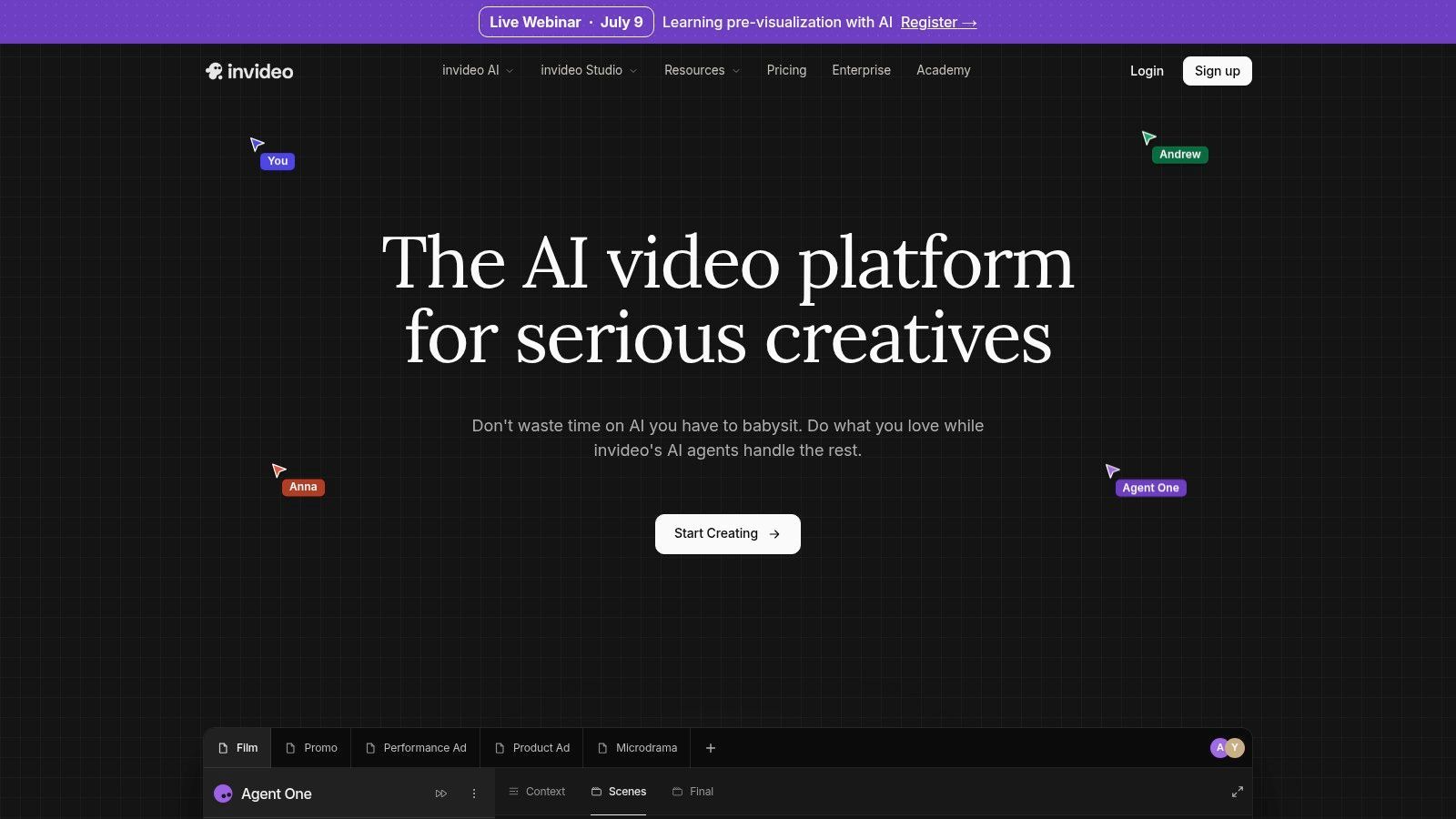
InVideo speed کے لیے built ہے craft سے زیادہ۔ یہ criticism نہیں۔ Yہی لوگ استعمال کرتے ہیں۔ اگر آپ کو script یا prompt کو promo، explainer، listicle، یا faceless content piece میں Chrome میں quickly بدلنا ہو، تو InVideo very effective ہے۔
اس کی appeal obvious ہے جب time tight ہو۔ Template library massive ہے، stock access built in ہے، اور AI-assisted flow blank page سے rough draft تک fast لے جاتا ہے۔
کیا well کرتا ہے
InVideo content creation کا startup cost کم کرتا ہے۔ آپ detailed shot list یا organized media folder کی ضرورت نہیں قبل شروع کرنے کے۔ Ads، pitch-style videos، YouTube support content، اور quick business promos کے لیے useful۔
Browser-only workflow Chromebook users کے لیے accessible رکھتا ہے جو production convenience چاہتے ہیں editorial precision سے زیادہ۔
یہاں practical fit:
- Fast script-to-video generation: Ads اور explainers rough out کرنے کے لیے good۔
- Stock-heavy workflows: Useful اگر original footage rarely shoot کریں۔
- Promptable editing: Helpful جب tool سے direction چاہیے blank canvas کی بجائے۔
کیا usually cleanup کی ضرورت ہوتی ہے
InVideo outputs templated لگ سکتے ہیں اگر intervene نہ کریں۔ Generated voice quality، stock choices، pacing، اور visual tone manual adjustment سے benefit کرتے ہیں publishing سے پہلے۔ usable draft quickly مل جاتا ہے، لیکن strongest results AI کے first pass کو edit کرنے سے آتے ہیں۔
Volume goals والی production teams کے لیے، یہ trade worth ہو سکتا ہے۔ Distinctive voice chase کرنے والے creators کے لیے، extra work کیے بغیر standardized لگ سکتا ہے۔
Visit InVideo
9. Wave.video
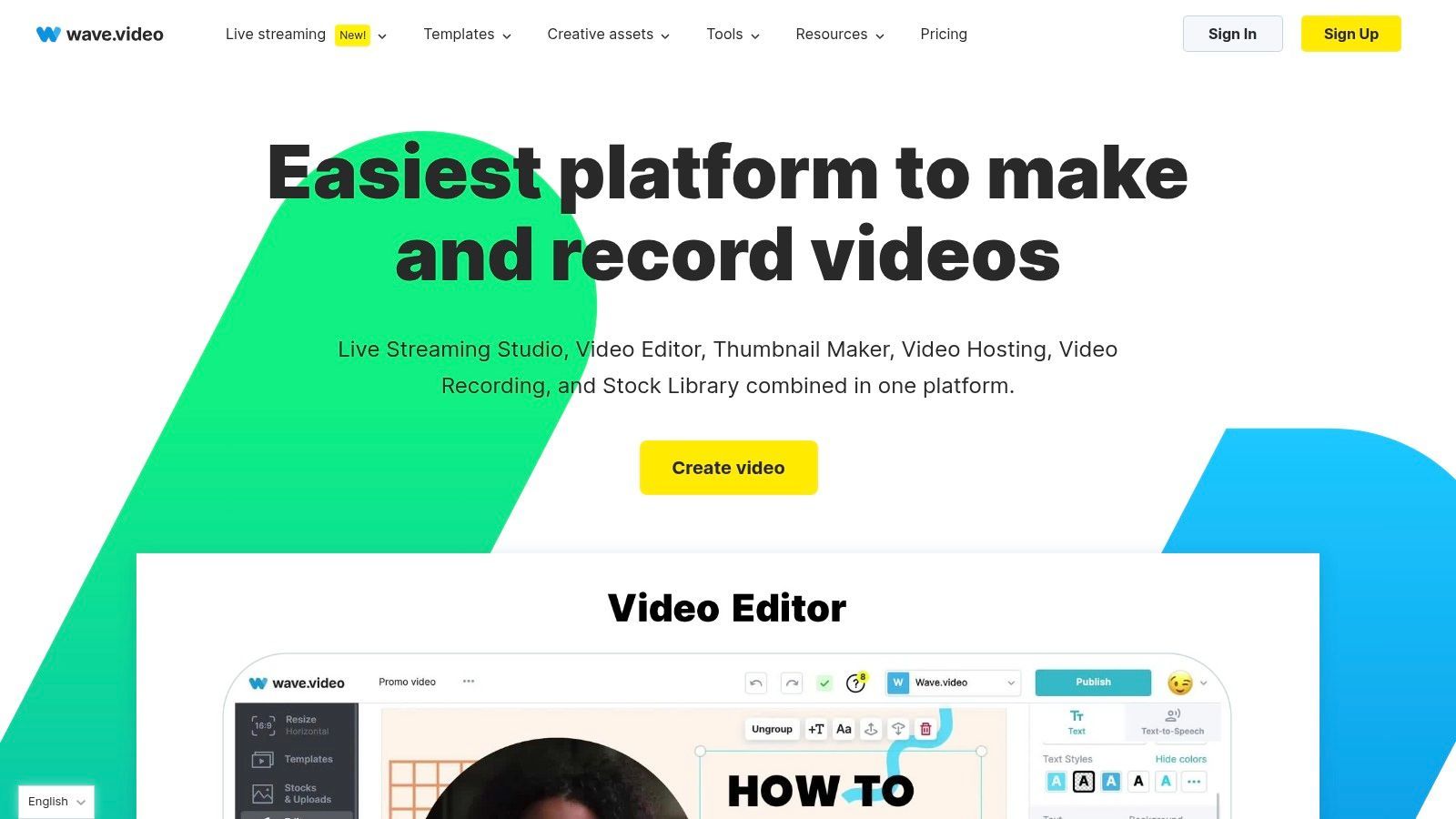
Wave.video pure editor less ہے اور browser-based media operations platform more۔ اگر آپ کا کام recording، light editing، livestreaming، hosting، اور publishing کو one roof کے تحت شامل کرے، تو compelling shape ہے۔
یہ agencies اور multiple brands کے recurring content manage کرنے والی teams کے لیے especially useful ہے۔ Editing side alone dedicated editors کو outclass نہیں کرے گی، لیکن all-in-one workflow friction بچا سکتا ہے۔
کون consider کرے
Wave.video sense بناتا ہے جب content export پر ختم نہ ہو۔ اگر landing pages، hosting، stream support، recordings، اور organized brand assets بھی چاہیے، تو tools consolidate کرنا “best editor” chase کرنے سے smarter ہے isolation میں۔
یہ platforms میں سے ایک ہے جہاں surrounding workflow trim اور transition tools جتنا matter کرتا ہے۔ Webinars، social clips، اور ongoing publishing handle کرنے والی teams کے لیے meaningful۔
جتنا process publishing، hosting، اور live content شامل کرے، Wave.video اتنا sense بناتا ہے۔
کیوں everyone کے لیے نہیں
اگر آپ کا only goal Chrome میں strong videos cut کرنا ہو، تو cleaner اور focused tools ہیں۔ Wave.video کی strength range ہے، deep editing power نہیں۔
وہ range higher-tier plans necessary بنا سکتی ہے better hosting یا streaming features کی ضرورت پر۔ Right team کے لیے efficient ہے۔ Straightforward edits کرنے والے solo creator کے لیے over-broad ہو سکتا ہے۔
10. WeVideo
WeVideo relevant رہا ہے کیونکہ specific browser-editing problem well solve کرتا ہے۔ Accessible، collaborative، اور schools اور teams across deploy کرنے میں easy۔ اگر cloud timeline editor چاہیے multiple people استعمال کریں بغیر زیادہ setup کے، تو WeVideo still place earn کرتا ہے۔
یہ Chromebook users میں better-known names میں سے ایک ہے۔ WeVideo جیسے browser-based editors ChromeOS creation کے practical center میں ہیں کیونکہ installation friction avoid کرتے ہیں اور lighter local resources والے devices fit کرتے ہیں۔
WeVideo کیوں still کام کرتا ہے
WeVideo steady، repeatable work میں good ہے۔ Screen recording، webcam capture، green screen، voice recording، collaboration، اور classroom-friendly management cutting-edge effects سے زیادہ important ہیں۔
یہی وجہ ہے کہ education اور small-team environments میں show up کرتا رہتا ہے۔ Workflow browser-native ہے، اور admin side many creator-focused tools سے mature ہے۔
By the way، larger market direction cloud-first model support کرتا ہے۔ Global video editing software market 2024 میں USD 3.25 billion valued تھا اور 2032 تک USD 4.83 billion پہنچنے کا projected ہے، 2025 سے 2032 تک 5.8% projected CAGR کے ساتھ، SNS Insider's video editing software market report کے مطابق۔
Practical trade-offs
WeVideo rollout کرنے میں easier ہے love کرنے سے۔ Dependable ہے، لیکن exciting نہیں لگتا۔ اگر team کو high-end motion styling یا latest AI-heavy creative workflow چاہیے، تو other tools current لگیں گے۔
Classrooms، internal teams، اور browser access، collaboration، administrative control care کرنے والی organizations کے لیے practical option رہتا ہے۔ Advanced creators کے لیے، usually support tool ہے main creative environment کی بجائے۔
Top 10 Chrome Video Editors Comparison
| Product | Core features | UX & Quality | Value / Pricing | Target audience | Unique selling points |
|---|---|---|---|---|---|
| 🏆 ShortGenius (AI Video / AI Ad Generator) | Script → image/scene → assemble → lifelike voice + editor & auto-post ✨ | ★★★★★، unified، fast pipeline | 💰 Contact / Pricing page؛ API & support شامل | 👥 Influencers، agencies، marketing teams، e‑commerce، educators | ✨ Model-agnostic AI stack، series generation، one-click multi-channel publishing |
| CapCut (Online) | Web editor templates، AI captions، effects، TikTok export کے ساتھ | ★★★★، fast، social-first | 💰 Free core؛ CapCut Pro premium assets کے لیے | 👥 Short-form creators، TikTok-focused users | ✨ Tight TikTok integration + rich template library |
| Microsoft Clipchamp | Timeline editor، titles، 1080p free، 4K on Premium، OneDrive | ★★★★، beginner-friendly | 💰 Freemium؛ Premium often Microsoft 365 کے ساتھ bundled | 👥 Microsoft users، marketing teams | ✨ OneDrive/MS365 integration & easy exports |
| Kapwing | AI subtitles/translation، dubbing، brand kits، team workspaces | ★★★★، collaboration & localization | 💰 Freemium limits/watermark کے ساتھ؛ paid tiers more AI کے لیے | 👥 Social teams، localization & captioning workflows | ✨ Strong localization tools + real-time team workspaces |
| VEED.io | Auto-subtitles، dubbing، TTS، brand kit، screen recording | ★★★★، very fast caption/localize browser میں | 💰 Freemium؛ paid tiers advanced AI/exports کے لیے | 👥 Marketing، L&D، internal comms teams | ✨ Rapid captioning + reliable Chrome-first editor |
| Canva Video Editor | Drag‑drop timeline، Magic Media AI، templates، brand kit | ★★★★، design-driven، very approachable | 💰 Freemium؛ Pro premium templates & assets کے لیے | 👥 Non-specialists، social advertisers، small teams | ✨ Massive template ecosystem + design tools |
| Adobe Express (Web) | Multi-layer web editing، Firefly AI، Adobe Stock، templates | ★★★★، familiar Adobe UX؛ web convenience | 💰 Freemium؛ Premium features/credits extra cost کر سکتے ہیں | 👥 Creative Cloud users، handoff needing teams | ✨ Firefly AI + smooth Creative Cloud integration |
| InVideo | Script-to-video، 7k+ templates، 16M+ stock assets، TTS | ★★★، rapid templated outputs | 💰 Paid plans؛ large stock licensing simplify کرتا ہے | 👥 Marketers، promo/ad creators، faceless content | ✨ Script→video flow + huge integrated stock library |
| Wave.video | Editor + live streaming studio + hosting & landing pages | ★★★★، multi‑use platform publishing کے لیے | 💰 Paid plans؛ free tier limited/watermarked | 👥 Agencies، hosting/streaming needing social teams | ✨ Editing، streaming اور hosting ایک platform میں combine |
| WeVideo | Green screen، screen/webcam recording، classroom tools، compliance | ★★★، education‑focused، accessible | 💰 Paid seat bundles schools & teams کے لیے | 👥 K‑12، educators، compliance requiring SMBs | ✨ COPPA/FERPA docs، institutions کے لیے admin/seat management |
Final Thoughts
Chrome کے لیے best video editing software raw feature count less depend کرتا ہے اور workflow جہاں break ہوتی ہے اس پر more۔ Yہی lens most comparison posts miss کرتے ہیں۔ ChromeOS پر، pain usually “this tool lacks one more transition” نہیں۔ “this footage too heavy ہے”، “this upload forever لگتی ہے”، “this caption workflow clumsy ہے”، یا “us کو tomorrow تک five ad versions چاہیے”۔
یہی وجہ ہے کہ right choice usually چار buckets میں سے ایک میں آتی ہے۔
- AI-first campaign production کے لیے: ShortGenius strongest choice ہے۔ Ideation، generation، editing، branding، اور distribution ایک جگہ handle کرتا ہے، جو rare ہے۔
- Quick social editing کے لیے: CapCut Online beat کرنا hard ہے جب speed، templates، اور short-form polish most matter کریں۔
- Beginner-friendly browser timelines کے لیے: Clipchamp Chromebook users کو low-friction path دیتا ہے good-looking edits تک۔
- Collaboration اور repurposing کے لیے: Kapwing، VEED.io، اور WeVideo teams کے لیے sense بناتے ہیں جب browser access اور shared workflows چاہیے۔
اگر کام mostly branded marketing content ہو، تو Canva Video Editor اور Adobe Express first appear سے زیادہ useful ہوتے ہیں۔ Post-production depth جیتنے کی کوشش نہیں۔ Packaging، consistency، اور non-specialists productive بنانے پر جیتتے ہیں۔ Business میں often core requirement یہی ہے۔
اگر volume-based content generation ہو، تو ShortGenius اور InVideo job سے aligned ہیں۔ Separate tools کی تعداد کم کرتے ہیں، جو Chrome پر traditional desktop setup سے زیادہ matter کرتا ہے۔ Less tab-hopping، fewer exports، fewer manual handoffs۔ Real efficiency۔
Chromebooks پر ایک اور چیز matter کرتی ہے۔ Hardware limits کے بارے honest رہیں۔ Browser tools fast، cloud-native workflows کے لیے excellent ہیں۔ Desktop-style editing habits weak hardware، large local files، یا offline-heavy workflows پر force کرنے پر less forgiving۔ Larger footage یا longer edits handle کرنے کے لیے، tools choose کریں جو processing offload کریں، asset management simplify کریں، اور browser کو workstation-grade NLE نہ سمجھیں۔
Upside یہ ہے کہ Chrome-based editing many creators کے لیے compromise نہیں رہا۔ Different production model ہے۔ Lighter، faster، more collaborative، اور often social اور marketing teams کی publishing سے better aligned۔ Chrome-specific workflows سے broader editing choices کی another perspective چاہیے تو، Flexwork Studios' software recommendations browse کرنے کے قابل ہیں۔
Short version simple ہے۔ Tool pick کریں job match کرنے والا، longest feature page والا نہیں۔ Fast social clips کے لیے speed۔ Team repurposing کے لیے collaboration۔ Repeatable AI-driven output کے لیے، platform جو idea سے published video تک workflow friction most remove کرے۔
اگر آپ کو ایک Chrome-friendly platform چاہیے editing سے beyond جو scriptwriting، visuals، voice، branding، اور auto-publishing same workflow میں handle کرے، تو ShortGenius (AI Video / AI Ad Generator) try کریں۔ Creators، agencies، marketers، اور educators کے لیے strong fit جو ideas کو consistent short-form content میں بدلنا چاہتے ہیں five separate tools stitch کیے بغیر۔