Kling Video v3 Image to Video [Pro]
أحيِ الصور
Cinematic image-to-video with audio
رسوم بورتريه
لقطة مقربة للجمال
بورتريه فني حياتي
Kling Video v3 Image to Video [Pro]، الذي طورته Black Forest Labs، مصمم للمحترفين الإبداعيين الذين يرغبون في تحويل الصور الثابتة إلى تسلسلات فيديو سينمائية غنية بدقة بصرية وسمعية مذهلة. يتيح هذا النموذج للفنانين والمصممين وصانعي الأفلام ومنشئي المحتوى إحياء صورهم من خلال تحويلها إلى مقاطع فيديو قصيرة، كاملة بحركة سلسة وتوليد صوت أصلي.
ما الذي ينتجه Kling Video v3 Image to Video [Pro]؟
في جوهره، يأخذ هذا النموذج صورة بداية — مثل عمل فني أو صورة فوتوغرافية أو رسم تخيلي أو عنصر تصميم — ويحولها إلى فيديو سينمائي. يمكن للمستخدمين توجيه محتوى ومزاج الفيديو من خلال نصوص وصفية توضيحية، والتي تعمل كملاحظات إخراجية مصغرة، مما يتيح لك رسم الجو، الحركة، النقاط العاطفية، وقوس السرد. إذا كنت ترغب في مشاهد متعددة، يمكنك تقسيم رؤيتك إلى نصوص متعددة لتسلسل متعدد اللقطات على طراز لوحة القصة.
يمكن أن تشمل الفيديوهات المولدة صوتًا أصليًا، مثل أصوات تتحدث بمحتوى نصك بالإنجليزية أو الصينية. إذا قدمت نصوصًا بلغات أخرى، يتم ترجمتها تلقائيًا إلى سرد صوتي بالإنجليزية. هذه القدرة على إضافة الصوت والصوت تجعل الفيديو الناتج ليس جذابًا بصريًا فحسب، بل غامرًا.
حالات الاستخدام المثالية والمستفيدون
يخدم Kling Video v3 Image to Video [Pro] مجموعة واسعة من المحترفين الإبداعيين:
- الفنانون والرسامون: أحيِ رسوماتك أو تصاميم الشخصيات لعرض الحركة أو التعبير أو المزاج في بكرات المحفظة أو المحتوى الاجتماعي.
- صانعو الأفلام وفنانو لوحات القصة: قم بإنشاء نماذج أولية سريعة للأنيماتيكس ومفاهيم السرد البصري من خلال تحويل الإطارات الرئيسية أو الصور الثابتة التخيلية إلى مشاهد متحركة.
- المصممون: أحيِ رسوم المنتجات أو البيئات أو الرسوم التخيلية للعروض التقديمية والإعلانات والحملات الرقمية.
- منشئو المحتوى والمسوقون: أنشئ سريعًا أصولًا متحركة جذابة للوسائل الاجتماعية ومنصات الفيديو ومشاريع العملاء.
الصيغ المدعومة والجودة والأنماط
يخرج النموذج ملفات فيديو (بتنسيق .mp4) مناسبة للاستخدام المباشر في المشاريع الرقمية والعروض التقديمية وبرامج التحرير. طول الفيديو قابل للتعديل، من 3 إلى 15 ثانية، مما يوفر مرونة لأغراض سردية أو ترويجية متنوعة.
Kling Video v3 مبني للمظاهر السينمائية، يدعم حركة سلسة تحيي المشاهد — فكر في إيماءات الشخصيات اللطيفة، الرمش، التعبيرات العاطفية، التأثيرات الجوية، وجزيئات الغبار التي تلتقط الضوء. يمكنك تخصيص المظهر والإحساس أكثر من خلال وصف الإضاءة والعواطف والتفاصيل السردية في نصوصك، مما يتيح لك تشكيل الأسلوب الجمالي ليتناسب مع علامتك التجارية أو رؤيتك الفنية.
قدرات الصوت
ميزة بارزة هي القدرة على توليد صوت أصلي: يمكن للنموذج إنشاء مناظر صوتية خلفية أو سرد صوتي مستمد مباشرة من النص. على سبيل المثال، إذا كان نصك يشمل حوارًا أو إجراءً وصفيًا، قد يحتوي الفيديو المولد على راوٍ يقرأه بالإنجليزية أو الصينية حسب الاقتضاء. يجب كتابة الأسماء الخاصة أو الاختصارات بحروف كبيرة في النص لإخراج صوتي دقيق.
ضوابط الإبداع والتخصيص
- توجيه موجه بالنصوص: وجه القصة والإيقاع والمزاج والتفاصيل باستخدام نصوص وصفية. يمكنك تحديد كل شيء من التعبيرات الوجهية الدقيقة والإيماءات إلى الإضاءة والتأثيرات البيئية.
- فيديوهات متعددة اللقطات: للسرد المعقد، يمكنك تقسيم فيديوك إلى «لقطات» مختلفة مع تعليمات منفصلة لكل، مما يتيح الانتقالات وتغييرات المشاهد.
- عناصر مخصصة: أدخل كائنات أو شخصيات محددة بتوفير صور مرجعية (من زوايا متعددة) أو حتى مقاطع فيديو قصيرة. من خلال الإشارة إليها في نصك (مثل «@Element1»)، تحصل على تحكم دقيق في الممثلين والدعائم في تسلسلك المتحرك.
- مدة الفيديو: اختر الطول الدقيق لفيديوك (3 إلى 15 ثانية) ليتناسب مع احتياجات سردك أو متطلبات المنصة.
- توليد صوت أصلي: اختر تفعيل أو تعطيل الصوت، واختر إخراج صوت واقعي باللغات المدعومة.
- إعداد الالتزام بالنص: اضبط مدى قرب النتيجة النهائية من نصك، مما يتيح لك العثور على التوازن المناسب بين التوليد الموجه والتفسير الإبداعي.
القيود والاعتبارات
- نقطة البداية لكل فيديو هي صورة ثابتة؛ جودة الصورة والتكوين الأولي سيؤثران على نتائجك.
- توليد صوت الراوي يدعم الإنجليزية والصينية فقط. النصوص بلغات أخرى سيتم ترجمتها تلقائيًا إلى سرد إنجليزي.
- عند استخدام متعدد اللقطات أو العناصر المخصصة، خطط لصورك أو مقاطعك المرجعية بعناية لضمان الاستمرارية وتوحيد الأسلوب.
- النص السلبي الافتراضي يمنع الإخراج منخفض الجودة أو الضبابي أو المشوه — مما يساعد في إنتاج نتائج احترافية.
أفضل الممارسات
- استخدم نصوصًا وصفية حية للحصول على أفضل فيديوهات سينمائية ومعبرة ممكنة.
- أدرج صورًا مرجعية للشخصيات أو العناصر الرئيسية لتحقيق التوافق عبر الإطارات أو اللقطات.
- عند توليد الصوت، اكتب الأجزاء المنطوقة بوضوح وأشر إلى الأسماء الخاصة بحروف كبيرة حسب الحاجة لنطق دقيق.
الملخص
Kling Video v3 Image to Video [Pro] أداة إبداعية قوية لتحريك الصور إلى فيديوهات قصيرة سينمائية كاملة الإنتاج. مزيجها من التركيب البصري والسمعي، وإدراج العناصر المخصصة، والتوجيه الإبداعي المرن يجعلها مثالية للفنانين والمحترفين الذين يبحثون عن إنشاء نماذج أولية سريعة أو تصور أو ترويج أفكار بحركة وصوت — كل ذلك من صورة واحدة ونص توجيهي.
ولّد باستخدام أحدث نموذج للفيديو
Add the image that you want change
رفع صورة
أضف صورة اختيارية لتوجيه المظهر أو الشخصية أو البيئة
A woman kneeling in darkness, illuminated by a warm, radiant beam of light emerging from her raised hand.
اكتب سيناريوك
اكتب وصفًا - النموذج يفهم الفيزياء والإضاءة والنية العاطفية لمشهدك
ابدأ المشاركة
انقر لتوليد الإخراج النهائي وتنزيل فيديو بجودة الإنتاج
ما وراء الوصف: مستوى جديد من التحكم
تصوير طبيعي سينمائي
يظهر عناصر متحركة معقدة وانتقالات طبيعية درامية، مثالي لصانعي أفلام المناظر الطبيعية ومنشئي محتوى السفر.
رسوم منتجات فاخرة
يبرز رسوم عرض المنتج بانعكاسات ديناميكية، تأثيرات طائرة، وإشارات صوتية، مصمم للإعلانات الفاخرة والترويج الاجتماعي.
مشهد حضري سينمائي
يعرض تأثيرات ضوء متحركة، أسطح عاكسة، وطاقة حضرية، مثالي لفيديوهات الموسيقى أو مناظر المدن الرائجة.
قارن مع نماذج مشابهة
“Animate with subtle natural movements. Add gentle breathing motion to shoulders. Create natural eye blinks every 2-3 seconds. Introduce slight head micro-movements. Hair moves softly as if in gentle breeze. Maintain the warm smile with subtle lip movements. Eyes should have natural catchlight movement. Keep animation subtle and lifelike, not exaggerated. 5 seconds, smooth looping.”
جرب الكمال مع Kling Video v3 Image to Video [Pro]
انتقل اليوم إلى التوليف الموجه بالتفكير
الأسئلة الشائعة
نماذج مشابهة
PixVerse C1 Reference to Video
Character-consistent video from references
0.1 اعتمادات
Seedance 2 Image to Video
Cinematic video from images
10 اعتمادات
Veo3.1 Lite Image to Video
Animate images into pro videos
1.6 اعتمادات

PixVerse C1 Transition
Cinematic transitions between two images
0.1 اعتمادات
Seedance 2.0 Fast Image to Video
Cinematic video from images fast
0.1 اعتمادات
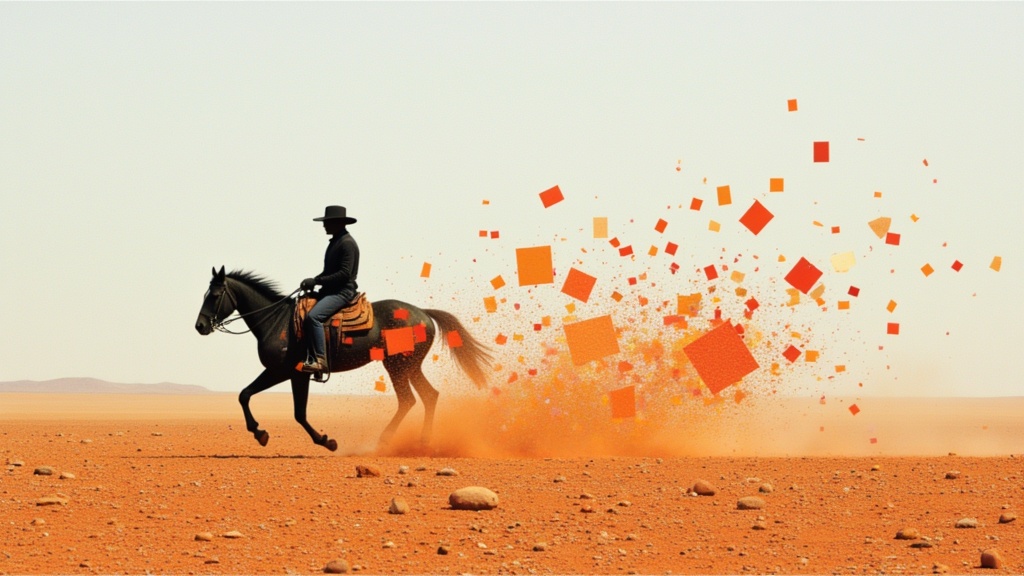
PixVerse
Smooth image-to-image video transitions
0.1 اعتمادات
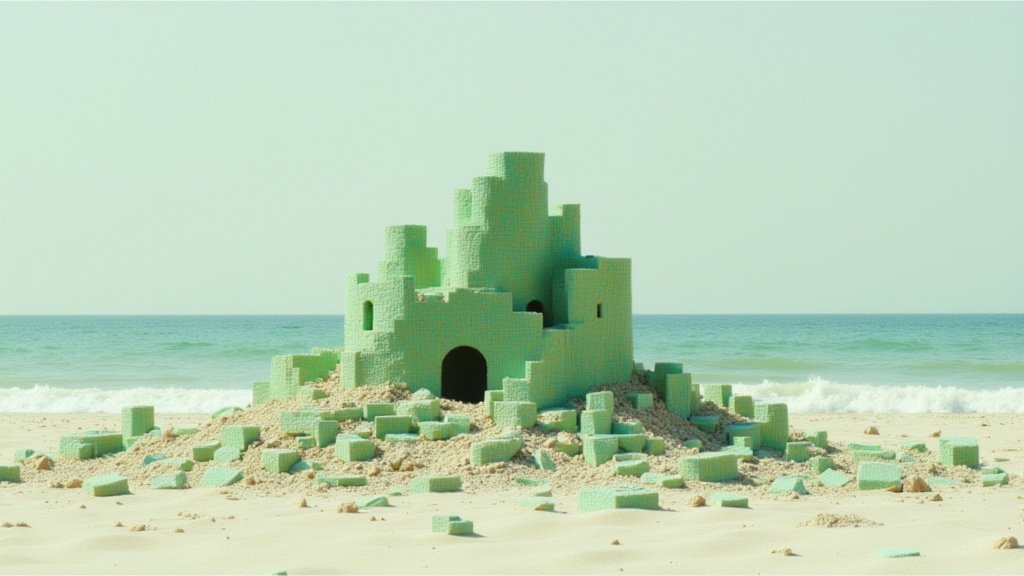
Wan
Animate images into smooth video
2 اعتمادات
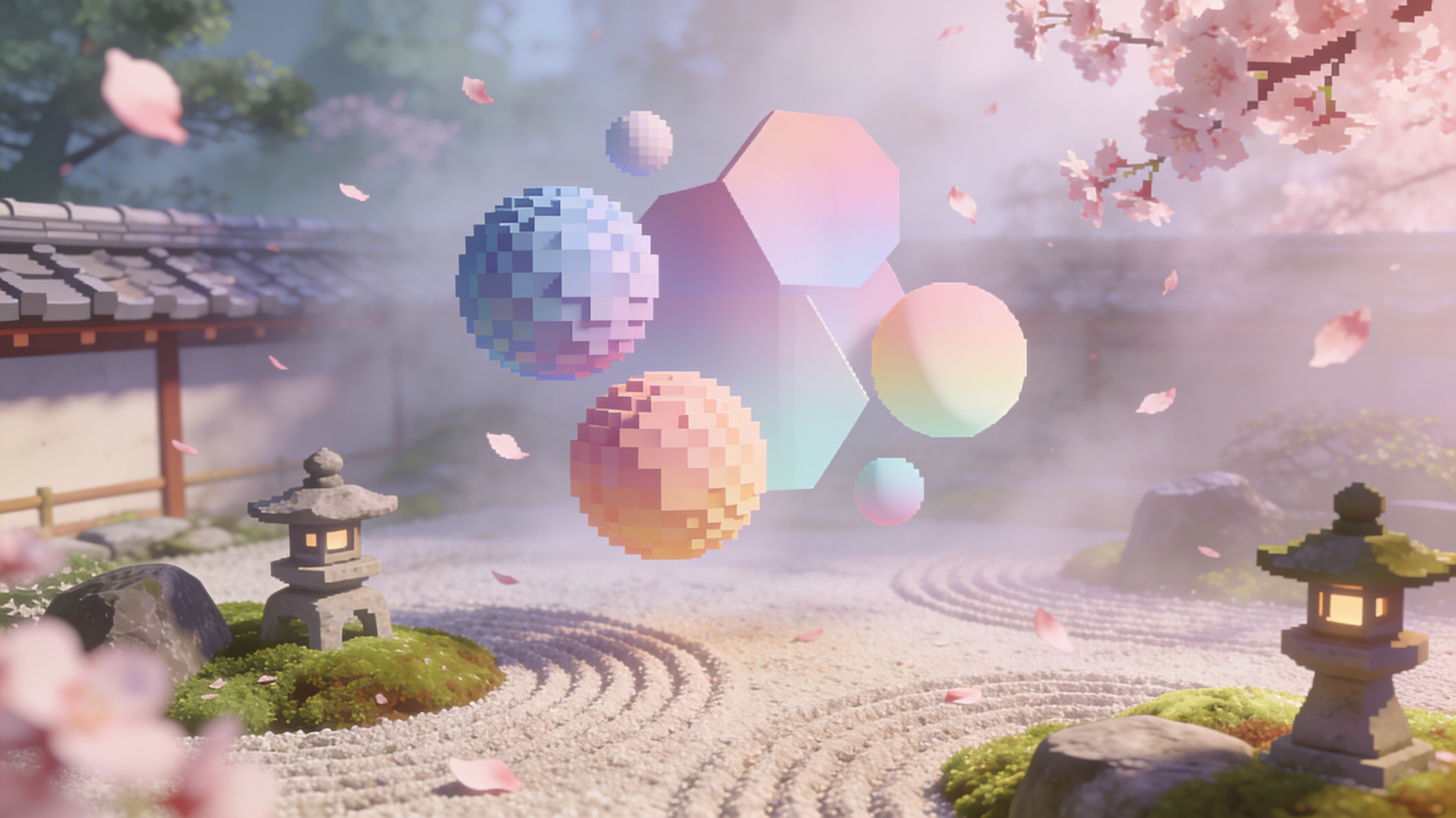
Vidu
Reference-guided consistent video generation
0.3 اعتمادات
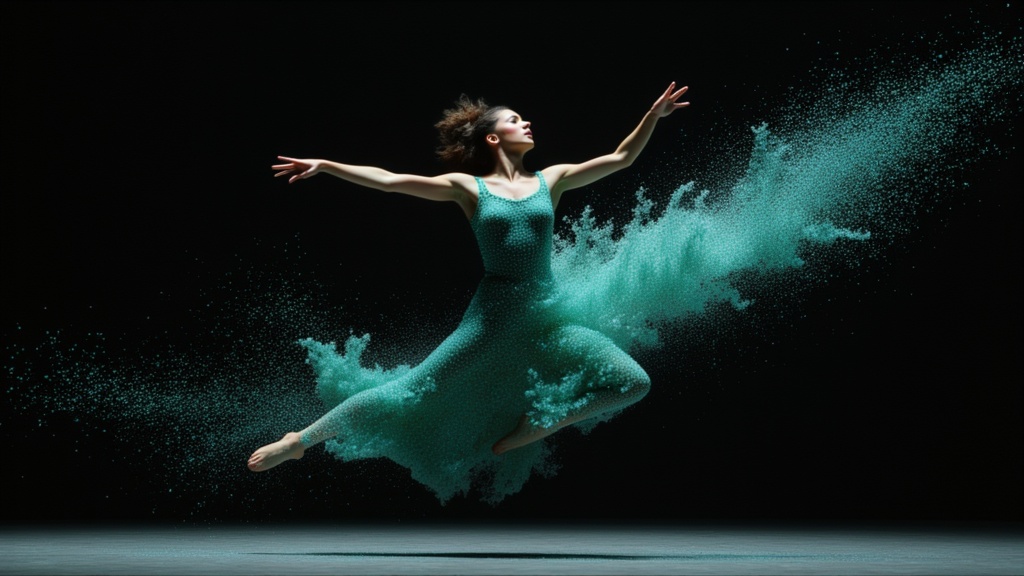
PixVerse C1 Image to Video
Cinematic video from your images
0.1 اعتمادات