2026 के लिए सर्वश्रेष्ठ AI वीडियो जेनरेटर Reddit सूची

सर्वश्रेष्ठ AI वीडियो जेनरेटर Reddit अनुशंसाओं की खोज कर रहे हैं? हमने शीर्ष 10 टूल्स पर उपयोगकर्ता भावनाओं को एकत्रित किया है, जिसमें फायदे, नुकसान और 2026 के लिए उपयोग के मामले शामिल हैं।
अधिकांश “best AI video tool” राउंडअप वास्तविक प्रश्न को छोड़ देते हैं। कौन सा जेनरेटर पांचवीं रीरोल, सातवें प्रॉम्प्ट ट्वीक, और उस क्षण के बाद भी उपयोग योग्य लगता है जब आपको एहसास होता है कि आपके वर्कफ्लो को अब scripting, editing, captions, और publishing की भी जरूरत है?
यही वह जगह है जहां Reddit चमकदार लैंडिंग पेजों से ज्यादा उपयोगी है। किसी भी गंभीर ai video generator Reddit थ्रेड को सर्च करें और आपको वही पैटर्न दिखेगा। लोग सिर्फ यह नहीं पूछ रहे कि कौन सा टूल डेमो में सबसे कूल लगता है। वे पूछ रहे हैं कि कौन सा कम ब्रेक होता है, कम क्रेडिट्स बर्बाद करता है, उनके बजट में फिट होता है, और वीडियो को पूरा करने में मदद करता है। AI generation costs के आसपास Reddit चर्चाओं में भी एक विभाजित बाजार दिखता है, जहां कुछ क्रिएटर्स $250 प्रति माह के प्रीमियम प्लान्स की बात करते हैं जबकि अन्य $15 प्रति माह से कम के विकल्प ढूंढते हैं क्योंकि बार-बार क्लिप प्रयास जल्दी महंगे हो जाते हैं, कभी-कभी एक ही 30-सेकंड ट्राई के लिए $15 तक, जैसा कि उपयोगकर्ता रिपोर्ट्स में इस Reddit cost discussion से पता चलता है।
“इम्प्रेसिव” और “प्रैक्टिकल” के बीच का यह अंतर अब ज्यादा मायने रखता है क्योंकि प्लेटफॉर्म्स गहरे engagement को बढ़ावा दे रहे हैं, न कि सस्ते attention को। Reddit का नया 6-सेकंड engaged video view optimization शुरुआती टेस्टिंग में view-through rate को 130% और video completion rates को 71% बढ़ा देता है, जैसा कि HeyGen's writeup on Reddit video engagement changes में बताया गया है। इससे AI video tools से क्रिएटर्स को जो चाहिए वह बदल जाता है। तेज होना काफी नहीं। शुरुआती सेकंड्स को हुक करना चाहिए, और बाकी को होल्ड करना चाहिए।
यदि आप यह भी जानना चाहते हैं कि प्रोडक्ट्स कम्युनिटीज में कैसे डिस्कवर होते हैं, तो यह ब्रेकडाउन इन SaaS Reddit promotion techniques के साथ अच्छी जोड़ी बनाता है।
1. ShortGenius
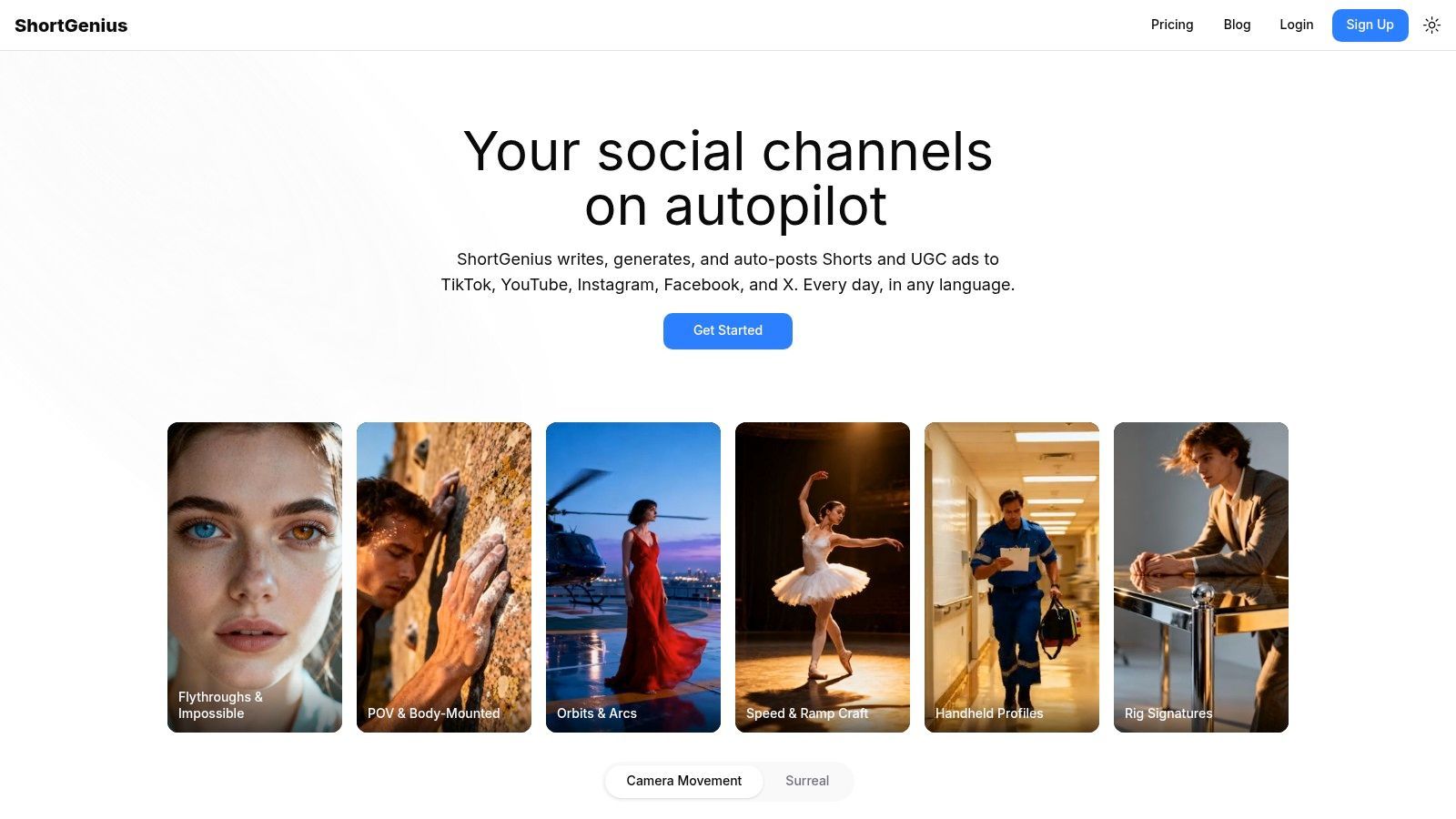
Reddit उपयोगकर्ता AI video tool से novelty खत्म होने के बाद क्या चाहते हैं? आमतौर पर एक परफेक्ट डेमो क्लिप नहीं। वे एक सिस्टम चाहते हैं जो वीडियो को पांच टैब्स और तीन सब्सक्रिप्शन्स के बिना बाहर निकाल दे बिना समय बर्बाद किए।
यही वजह है कि ShortGenius प्रैक्टिकल चर्चाओं में लगातार समझ में आता है। ai video generator Reddit थ्रेड्स में बार-बार शिकायत आती है workflow drag की: एक ऐप में script, दूसरे में visuals, तीसरे में voice, कहीं और captions, फिर अंत में manual resizing और posting। ShortGenius इन स्टेप्स को एक ही वर्कस्पेस में लाता है, scriptwriting, image और video generation, voiceovers, editing, captions, resizing, और publishing सब साथ में।
जहां यह सबसे अच्छा काम करता है
ShortGenius उन टीमों और क्रिएटर्स के लिए फिट है जो अक्सर पब्लिश करते हैं और experimentation के लिए नहीं बल्कि throughput की परवाह करते हैं। Agencies जो paid social variations काटती हैं, faceless channel operators, ecommerce brands, और in-house social teams अक्सर एक ही दीवार से टकराते हैं। Production overhead idea generation से तेज बढ़ता है।
यही वह सिनेरियो है जहां ShortGenius सबसे मजबूत फिट है।
प्रैक्टिकल फायदा integrated stack है। आप script draft कर सकते हैं, scenes swap कर सकते हैं, narration अपडेट कर सकते हैं, timing trim कर सकते हैं, captions ऐड कर सकते हैं, brand elements apply कर सकते हैं, अलग प्लेटफॉर्म्स के लिए resize कर सकते हैं, और posts schedule कर सकते हैं बिना प्रोजेक्ट को दूसरे एडिटर में दोबारा बनाए। Recurring content के लिए, यह visual novelty के एक्स्ट्रा बंप से ज्यादा समय बचाता है।
प्रैक्टिकल नियम: यदि आप हर हफ्ते मल्टीपल चैनल्स पर पब्लिश करते हैं, तो पहले handoffs हटाने वाला टूल चुनें।
ShortGenius repeatable production में कई pure generation tools से बेहतर काम करता है। Series formats, reusable presets, और direct publishing तब मायने रखते हैं जब गोल consistency है, न कि one-off output। यह अंतर Reddit पर लगातार आता है, और अगर आप सिर्फ लैंडिंग पेज पढ़ते हैं तो इसे आसानी से मिस कर सकते हैं।
जानने लायक trade-offs
ShortGenius कम अपीलिंग है अगर आपका मुख्य गोल cinematic tinkering है। क्रिएटर्स जो घंटों एक stylized shot refine करने, motion behavior टेस्ट करने, या ज्यादा film-like result chase करने चाहते हैं, वे specialist tool पसंद करेंगे।
कुछ trade-offs ध्यान रखने लायक हैं:
- कम creative sandbox: यह usable social content तेजी से प्रोड्यूस करने के लिए geared है, न कि endless visual exploration के लिए।
- Volume planning अभी भी मायने रखता है: High-output teams को plan limits verify करने और real workflow टेस्ट करने चाहिए commit करने से पहले।
- Human review जरूरी रहता है: Claims, pacing, brand voice, और compliance के लिए अभी भी व्यक्ति का ध्यान चाहिए।
इन थ्रेड्स में समय बिताने के बाद मेरा नजरिया सरल है। Reddit उपयोगकर्ता शायद ही “सबसे स्मार्ट AI video model” मांगते हैं। वे पूछते हैं कि कौन सा टूल consistently publish करने में मदद करता है बिना प्रोसेस को part-time operations job बना दे। ShortGenius उन कुछ टूल्स में से एक है जो इसी रियलिटी के आसपास बिल्ट है।
2. Runway
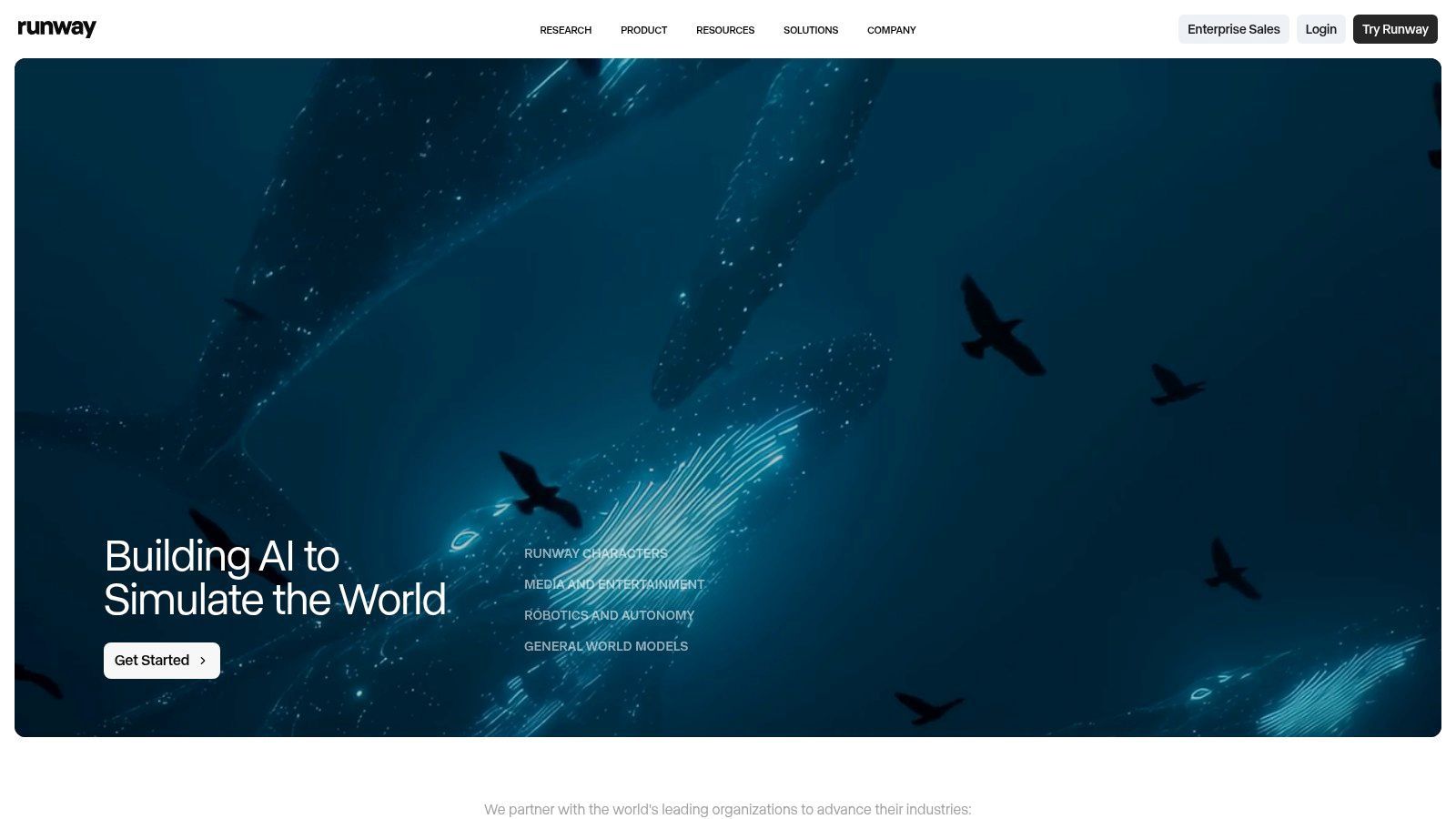
Runway वह टूल है जिसका लोग जिक्र करते हैं जब वे AI video को toy से ज्यादा creative workstation जैसा चाहते हैं। ai video generator Reddit थ्रेड्स में, यह cinematic motion, stylized outputs, और generation plus finishing वाले प्रोजेक्ट्स के लिए बार-बार आता है एक ही browser-based setup में।
इसकी अपील सरल है। आप clips generate कर सकते हैं, footage stylize कर सकते हैं, lip-sync और text-to-speech tasks पर काम कर सकते हैं, upscale कर सकते हैं, और projects manage कर सकते हैं बिना तुरंत कुछ और में export किए। Integrated editor app-hopping से नफरत करने वालों के लिए मायने रखता है।
सबसे अच्छा फिट
Runway इनके लिए मजबूत पिक है:
- Cinematic short clips: Mood-heavy visuals, concept spots, fashion edits, music visuals।
- Creative testing: एक जगह मल्टीपल styles और motion ideas।
- टीम्स को editor चाहिए: Shared project handling generation-only tools से बेहतर।
Visual quality अक्सर लोगों को बेचती है। Motion कई lightweight social-first generators से ज्यादा deliberate लगता है।
Reddit उपयोगकर्ता आमतौर पर क्या शिकायत करते हैं
डाउनसाइड अनुमान लगाना मुश्किल नहीं। Cost predictability। Runway credits इस्तेमाल करता है, और heavy experimentation math को slippery बना सकता है अगर आप अक्सर generate करते हैं, aggressively reroll करते हैं, या longer sequences पर काम करते हैं।
Runway recommend करना सबसे आसान है जब quality strict budget control से ज्यादा मायने रखती है।
इसका मतलब यह नहीं कि यह डिफॉल्ट रूप से overpriced है। इसका मतलब है कि casually generate करने वाले क्रिएटर्स और obsessively iterate करने वालों के experiences बहुत अलग हैं। अगर आप जानते हैं कि आप वो टाइप हैं जो scene land होने तक reroll करते हैं, तो usage पर नजर रखें।
Runway उन क्रिएटर्स के लिए बेस्ट है जो serious video lab चाहते हैं, न कि सिर्फ prompt box।
Direct site: Runway
3. Pika
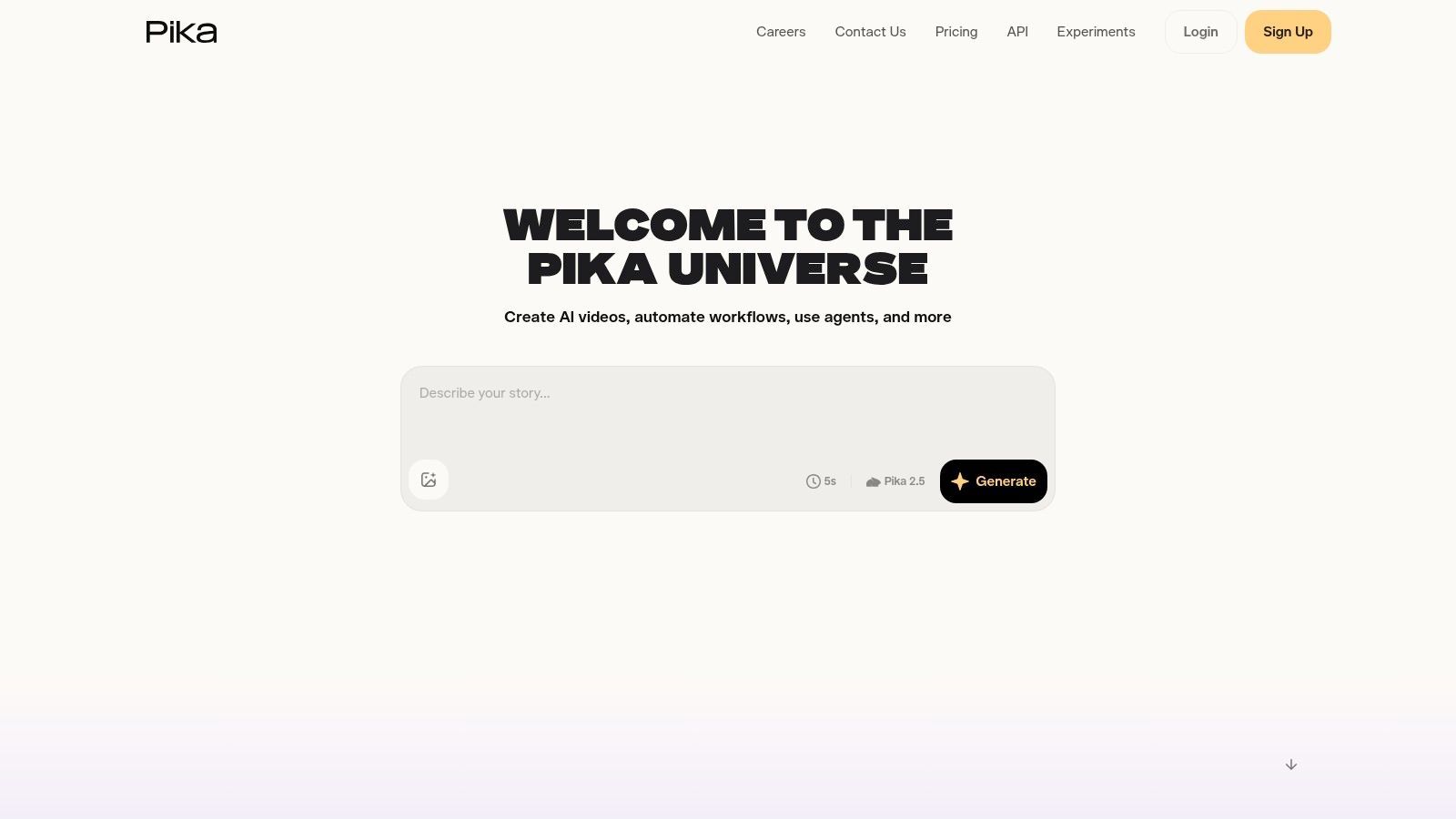
Reddit पर Pika की अलग reputation है। यह कम “full production environment” और ज्यादा “coffee ठंडा होने से पहले idea टेस्ट करने का तेज तरीका” है। यह आलोचना नहीं। Social creators के लिए, speed अक्सर depth को हरा देती है।
अगर आप short clips, stylized bits, या experimental social visuals बनाते हैं, तो Pika शुरू करने के लिए आसान जगहों में से एक है। इसका text-to-video और image-to-video workflow accessible है, और effects-oriented feature set उन क्रिएटर्स के लिए फिट है जो momentum की ज्यादा परवाह करते हैं obsessive control से।
क्यों beginners इसे ट्राई करते रहते हैं
Pika उन लोगों के साथ क्लिक करता है जो shorter feedback loops चाहते हैं।
- Quick iteration: Variants तेजी से spin up करना आसान।
- Social-friendly effects: Motion experiments और punchy visual moments के लिए अच्छा।
- Lower-friction entry: Production teams के लिए बिल्ट tools से कम intimidating।
यह concepting hooks, transitions, और platform-native eye candy के लिए उपयोगी टूल है। अगर आपके वीडियो short bursts of novelty के आसपास बिल्ट हैं, तो यह काफी हो सकता है।
जहां यह कमजोर पड़ता है
Pika वह टूल नहीं जिसे मैं long-form structure, detailed scene continuity, या polished cinematic control के लिए चुनूं। यह short clips और quick results के आसपास बिल्ट है। यही strength और limitation है।
Photorealism और precise direction भी advanced tools से पीछे हैं। तो अगर आपका benchmark “viewer को convince करना कि यह real camera crew ने शूट किया” है, तो आप edges जल्दी हिट करेंगे।
Direct site: Pika
4. Luma
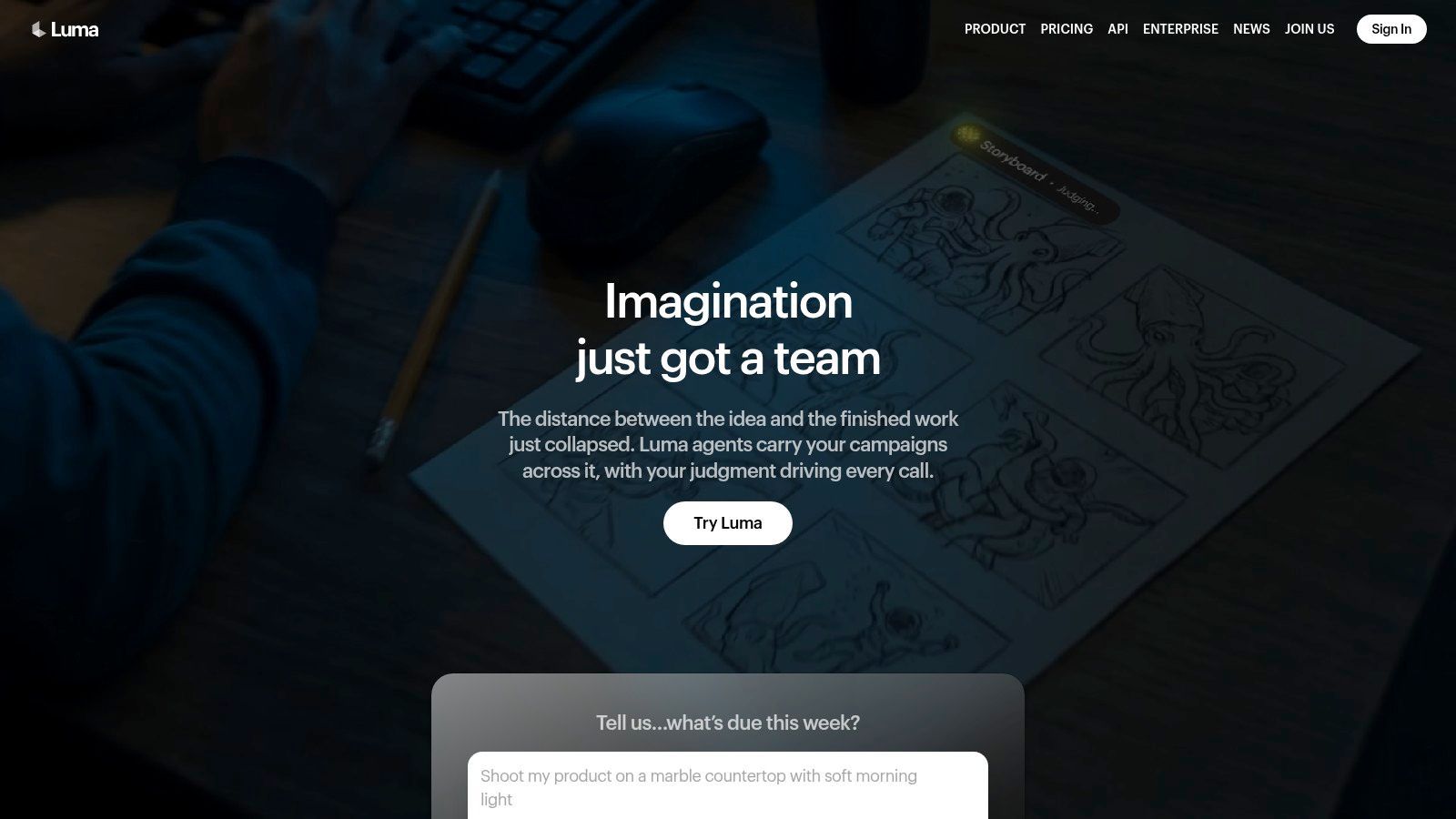
Luma तब recommend होता है जब क्रिएटर्स templated से ज्यादा cinematic movement चाहते हैं। Dream Machine से आगे बढ़कर broader workspace में इसका evolution अपील का हिस्सा है। यह सिर्फ clips generate नहीं करता। यह agents, shared workflows, और multiple models तक access के साथ production environment की ओर बढ़ रहा है।
यह मायने रखता है अगर आप one-off experiments से कम और repeatable creative pipeline बनाने में ज्यादा interested हैं।
क्यों लोग इसे पसंद करते हैं
Core draw motion quality है। Luma dynamic clips के लिए attention पाता है, stronger visual energy और convincing movement के साथ कई lightweight generators से।
Film-like output की परवाह करने वाले क्रिएटर्स नोटिस करते हैं:
- Cinematic feel: Mood pieces और high-style visual concepts के लिए बेहतर फिट।
- Frequent updates: इस कैटेगरी में product velocity मायने रखती है।
- Team workflow potential: Shared credits और workspaces मदद करते हैं अगर प्रोजेक्ट एक से ज्यादा लोग टच करते हैं।
प्रैक्टिकल downside
Luma पुराने “generate and download” tools से ज्यादा complex लग सकता है। Products agents, plan tiers, और model routing ऐड करते हैं तो capable ज्यादा और simple कम हो जाते हैं।
अगर आपको straightforward free-tier playground का idea पसंद था, तो Luma अब कम casual लग सकता है। अगर production-oriented environment चाहिए, तो यह shift प्लस हो सकता है।
जितना cinematic tool होता है, उतना कम cheap, simple, या endlessly forgiving with rerolls लगता है।
Direct site: Luma
5. Kapwing AI
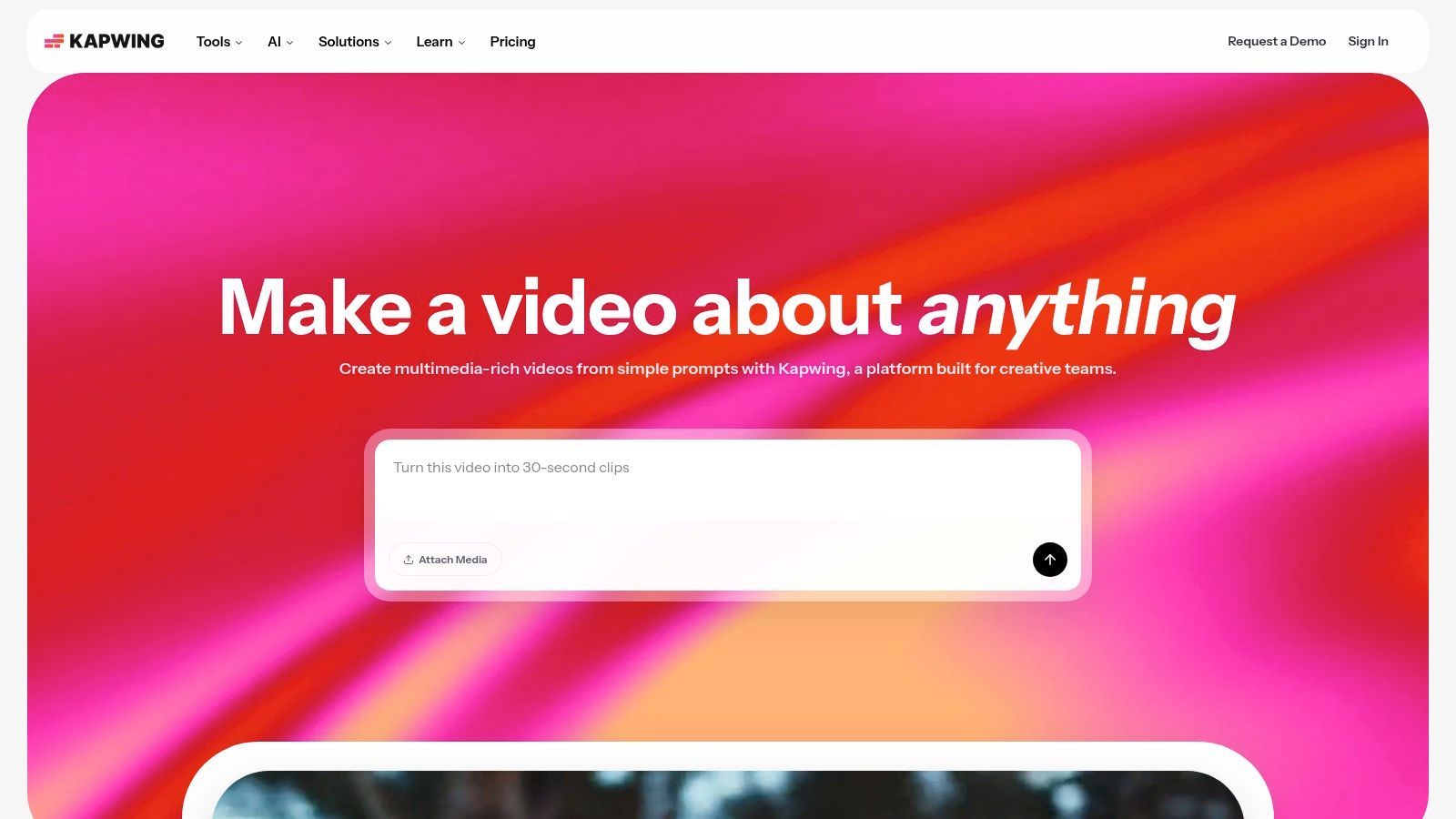
Reddit बातचीतों में Kapwing AI underrated है क्योंकि यह हमेशा glamour contest नहीं जीतता। लेकिन कई क्रिएटर्स को सबसे cinematic generator नहीं चाहिए। उन्हें rough material को publishable video में तेजी से बदलने वाला टूल चाहिए।
Kapwing का value generation, editing, repurposing, captions, translation, dubbing, और collaboration का combination एक ही online editor में है। कई टीमों के लिए, यह हर महीने newest visual model chase करने से ज्यादा उपयोगी है।
Repurposing और team workflows के लिए बेस्ट
Kapwing तब strong है जब जॉब existing material से शुरू होता है। Webinar clip, talking-head recording, product demo, B-roll वाली script, या multiple cutdowns वाली long video।
उपयोगी strengths:
- Repurposing workflow: एक asset को कई formats में बदलना अच्छा।
- Localization help: Translation और dubbing broad publishing वाली टीमों के लिए मायने रखते हैं।
- Clearer collaboration: Generation-first tools से social teams के लिए आसान फिट।
अगर आपकी टीम में writers, editors, और marketers एक ही asset टच करते हैं, तो Kapwing pure generation tool से ज्यादा sense बनाता है।
जहां यह विनर नहीं
Hero-shot quality platform के अंदर model choices और available credits पर depend करता है। अगर आपका प्रोजेक्ट एक standout cinematic sequence पर जीता-हारा है, तो dedicated video generator बेहतर हो सकता है।
Direct site: Kapwing AI
6. InVideo AI
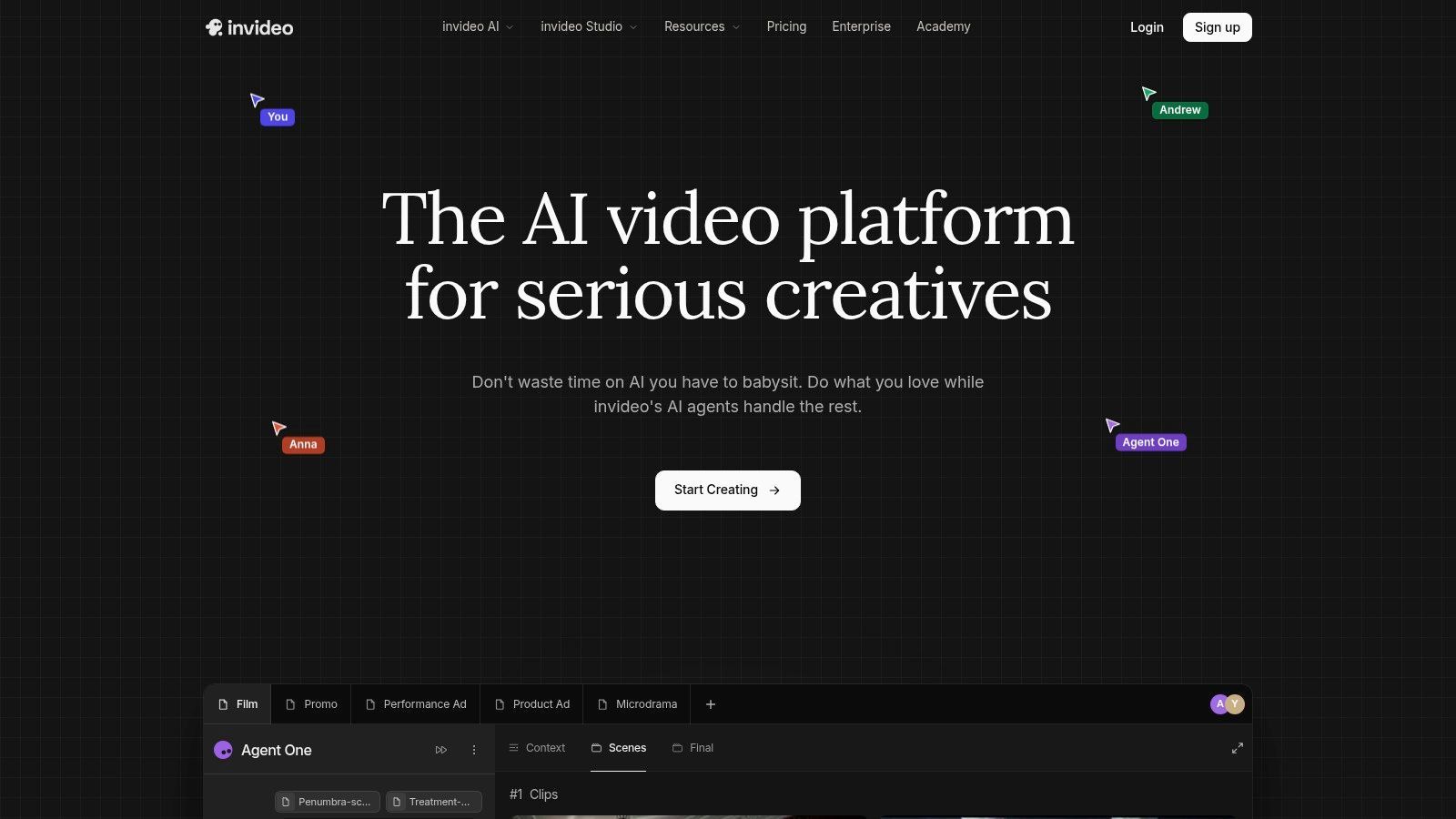
InVideo AI ट्रैक्शन पाता है क्योंकि यह कई AI video tools से बेहतर marketer की भाषा बोलता है। Users को model hobbyists की तरह सोचने को नहीं कहता, बल्कि campaign creation, ads, UGC-style workflows, और prompt से final cut तक end-to-end assembly में झुकता है।
यह framing स्मार्ट है। ai video generator Reddit comparisons ढूंढने वाले कई Reddit users short films नहीं बना रहे। वे ads बना रहे हैं जो convert करें या deadline पर ship होने वाला content।
क्यों business users के लिए फिट
InVideo AI तब उपयोगी है जब प्रोजेक्ट business outcome से शुरू होता है। Product promo, social ad, explainer, faceless YouTube script, या UGC-style creative testing।
इसका सबसे बड़ा प्रैक्टिकल फायदा model के हिसाब से cost visibility है। Generate करने से पहले model-related cost implications देख सकते हैं, जो इस कैटेगरी में जहां कई टूल्स budgeting को vague बनाते हैं, राहत है।
एक और एंगल है। YouTube automation tutorials ने real Reddit posts को “AI animated stories” के लिए normalize किया है, लेकिन synthetic Reddit-style storytelling में बढ़ती दिलचस्पी है जो actual user threads copy न करे। इस YouTube analysis of Reddit story automation workflows में 2025-2026 का underserved content angle हाइलाइट किया गया है जहां क्रिएटर्स वही hook structure वाले fictional Reddit-style narratives चाहते हैं, plagiarism और consent issues के बिना। InVideo AI scripted, automation-friendly production के लिए अच्छा फिट है।
Trade-off
Strength कई models से flexibility है। Weakness यही कि कई models मतलब कई pricing paths। Casual users confuse हो सकते हैं अगर हर generation choice का budget पर असर नोटिस न करें।
Direct site: InVideo AI
7. Synthesia
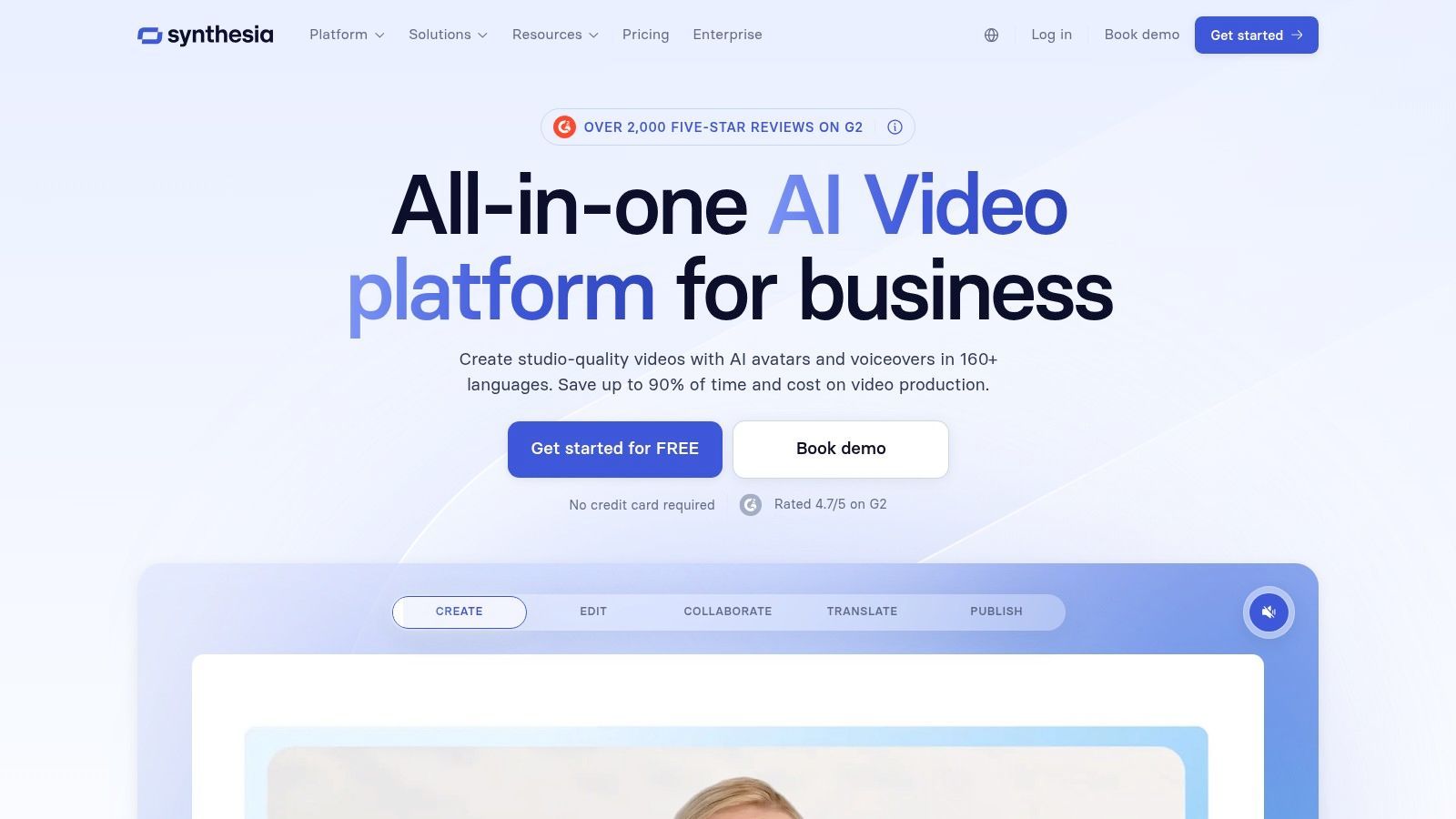
Synthesia कुछ Reddit users के लिए गलत टूल है और दूसरों के लिए बिल्कुल सही। अगर open-ended cinematic generation चाहिए, तो यह पिक नहीं। अगर presenter-led training, onboarding, internal communications, या multilingual business video at scale चाहिए, तो यह सबसे सुरक्षित चॉइस में से एक है।
यह distinction मायने रखता है क्योंकि Reddit recommendation threads अक्सर बहुत अलग jobs को एक लिस्ट में ब्लेंड कर देते हैं।
जहां Synthesia जीतता है
Synthesia structured business video में सबसे strong है।
- Training और L&D: Clear presenter formats और enterprise features।
- Localization: Large voice और avatar libraries multinational teams की मदद करती हैं।
- Governance: Consistency और controls की परवाह करने वाली organizations के लिए बेहतर फिट।
यह learning team, HR department, या enablement lead के लिए standardize करने वाला platform है।
जहां फिट नहीं
यह general “make anything” video toy नहीं। Presenter-centered system है। अगर आपका creative idea surreal visuals, cinematic motion, या abstract scene generation पर depend करता है, तो boxed in महसूस होगा।
फिर भी, opinionated होना value का हिस्सा है। कुछ टीम्स endless creative options नहीं चाहतीं। Predictable output चाहती हैं।
Direct site: Synthesia
8. HeyGen
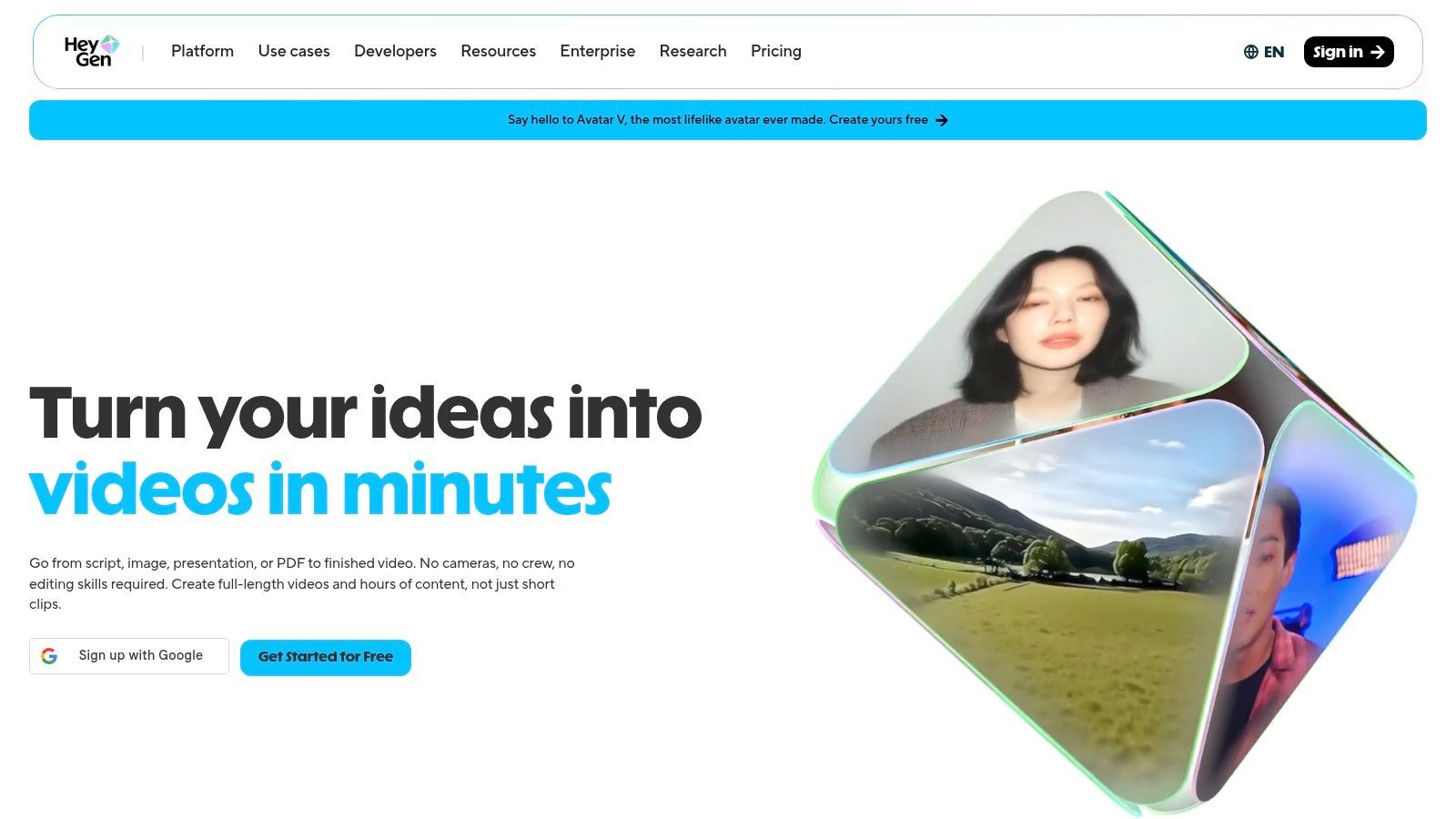
HeyGen avatar-led explainers, sales videos, और multilingual talking-head content के लिए मजबूत ऑप्शन्स में से एक है। लोग इसे अक्सर Synthesia से डायरेक्ट कंपेयर करते हैं, लेकिन HeyGen को marketers ज्यादा attention देते हैं जो lip-sync, dubbing quality, और quick on-brand presenter videos की परवाह करते हैं।
यह practical है। यही अपील है।
बेस्ट use cases
HeyGen इनके लिए अच्छा काम करता है:
- Sales enablement videos
- Localized product explainers
- Avatar-based updates और promos
- Existing content के fast dubbed versions
Lip-sync translation साइड वह जगह है जहां कई users value देखते हैं। अगर आपकी टीम regularly content को अलग regions के लिए adapt करती है, तो manual effort बहुत बच सकता है।
Caution point
Credit accounting समझने में एक मिनट लगता है। यह HeyGen के लिए unique नहीं, लेकिन यहां मायने रखता है क्योंकि avatar engines और translation workflows straightforward लगते हैं जब तक usage estimate न शुरू करें।
Disabled और faceless creators वाली Reddit discussions “free unlimited” AI video claims से व्यापक frustration दिखाती हैं। एक community discussion में, लोग specifically tools मांगते हैं जो expensive hardware या hidden restrictions के बिना usable हों, क्योंकि कई free options rate-limited, very short clip generators, या local setups पर dependent निकलते हैं जो practice में accessible नहीं, जैसा कि इस Reddit thread about AI video help for disabled creators में reflect होता है। HeyGen unlimited और free होने का pretense नहीं करता। यह honesty प्लस है।
Direct site: HeyGen
9. Colossyan
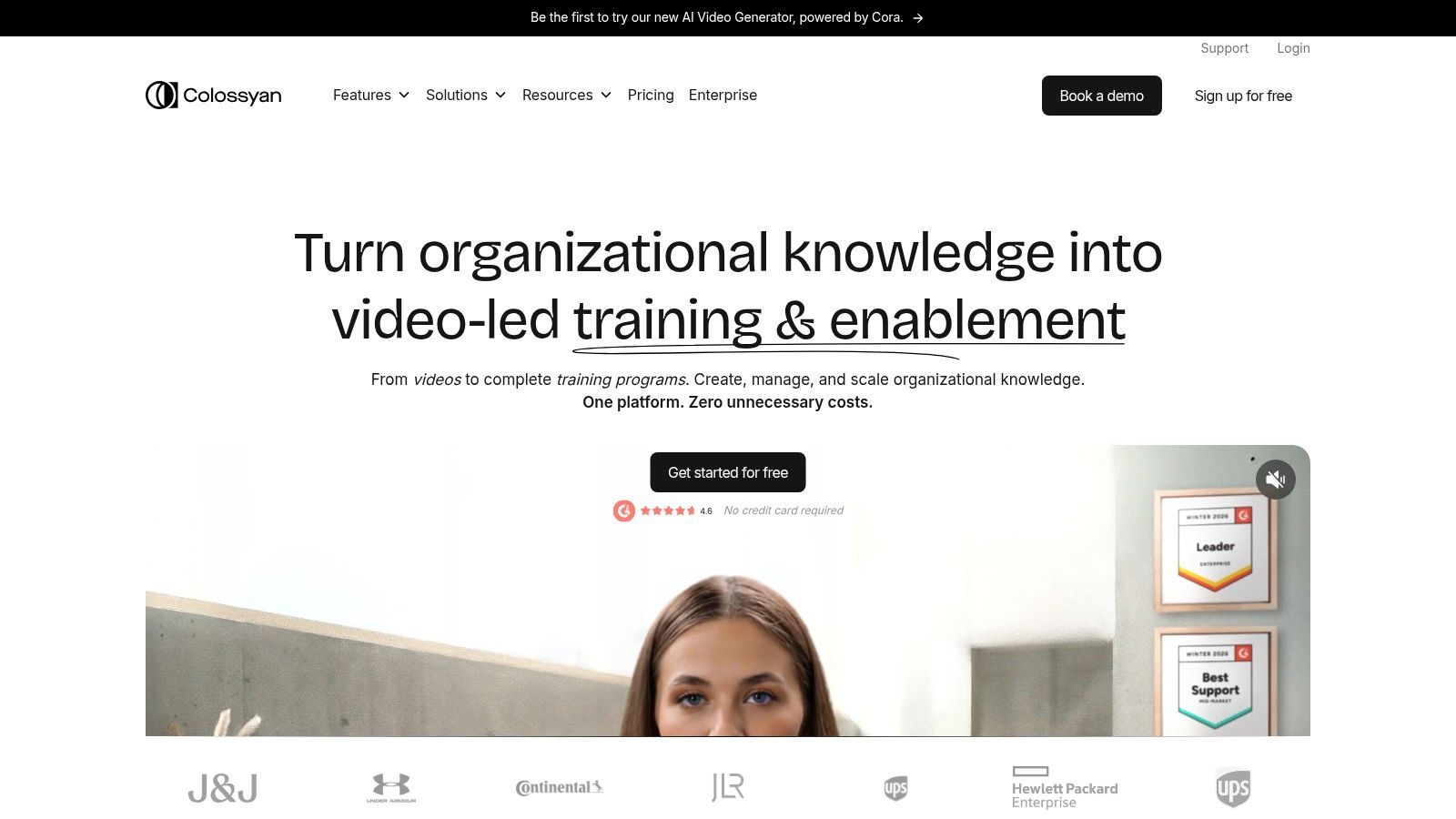
Colossyan Synthesia और HeyGen वाले ही general business-video lane में है, लेकिन training और internal education के लिए खासतौर पर tuned लगता है। अगर आपकी कंपनी को branching content, quizzes, translated presenter videos, और collaboration features चाहिए, तो Colossyan इसी reality के लिए बिल्ट है।
यह visual spectacle chase करने का टूल नहीं। Structured communication का टूल है।
क्यों टीमें इसे चुनती हैं
Colossyan चुनने का सबसे compelling कारण use case की clarity है। Training departments, enablement teams, और internal comms leads को आमतौर पर creative freedom अपनी खातिर नहीं चाहिए। Consistency, localization, और interactivity चाहिए।
इससे Colossyan को कुछ obvious strengths मिलते हैं:
- Interactive learning content: Internal training flows के लिए उपयोगी।
- Localization support: Multinational orgs के लिए बेहतर।
- Business-focused collaboration: Solo experimentation से ज्यादा team use के लिए डिजाइन।
Accept करने लायक limitation
अगर आप solo creator हैं channel content, listicles, trailers, या stylized storytelling बनाने वाले, तो Colossyan बहुत corporate लगेगा। यह weak नहीं बनाता। Specialized बनाता है।
Direct site: Colossyan
10. Fliki
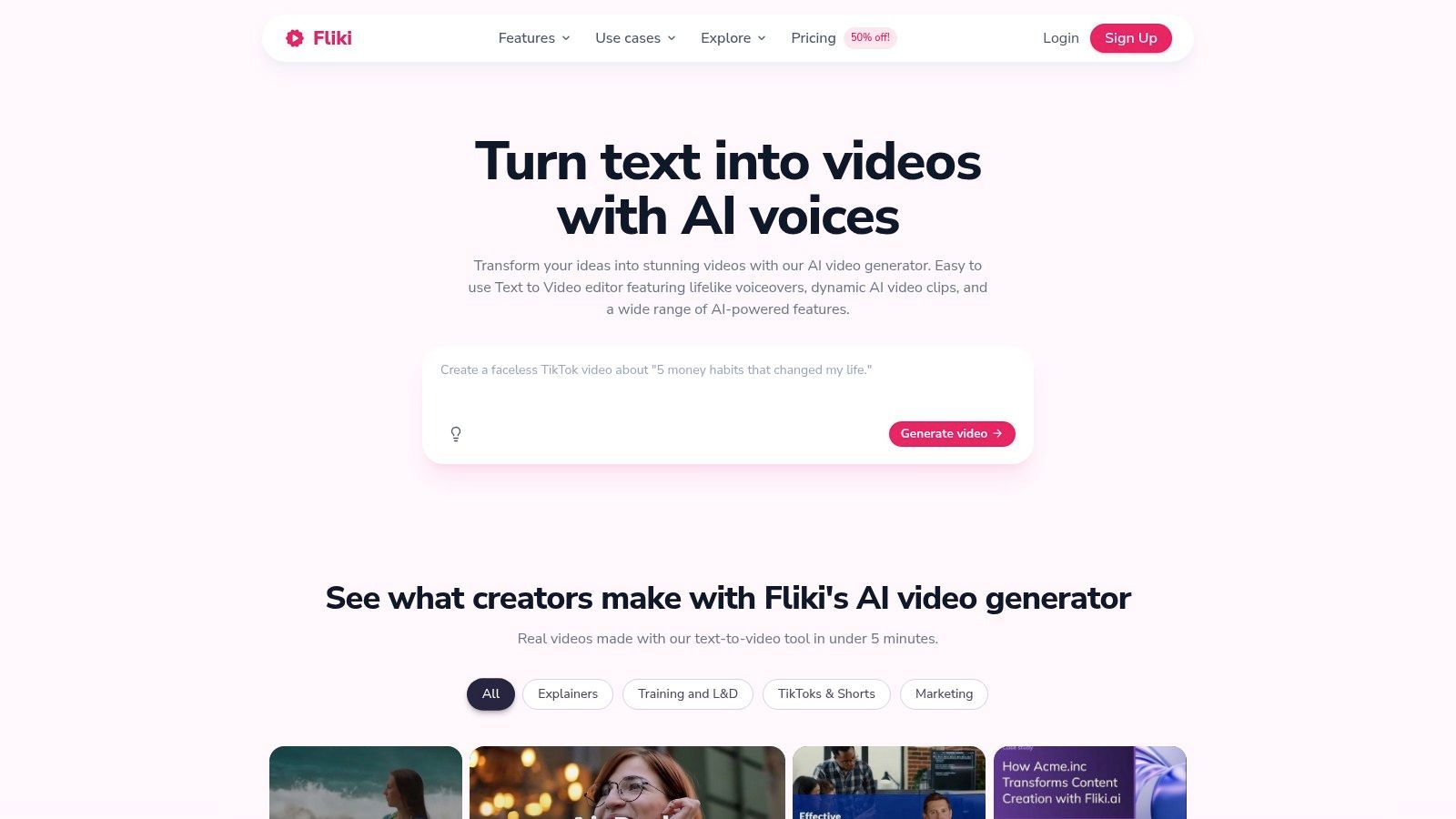
Fliki script-first creators के लिए ज्यादा practical picks में से एक है। Listicles, explainers, tutorials, slide-based videos, faceless channel content, और multilingual voice-driven output के लिए अच्छा फिट। यह सबसे advanced cinematic generator बनने की कोशिश नहीं करता। यही वजह है कि कई users इसे आसान पाते हैं।
कई क्रिएटर्स के लिए, खासकर non-editors के लिए, यह trade-off वर्थ है।
जहां Fliki चमकता है
Fliki तब strongest है जब workflow words से शुरू होता है। Script, blog post, slides, outline, subtitles, और voiceover-driven assembly सब comfortable starting points हैं।
इससे यह उपयोगी बनता है:
- Faceless YouTube content
- Educational और explainer videos
- Blog content को video में repurposing
- Multilingual narration-heavy formats
एक प्रैक्टिकल budget angle भी है। पहले mention किए Reddit cost conversation में, expensive generation workflows discuss करने वाले users text-to-video alternatives जैसे Fliki को manageable production costs रखने के तरीके के रूप में mention करते हैं जब high-fidelity clip generation बहुत महंगा हो जाता है।
जहां ceiling हिट करता है
Fliki उन क्रिएटर्स को संतुष्ट नहीं करेगा जो highly specific cinematic shots, heavy visual effects, या art-directed motion sequences चाहते हैं। Template-driven approach efficient है, लेकिन boundaries भी define करता है।
अगर आपका मुख्य चैलेंज scripts को तेजी से finished videos में बदलना है, तो Fliki अक्सर आधे-अधूरे समझे advanced generator से ज्यादा उपयोगी होता है।
Direct site: Fliki
Top 10 AI Video Generators, Quick Comparison
| Tool | Core features ✨ | Quality & UX ★ | Pricing / Value 💰 | Best for 👥 | Standout ✨ |
|---|---|---|---|---|---|
| ShortGenius (AI Video / AI Ad Generator) 🏆 | End‑to‑end: script → image/video → voice → edit → auto‑publish | ★★★★☆ तेज, polished workflow | 💰 साइट पर plans; teams के लिए scalable | 👥 क्रिएटर्स, social managers, agencies, DTC | 🏆 Unified pipeline + presets + scheduling; 100k+ users |
| Runway | Multi‑model text/image→video, timeline editor, upscaling | ★★★★☆ cinematic fidelity | 💰 Credit model; heavy use में spike | 👥 Solo creators & production teams | ✨ Strong motion/design + model variety |
| Pika | Fast short‑clip gen, effects, Pikascenes, credit system | ★★★☆☆ social clips के लिए speedy | 💰 Low entry; credits & no‑watermark plans | 👥 Beginners, social creators | ✨ Quick ideation + easy effects |
| Luma (Dream Machine) | Luma + 3rd‑party models, agents, team workspaces | ★★★★☆ cinematic, physics‑aware | 💰 Agent/plan tiers; pricier हो सकता है | 👥 Film‑y clips ढूंढने वाली टीमें | ✨ Agent workflows + continuous model updates |
| Kapwing AI | Editor + AI generator, repurpose studio, captions | ★★★★☆ user‑friendly team UX | 💰 Clear pricing & credits | 👥 Social teams & creators | ✨ Repurposing/localization + collaboration |
| InVideo AI | Agents → select models, 200+ models, cost previews | ★★★★☆ marketing‑oriented workflow | 💰 Per‑model cost visibility | 👥 Marketers, ad creators, UGC teams | ✨ Transparent model costs for budgeting |
| Synthesia | 240+ avatars, 1000+ voices, localization, enterprise | ★★★★☆ mature, enterprise‑grade | 💰 Enterprise & add‑ons | 👥 L&D, onboarding, corporate comms | ✨ Large avatar/voice library + governance |
| HeyGen | Avatar engines, dubbing/lip‑sync, video agent | ★★★★☆ smooth lip‑sync | 💰 Per‑minute credits; business packs | 👥 Marketers, sales enablement teams | ✨ High‑quality dubbing & translation |
| Colossyan | Avatars, interactive branching, localization | ★★★★☆ training के लिए tailored | 💰 Business tiers with team controls | 👥 Training & internal comms teams | ✨ Interactive learning + localization |
| Fliki | Script→video, 2,000+ voices, voice cloning, templates | ★★★★☆ excellent TTS/localization | 💰 Affordable, template‑driven | 👥 Non‑editors, explainers, channels | ✨ Multilingual TTS + fast script→video |
अपना AI Generator कैसे चुनें (और ShortGenius कब चुनें)
AI video tools पर Reddit noise को काटने का quick तरीका चाहते हैं? हर हफ्ते होने वाले जॉब से शुरू करें, न कि upvoted demo clip से।
थ्रेड दर थ्रेड पढ़ने के बाद पैटर्न साफ है। Reddit users frustrate हो जाते हैं जब अलग-अलग कामों के लिए बिल्ट tools compare करते हैं। Cinematic model, avatar platform, और social video workflow tool सब video produce कर सकते हैं, लेकिन अलग production problems सॉल्व करते हैं।
सबसे अच्छा filter repeatable output है। अगर प्रैक्टिकल workload short-form social posts, ad variations, faceless clips, और recurring channel content है, तो deciding factor workflow है। Script generation, stock या generated visuals, voiceover, editing, captions, resizing, और publishing सब तेजी से होना चाहिए। ShortGenius इसी production volume के लिए standout है क्योंकि यह throughput और consistency के आसपास बिल्ट है, न कि one standout render के।
Visual-first projects को अलग stack चाहिए। Runway और Luma mood pieces, concept visuals, stylized shots, और motion quality के ज्यादा मायने वाले projects के लिए बेहतर फिट हैं। दोनों पर Reddit feedback consistent है। Upside stronger visual output। Downside ज्यादा rerolls, prompt tuning, और credits पर attention।
Avatar tools चुनना आसान है क्योंकि use case narrower है। Synthesia, HeyGen, और Colossyan training, onboarding, internal updates, sales enablement, और localized presenter-led content के लिए बेस्ट। अगर गोल polished on-screen spokesperson language support और team controls के साथ है, तो specialist avatar platforms general-purpose generators को हरा देते हैं।
Pricing को feature lists से ज्यादा scrutiny चाहिए। Reddit users credit burn की शिकायत बेकार नहीं करते। कुछ tools minutes से चार्ज करते हैं, कुछ generations से, कुछ model access से, और कुछ revision costs predict करना मुश्किल।唯一 useful test real project realistic revision cycles के साथ है।
Commit करने से पहले ऐसा करें।
एक ऐसा piece बनाएं जो आप publish करेंगे। Short ad, product teaser, talking-head explainer, या faceless listicle काफी। Friction जल्दी मिलेगा। Voice quality, pacing, editing speed, caption cleanup, reroll cost, और export limitations real project में तुरंत दिखते हैं।
यही Reddit सही पकड़ता है। Best AI video generator flashiest examples वाला कम ही होता है। Novelty खत्म होने के बाद production को moving रखने वाला होता है।
अगर आपकी priority channels पर social content और ads ship करना है multiple apps stitch किए बिना, तो ShortGenius इस ग्रुप में strongest pick है। अगर visual experimentation priority है, तो Runway या Luma चुनें। अगर business communication, तो Synthesia, HeyGen, या Colossyan। अगर paid creative पर भी काम करते हैं, तो ad-specific workflows के लिए Adwave's platform for video ads उपयोगी companion read है।